Subscribe to AI newsletter
Your data is completely secure with us. We don't share it with anyone.
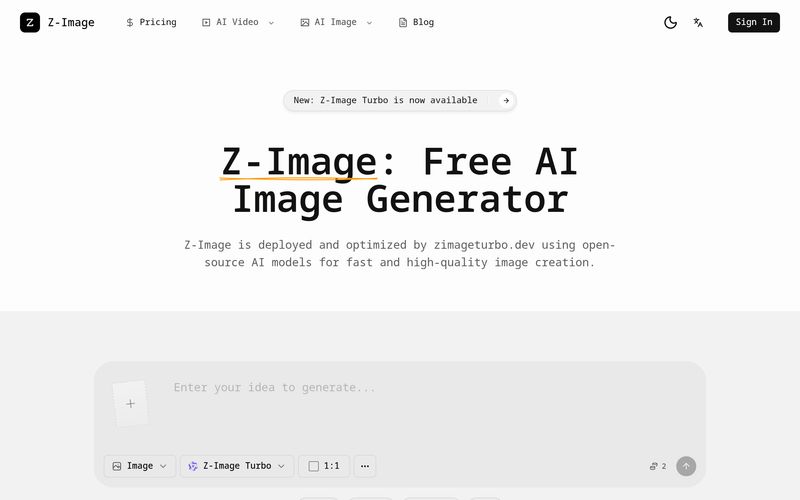
Explain the subject, style, and use case so the model understands the brief.
Choose text-to-image or image-to-image, then select the model and size that match your output.
Create several options, compare results, and adjust your prompt or references for better alignment.
Export the best image and place it in ads, product pages, or social posts.
For creators looking for a simple yet powerful AI tool for professional Image Generation, Z-Image offers an impressively streamlined workflow that removes much of the complexity commonly associated with AI image creation. Instead of overwhelming users with technical settings or advanced prompt engineering, Z-Image simplifies the process into a practical four-step system: describe your goal, pick a mode and model, generate and review, then download and publish. This user-friendly structure makes Z-Image especially appealing to marketers, ecommerce businesses, designers, and content creators who want high-quality visuals quickly and efficiently.
The first step, “Describe your goal,” highlights one of the biggest strengths of Z-Image as an AI tool. Users simply explain the image subject, preferred style, and intended use case, allowing the model to understand the creative direction without requiring complicated instructions. Whether you need product photography for an online store, eye-catching posters, brand visuals, or engaging social media content, Z-Image makes the process approachable even for beginners. This is a major advantage in the Image Generation space because many competing platforms still require detailed prompt knowledge to achieve quality outputs.
The second step, “Pick mode and model,” gives users flexibility without adding unnecessary friction. Z-Image supports both text-to-image and image-to-image workflows, allowing creators to start from scratch or refine an existing visual. Users can also choose image size and generation settings that best fit their intended use case, whether it is for widescreen advertising, ecommerce product pages, or mobile-first social posts. This customization helps make Z-Image a versatile AI tool suitable for multiple creative industries.
Perhaps the most practical stage is “Generate and review.” Instead of forcing users to settle for a single result, Z-Image encourages experimentation by allowing multiple image variations to be created and compared. Users can adjust prompts or references to improve alignment with their creative vision, making iteration fast and productive. This ability to quickly refine outputs is one of the reasons why Z-Image performs so well in real-world Image Generation scenarios where speed and efficiency matter.
Finally, the “Download and ship” process reflects the platform’s commercial-first mindset. Once the ideal visual is selected, users can immediately export it for use in advertisements, ecommerce listings, product pages, blog content, or social media campaigns. Instead of generating art that only looks impressive, Z-Image focuses on producing practical, ready-to-use assets.
Overall, Z-Image stands out as a highly accessible and efficient AI tool for Image Generation. Its intuitive four-step workflow lowers the learning curve while still delivering professional results, making it an excellent solution for creators who want fast, high-quality visuals without complicated editing software or technical expertise. Whether for branding, marketing, or content creation, Z-Image makes professional image production feel remarkably simple and scalable.



This comprehensive guide explores the best AI image generators available in 2026, highlighting their unique features, strengths, and ideal use cases. We'll dive deep into each tool's capabilities to help you identify which AI image generator best suits your creative needs.

Google has just launched a powerful AI IDE code editor — now you can really vibe while coding

The best AI Model And AI Tools in 2026,The Most Popular Free AI Model And AI Tools.