Subscribe to AI newsletter
Your data is completely secure with us. We don't share it with anyone.
Use Yevideo AI's free, perfect and integrated AI video and AI image generator, to effortlessly transform your ideas into high-quality AI videos and AI images.
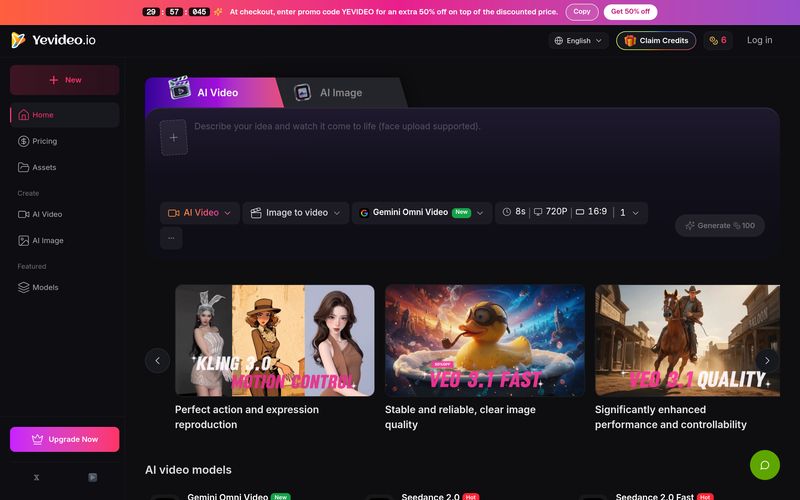
As demand for AI-powered content creation continues to grow, creators are increasingly looking for platforms that offer flexibility, quality, and workflow efficiency. Yevideo AI positions itself as a versatile AI tool that combines multiple advanced AI models into one centralized creative studio for both Video Generation and image creation. Rather than limiting users to a single model or workflow, Yevideo AI gives creators access to a broad ecosystem of cutting-edge AI technologies, making it easier to experiment, iterate, and achieve professional-quality results.
What Is Yevideo AI?
Yevideo AI is an all-in-one AI tool built for creators who want stronger control over Video Generation and AI-powered visual content. The platform supports everything from image-to-video transformation and reference-based motion transfer to AI video editing and cinematic scene generation.
Instead of exposing raw AI models without context, Yevideo AI focuses on helping users create video outputs they are genuinely satisfied with. Whether you need short marketing clips, cinematic storytelling, motion transfer, branded content, or highly controlled AI video production, the platform provides specialized models optimized for different creative goals.
For creators focused on image-based animation or editing, HappyHorse Image to Video preserves scene identity and details from still images, while HappyHorse Video Edit enables instruction-based video editing such as replacing objects or adjusting lighting. Wan 2.7 Reference to Video further enhances creative workflows through one-click performance transfer and scene recreation.
More Than Video Generation
In addition to video, Yevideo AI also integrates image creation tools like Nano Banana, Nano Banana Pro, GPT Image 2, and FLUX, helping users build posters, concept art, product visuals, and design assets without leaving the platform.
Final Thoughts
Overall, Yevideo AI is a highly flexible AI tool for modern Video Generation workflows. By combining premium AI video models, motion control, reference-based generation, video editing, and AI image tools into one ecosystem, Yevideo AI removes the hassle of switching between platforms. Whether you are a content creator, marketer, filmmaker, or designer, Yevideo AI offers a more powerful and streamlined way to turn ideas into high-quality visual content.
First, decide what you want to generate (AI video or AI image) and what you care about (e.g., motion imitation, text rendering, style). Then read the model intro cards—each model highlights its strengths. For example, if you want to replicate a dance video and you mainly need accurate motion imitation, Kling 3.0 is a great fit. If you’re generating a poster image that needs readable text, Nano Banana Pro is typically a better choice than Nano Banana because it handles text much better.
We support a wide range of workflows including text-to-image, image-to-image, text-to-video, image-to-video, video-to-video, and AI video editing. A common path is: start with text-to-image to visualize an idea, use image-to-image to iterate variations or refine the image, and then turn that still into motion with image-to-video—so you can turn what’s in your head into a real video step by step.
Yes. Right now, we don’t support sending a freshly generated image directly into the image-to-video workspace in one click. You’ll need to download the image first, then upload it into image-to-video and continue from there. This is also one of the recommended ways to create videos: video generation is relatively expensive, and using a strong first frame helps lock the mood and style so you’re less likely to waste credits on results you don’t like.
Generating AI images and videos requires significant compute, so each run costs credits. We deduct credits based on the selected model and settings such as resolution, duration, and number of outputs. You’ll usually see an estimated credit cost before generating. After the job completes, you can review the actual credit changes in My Credits.
Currently, there are three main ways to get free credits: (1) a welcome bonus for new users when you register, so you can try core features; (2) daily check-ins—our way to thank you for using and supporting Yevideo; and (3) feedback rewards—if you share suggestions and your feedback is adopted, we’ll grant bonus credits. In the future, we’ll also add an invite program where you can earn credits when friends register successfully—stay tuned.
Can I use outputs commercially? What should I watch for?
Yes. If you’re on a paid plan subscriber, you can use Yevideo outputs commercially. Whether you’re creating ads, marketing assets, product explainer videos, or other business content, Yevideo can support your needs.
Share practical notes and help others evaluate this tool.
No comments yet. Start the conversation.

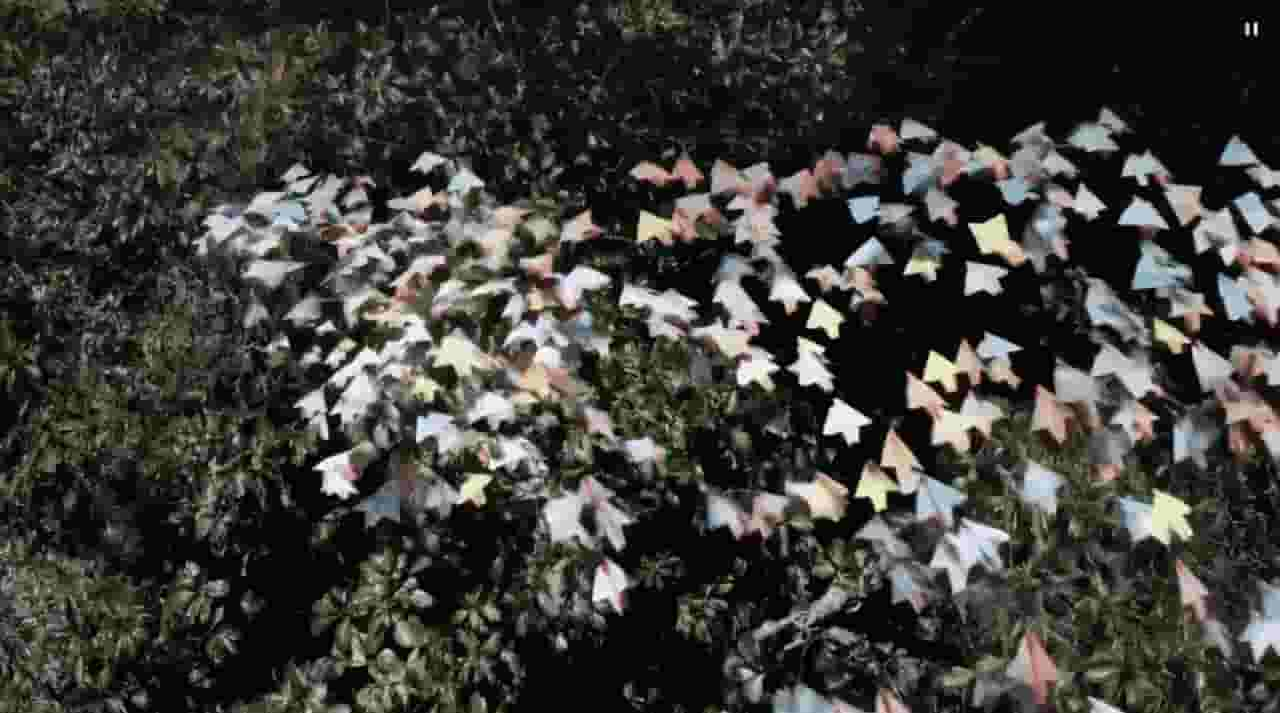
Sora is a large AI image-to-video model launched by OpenAI in 2026. It can create realistic and imaginative scenes based on text instructions.
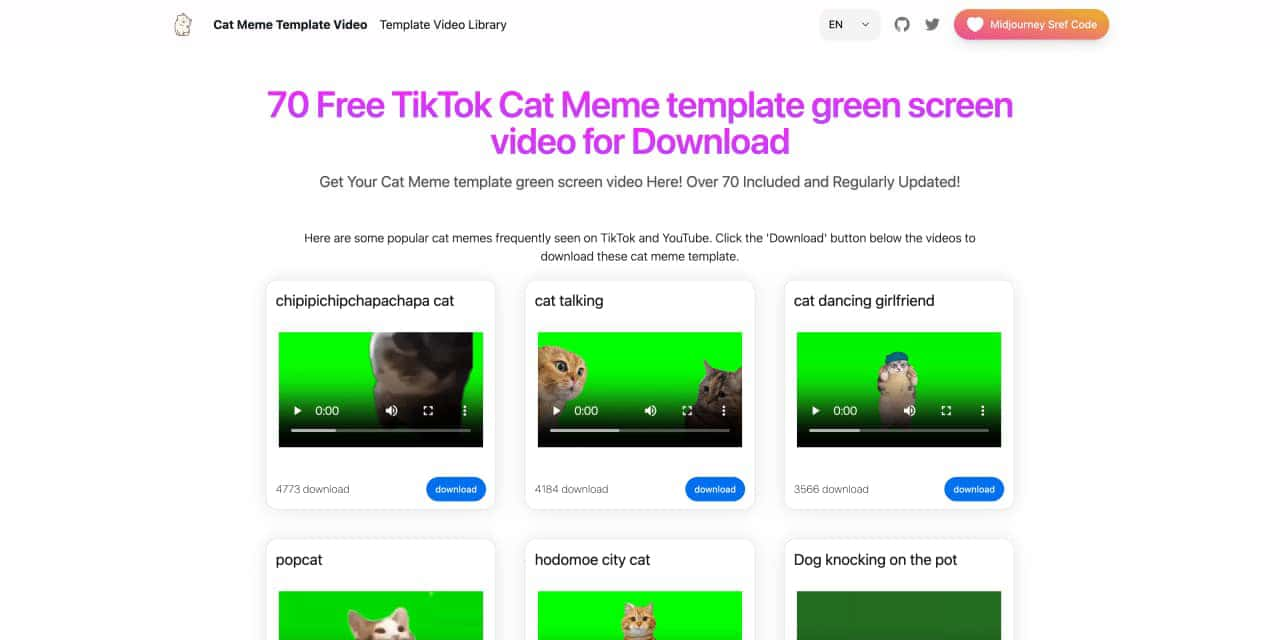
You can download the latest and most popular green screen cat meme template video featured on TikTok and YouTube. These materials are offered for free
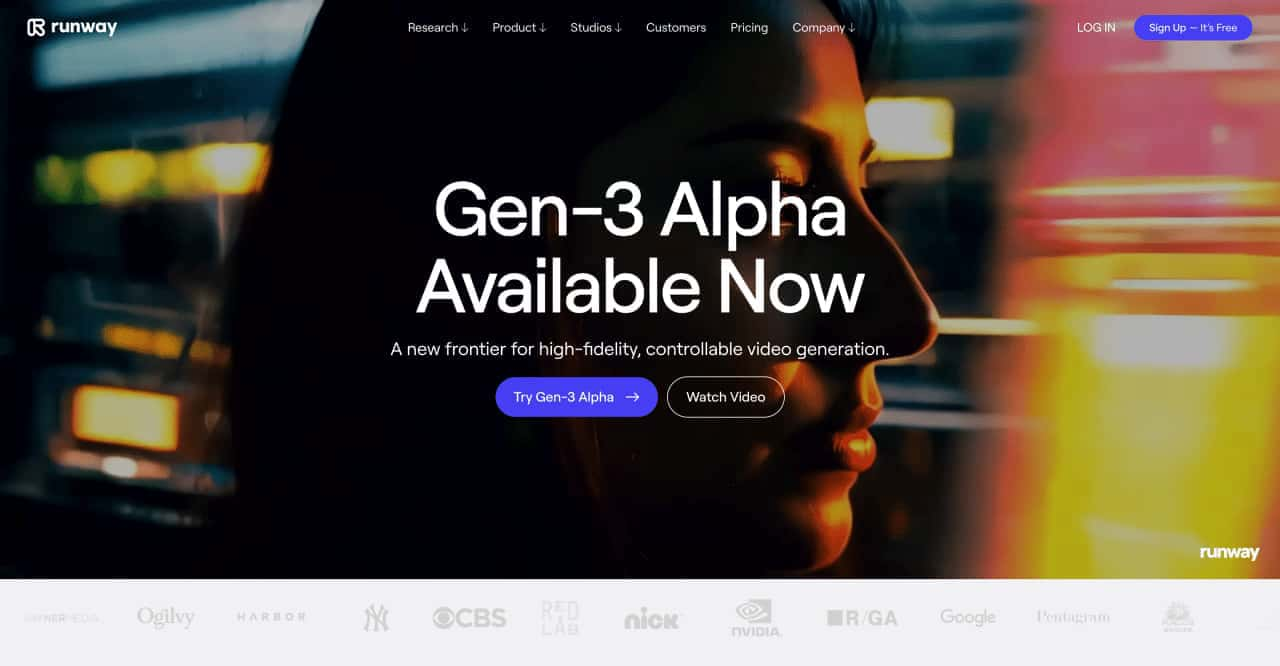
Runway is an applied AI research company shaping the next era of art, entertainment and human creativity.
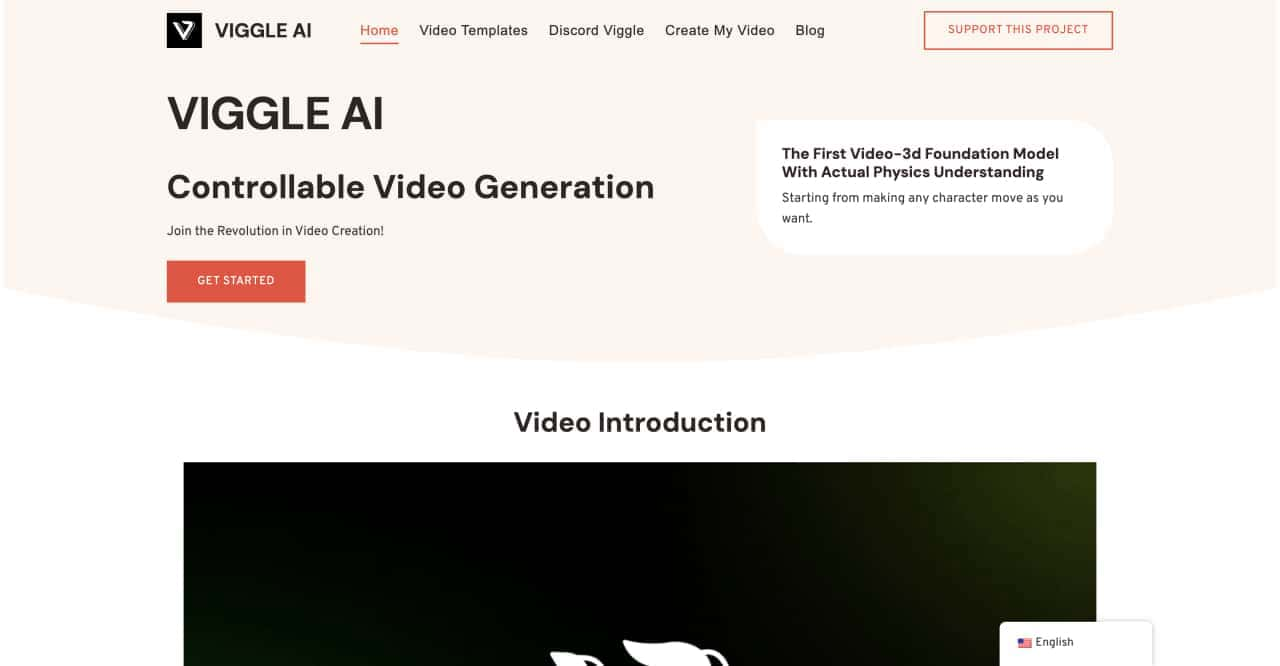
Use Viggle AI to create dynamic animations from images and text prompts. This guide covers its benefits, usage steps, and frequently asked questions.



This comprehensive guide explores the best AI image generators available in 2026, highlighting their unique features, strengths, and ideal use cases. We'll dive deep into each tool's capabilities to help you identify which AI image generator best suits your creative needs.

Google has just launched a powerful AI IDE code editor — now you can really vibe while coding

The best AI Model And AI Tools in 2026,The Most Popular Free AI Model And AI Tools.