Subscribe to AI newsletter
Your data is completely secure with us. We don't share it with anyone.
Explore curated Seedance 2.0 prompt examples, workflow guides, and practical tutorials for AI video generation. Learn camera language, reference strategies, and prompt structures for more controllable results.
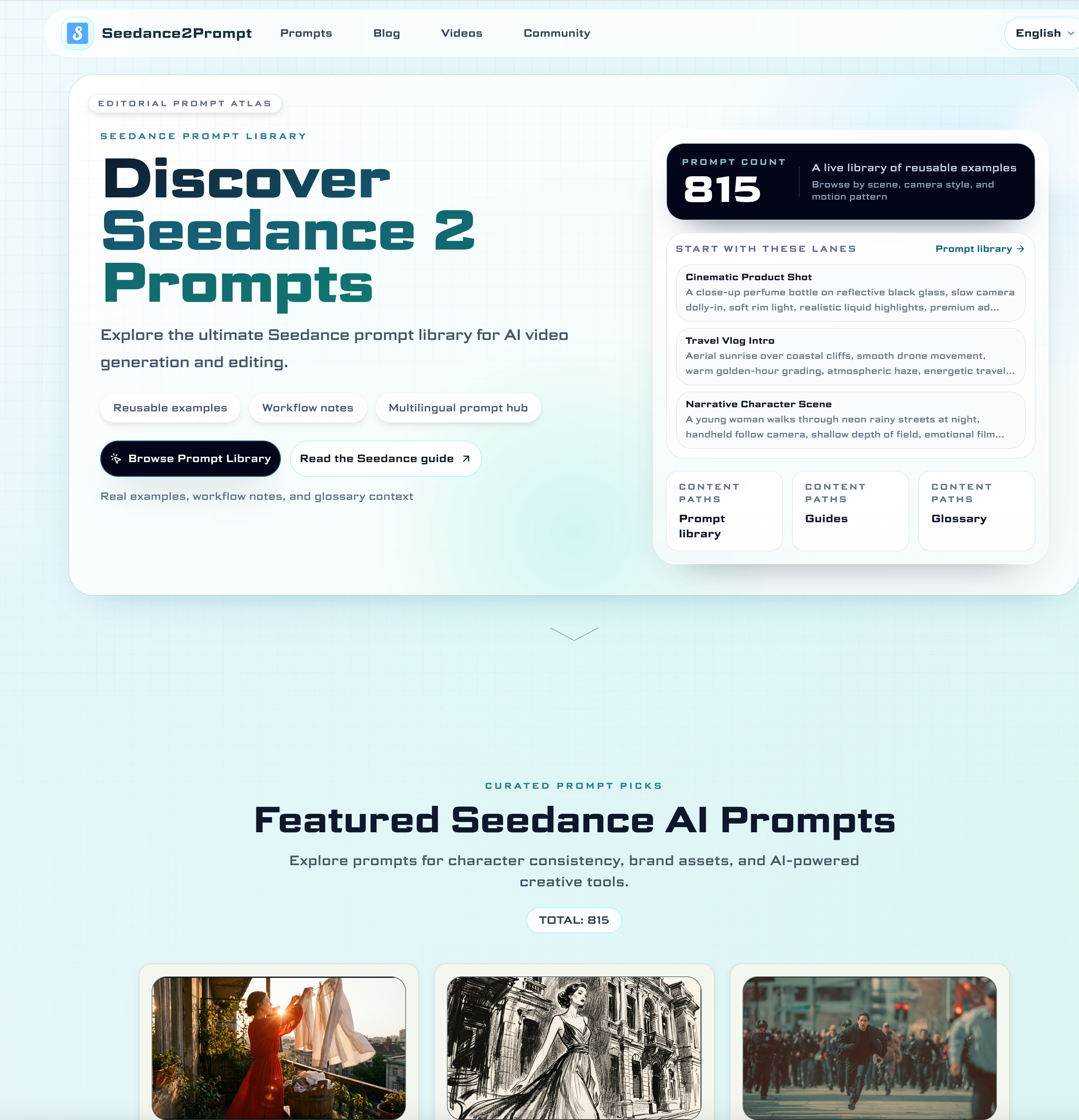
Seedance 2.0 Prompt is an emerging AI tool designed to elevate modern Video Generation workflows by providing a structured, practical, and highly reusable prompt ecosystem. Rather than offering a simple collection of copy-paste commands, this platform acts as a comprehensive prompt engineering hub, helping creators understand how and why prompts work in real production scenarios.
At its core, Seedance 2.0 Prompt features a curated library of over 800 high-quality prompts, covering diverse use cases such as cinematic storytelling, product advertising, character animation, and creative experiments. Each prompt is presented as a case study rather than a static template. This approach allows users to analyze critical elements like subject framing, camera direction, motion pacing, and lighting design—then adapt these structures into their own workflows. For anyone serious about AI-powered Video Generation, this “learn-and-rebuild” method is far more valuable than generic prompt dumps.
One of the standout strengths of this AI tool is its section-based learning system. Users can explore prompts by capability, including character consistency, camera language, scene transitions, and emotional control. This makes it easy to move from beginner-level prompt building to advanced cinematic control. The included guides go even deeper, explaining prompt structure, multimodal references, and editing-first workflows—key components for producing professional-grade video outputs.
Another major highlight is its support for advanced multimodal workflows. Seedance 2.0 Prompt enables creators to combine text, images, video references, and even audio inputs, resulting in more precise and controllable video generation. This is especially useful for creators aiming to maintain visual consistency across scenes or build narrative-driven content with smooth transitions.
The platform is also community-driven, meaning prompt examples and workflows are continuously updated based on real-world usage. This ensures that the AI tool stays relevant and reflects how creators are actually using Seedance in production environments, from short-form social videos to complex storytelling projects.
In addition, Seedance 2.0 Prompt provides a full learning pathway—from beginner tutorials and prompt anatomy checklists to advanced techniques like beat synchronization, pacing control, and quality optimization. Whether you are new to AI Video Generation or an experienced creator looking for finer control, the platform offers a scalable learning curve.
Overall, Seedance 2.0 Prompt stands out as more than just a prompt library—it is a complete AI tool for mastering Video Generation with Seedance 2.0. By combining structured prompts, workflow education, and community insights, it empowers users to transform raw ideas into polished, cinematic video content with greater consistency and creative control.
Seedance 2.0 is a multimodal text-to-video model focused on controllability and cinematic quality. You can generate short clips from text, combine text with reference images, and refine motion language, camera movement, and scene transitions for social content, ads, and storytelling projects.
Use a structured format: subject, scene, camera movement, action, style, and output constraints. Start with concise core instructions, then add details only when needed. In our prompt library, each example is grouped by use case so you can reuse the pattern and swap only the variables.
Start from the Blog tutorial and then move to advanced sections on prompt control, transition design, and quality optimization. We also include video walkthroughs and community case studies so you can quickly copy proven production workflows.
Yes. The site is designed for both beginners and advanced users. Beginners can follow section-based examples and tutorials, while advanced creators can combine multimodal references, editing-first prompt templates, and rhythm control techniques for more precise outputs.
Share practical notes and help others evaluate this tool.
No comments yet. Start the conversation.

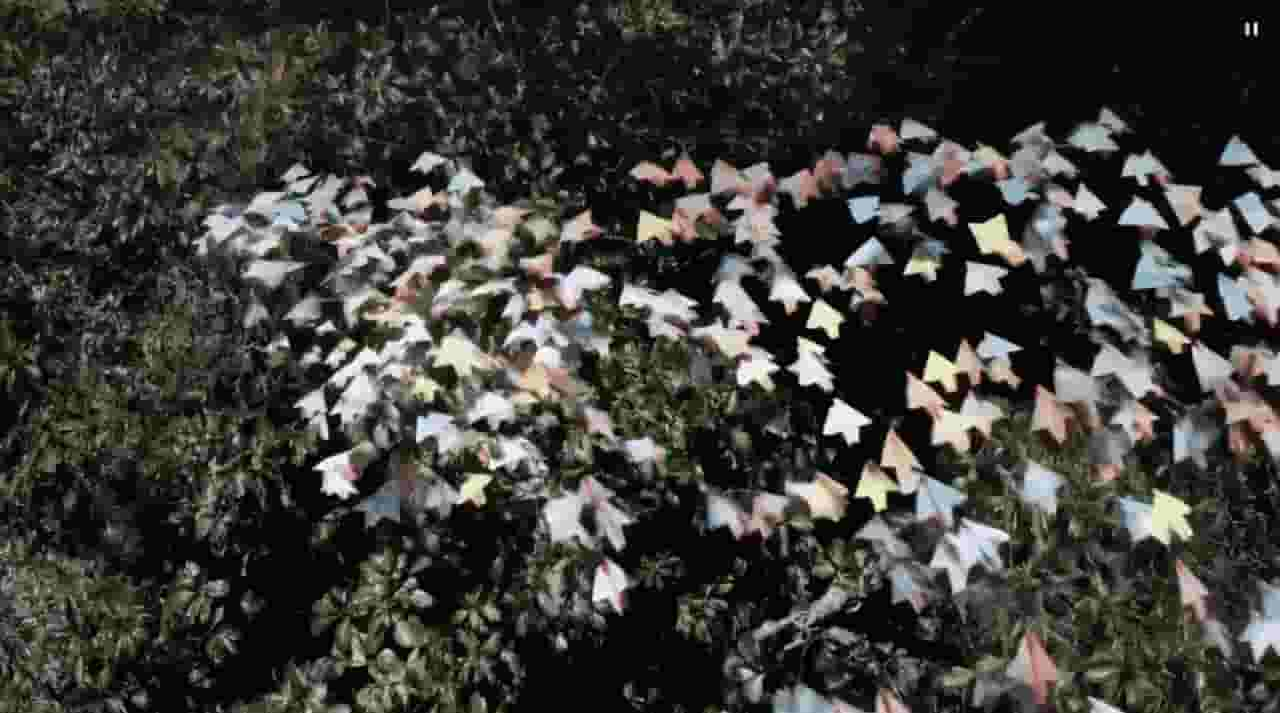
Sora is a large AI image-to-video model launched by OpenAI in 2026. It can create realistic and imaginative scenes based on text instructions.
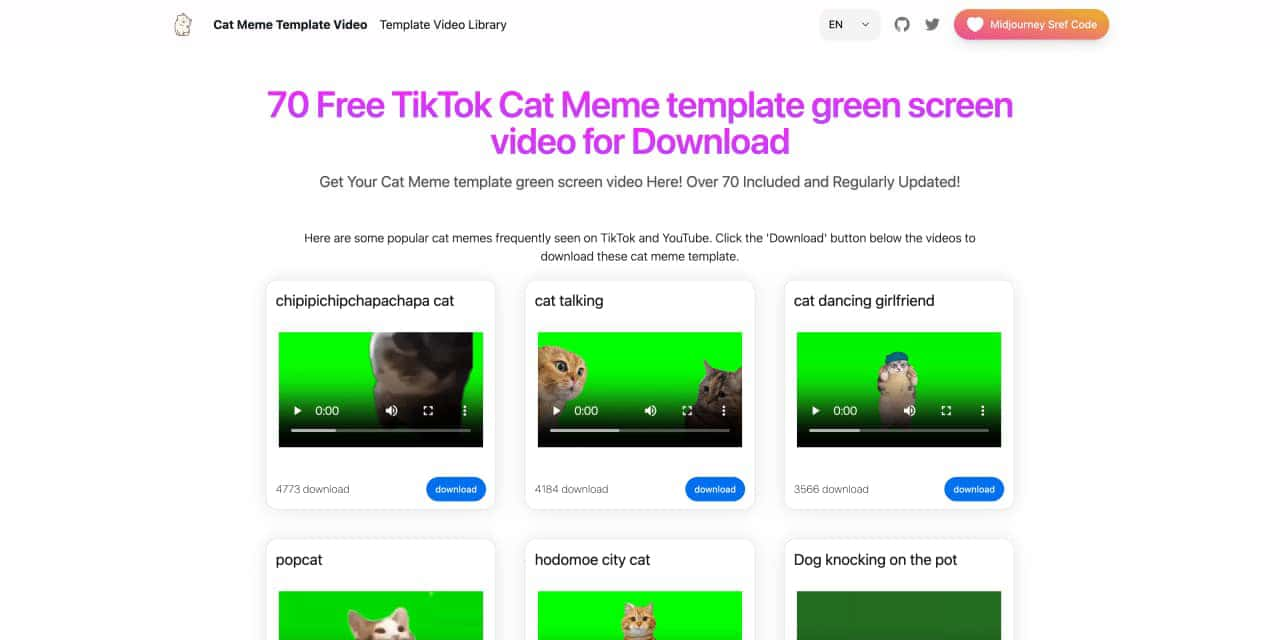
You can download the latest and most popular green screen cat meme template video featured on TikTok and YouTube. These materials are offered for free
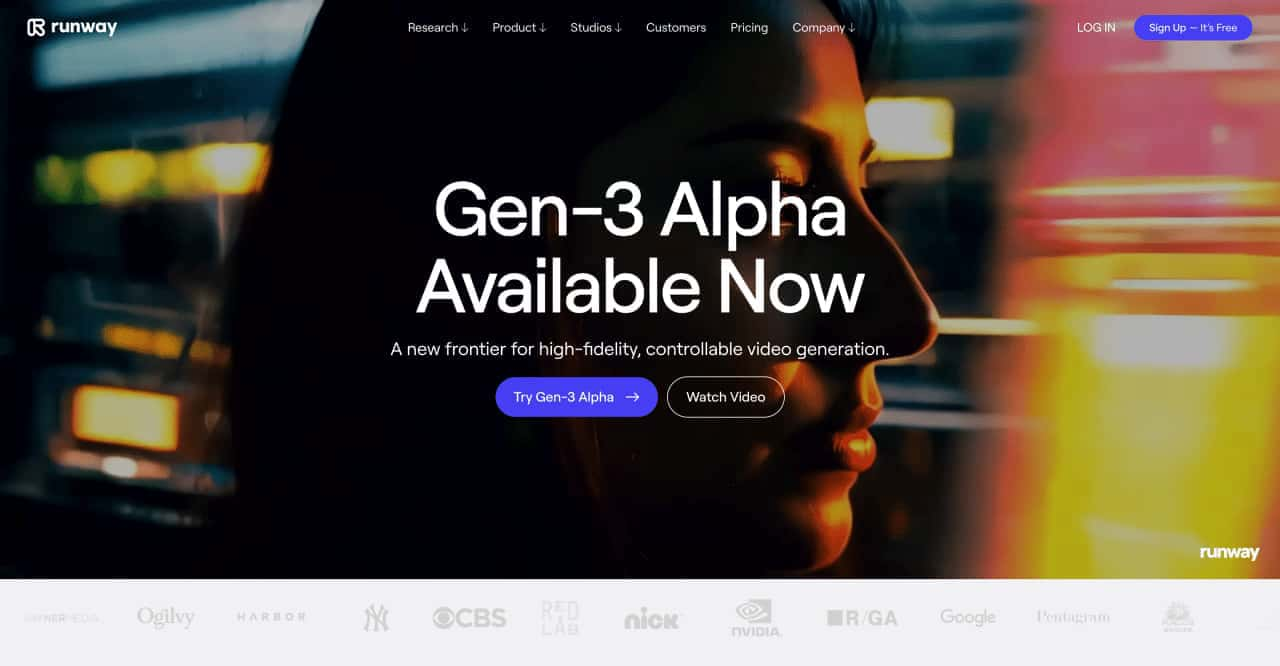
Runway is an applied AI research company shaping the next era of art, entertainment and human creativity.
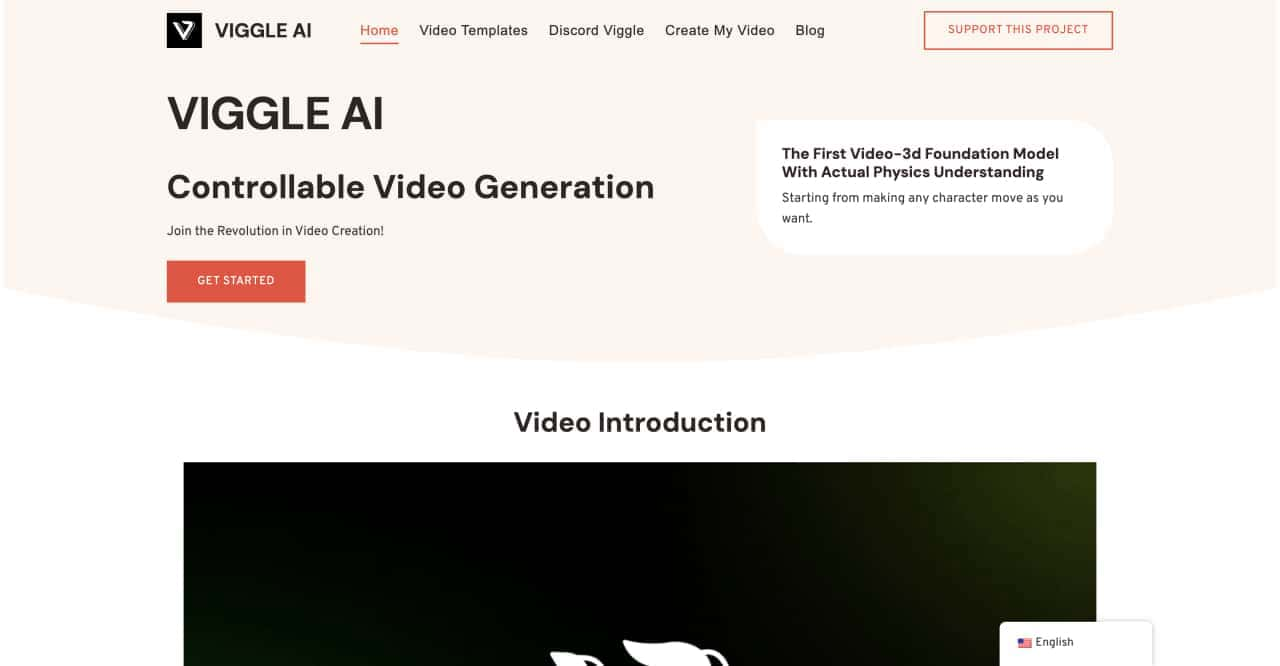
Use Viggle AI to create dynamic animations from images and text prompts. This guide covers its benefits, usage steps, and frequently asked questions.



This comprehensive guide explores the best AI image generators available in 2026, highlighting their unique features, strengths, and ideal use cases. We'll dive deep into each tool's capabilities to help you identify which AI image generator best suits your creative needs.

Google has just launched a powerful AI IDE code editor — now you can really vibe while coding

The best AI Model And AI Tools in 2026,The Most Popular Free AI Model And AI Tools.