Subscribe to AI newsletter
Your data is completely secure with us. We don't share it with anyone.
Seedance 2.0 is ByteDance's most advanced AI video generation model. Create stunning videos from text and images with native audio, multi-shot storytelling, and cinematic motion.
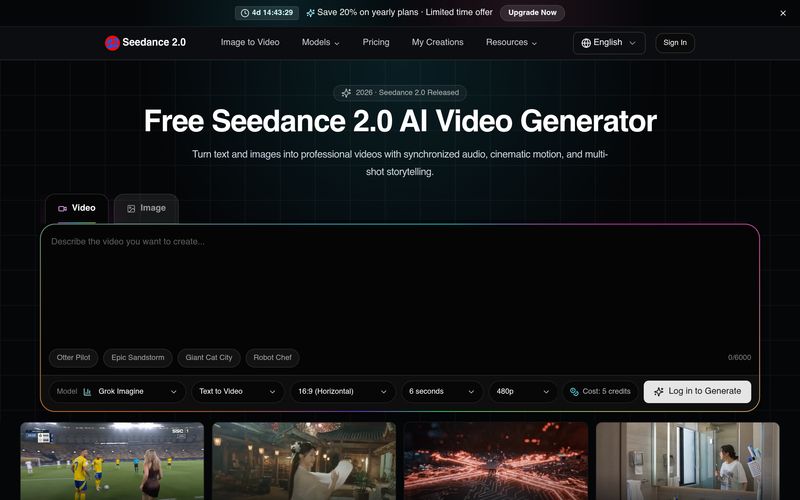
Seedance Studio is a next-generation AI tool that makes professional Video Generation faster, easier, and more accessible for creators of every skill level. Powered by the advanced Seedance 2.0 model, the platform transforms text prompts, images, and reference media into cinematic videos with synchronized audio, smooth motion, and multi-shot storytelling—all without requiring traditional video editing experience.
One of the biggest strengths of Seedance Studio is its versatility. Users can generate high-quality 1080p videos from simple text descriptions, animate still images with realistic movement, extend existing clips while maintaining visual consistency, or create entirely new videos based on reference images and footage. The platform also includes AI-powered video editing features that allow users to replace characters, modify scenes, add objects, or adjust storylines without recreating the entire video, making content iteration significantly more efficient.
Unlike many standard Video Generation platforms, Seedance Studio emphasizes cinematic quality and creative control. Its AI produces smooth, physically realistic motion, maintains character consistency across multiple scenes, and supports diverse artistic styles ranging from realistic and cinematic visuals to anime, cyberpunk, watercolor, and other creative aesthetics. Built-in beat synchronization automatically matches scene transitions to music, while multilingual lip-sync and native audio generation help creators produce polished videos ready for social media, advertising, and commercial use.
Another standout feature is the collection of pre-built creative workflows. Templates for travel vlogs, cinematic storytelling, commercial advertising, stadium broadcasts, and lifestyle content provide users with optimized prompts that dramatically reduce production time while inspiring higher-quality results. This makes Seedance Studio equally valuable for independent creators, filmmakers, marketers, designers, and enterprise teams looking to scale content production.
Overall, Seedance Studio is an exceptionally powerful AI tool for modern Video Generation. By combining text-to-video, image-to-video, AI editing, video extension, reference-based generation, and intelligent creative templates within a single platform, Seedance Studio delivers an efficient end-to-end video production workflow. Whether you're creating short-form social content, marketing campaigns, concept animations, or cinematic storytelling, Seedance Studio provides the flexibility, quality, and speed needed to bring creative ideas to life.
Describe the video you want to create using text, or upload a reference image for image-to-video generation.
Seedance 2.0 processes your input and generates high-quality 1080p video with smooth, cinematic motion.
Preview your video, download in MP4 format, and share directly to your favorite platforms.
How is Seedance 2.0 different from other AI video generators?
Seedance 2.0 is ByteDance's flagship AI video model with native audio generation, multi-shot storytelling consistency, and physically realistic motion. Unlike most generators, Seedance 2.0 maintains character and scene coherence across multiple shots and supports both text-to-video and image-to-video generation in a single model.
How long does it take to generate a video with Seedance 2.0?
Most videos are generated within 30 to 60 seconds, depending on the complexity of the prompt and the selected resolution. Higher resolution (1080p) videos may take slightly longer than 720p outputs.
What is the output resolution and format?
Seedance 2.0 generates videos at up to 1080p resolution (1920x1088) in MP4 format. The free trial is limited to short 480p drafts, while paid plans unlock higher resolution, longer videos, and more retries.
Can I use images as input to generate videos?
Yes. Seedance 2.0 supports both text-to-video (T2V) and image-to-video (I2V) modes. Upload a JPG, PNG, or WebP image and describe the motion you want — Seedance 2.0 will animate it while preserving the original composition and style.
Is Seedance 2.0 free to use?
Yes, Seedance 2.0 offers free trial credits — no credit card required. Free users can test short low-resolution drafts before upgrading for more generations and higher-quality settings.
Does Seedance 2.0 maintain character consistency across shots?
Yes. Seedance 2.0 natively maintains character appearance, clothing, and scene elements across multiple shots. This cross-shot consistency is built into the model architecture, enabling coherent multi-scene storytelling without manual post-production.
What video formats can I download?
Generated videos are available in MP4 format, which is universally supported across all platforms, devices, and editing software. Videos can be downloaded directly or shared to social media.
Do I own the videos I generate with Seedance 2.0?
Yes. You retain full ownership and commercial rights to all videos generated with your Seedance account. Generated content can be used for personal projects, social media, marketing campaigns, and commercial purposes.
Share practical notes and help others evaluate this tool.
No comments yet. Start the conversation.

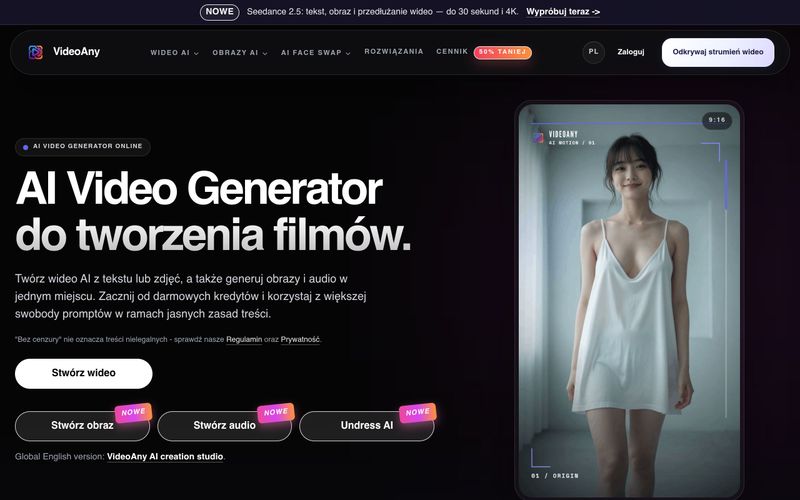
VideoAny to polskie studio AI do tworzenia wideo z tekstu i zdjęć, generowania obrazów oraz audio. Zacznij z darmowymi kredytami i korzystaj z elastycznych zasad treści.
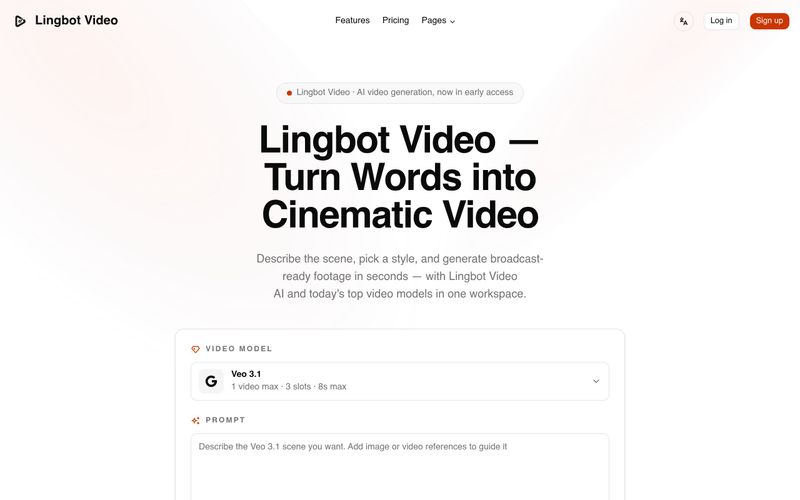
Lingbot Video turns text and images into cinematic 4K AI video with lifelike motion, precise prompt following, watermark-free exports and a full commercial license.
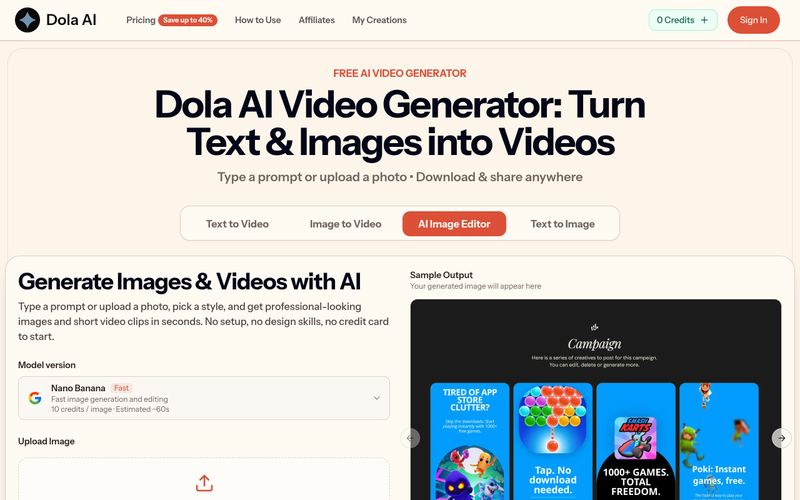
Dola AI turns text and images into short videos for free. Generate AI videos from prompts or photos, download watermark-free clips, and share them anywhere.
VidRush AI is a unified generative AI studio that combines top models like Google Veo 3.1, Seedance 2.5, Kling, Nano Banana, Seedream, and Suno to create cinematic videos, photorealistic images, and studio-quality music in one workspace.



This comprehensive guide explores the best AI image generators available in 2026, highlighting their unique features, strengths, and ideal use cases. We'll dive deep into each tool's capabilities to help you identify which AI image generator best suits your creative needs.

Google has just launched a powerful AI IDE code editor — now you can really vibe while coding

The best AI Model And AI Tools in 2026,The Most Popular Free AI Model And AI Tools.