Subscribe to AI newsletter
Your data is completely secure with us. We don't share it with anyone.
Use Motion Control AI to guide character movement with a reference video. Reduce prompt guesswork, face drift, random motion, and failed AI video retries.
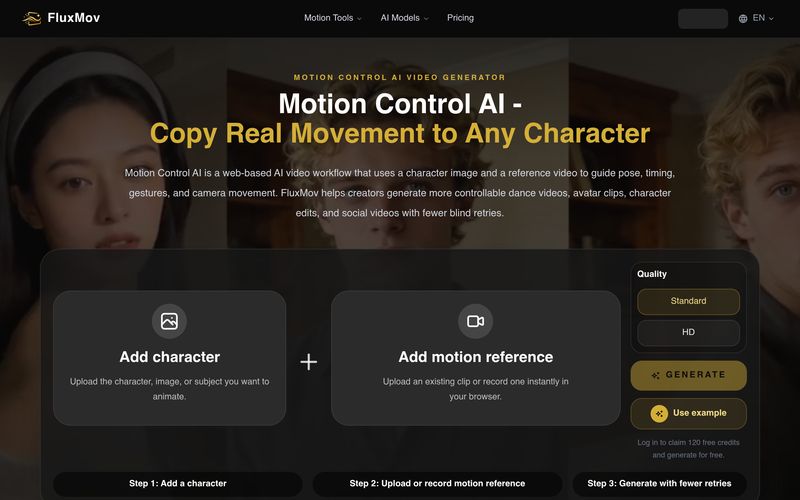
As an advanced AI tool for Video Generation, FluxMov introduces a practical solution to one of the biggest challenges in AI video creation: controlling character movement with accuracy. Instead of relying solely on text prompts, FluxMov combines a reference image with a motion reference video, allowing creators to reproduce real-world movements, gestures, poses, timing, and even camera motion with impressive consistency.
Unlike traditional AI video generators that often guess how a character should move, FluxMov provides a motion-guided workflow that dramatically improves predictability. By uploading a character image and a short reference clip, users can generate dance videos, virtual avatars, animated characters, product demonstrations, and social media content while maintaining strong character consistency throughout the entire sequence. This significantly reduces identity drift, unwanted pose changes, and the costly trial-and-error process common in generic AI video generation.
One of FluxMov's biggest strengths is its efficient workflow. Users simply upload a character image, add a 5–10 second motion reference video, and enhance the result with a concise prompt describing the scene, style, lighting, or camera mood. The AI focuses on visual styling while faithfully reproducing the reference movement, making complex choreography, walk cycles, facial performances, and action sequences far easier to direct.
For content creators, marketers, animation studios, educators, and social media teams, FluxMov offers a more reliable approach to Video Generation. Whether you're creating branded avatars, anime-style animations, influencer content, marketing videos, or cinematic character performances, the platform delivers more controllable results with fewer failed generations and reduced production costs.
Overall, FluxMov stands out as a powerful AI tool that transforms motion transfer into a streamlined creative workflow. By replacing prompt guesswork with real motion references, it enables creators to produce high-quality AI videos faster, maintain visual consistency across scenes, and achieve professional-looking animations that are difficult to accomplish with conventional AI video generators. For anyone seeking greater precision, repeatability, and creative control in modern Video Generation, FluxMov is an excellent solution worth exploring.
Upload the character image, avatar, mascot, or subject you want to animate. Clear faces, visible bodies, and simple backgrounds usually work better.
Upload or record the movement you want to copy. Use a 5 to 10 second clip with one clear subject, 720p or higher resolution, readable motion, and limited occlusion.
Describe style, scene, clothing, camera feel, or output format. Avoid prompts that contradict the reference motion.
Motion Control AI is a web-based AI video workflow that uses a character image and a reference video to guide pose, timing, gestures, and camera movement. FluxMov helps creators generate more controllable dance videos, avatar clips, character edits, and social videos with fewer blind retries.
Upload a character, add a motion reference, and use a prompt for style or scene details. The reference video becomes the main movement target.
Use a clear character image, a 5 to 10 second MP4 or MOV reference video, and a prompt for clothing, background, lighting, camera feel, or output format.
Text-to-video asks the model to invent movement from words. Motion Control AI gives the model a visible motion reference before generation.
Motion Control AI works best with one clear subject, 720p or higher source footage, stable framing, and limited occlusion. Heavy occlusion, fast cuts, overlapping bodies, and complex props can still reduce quality.
Can Motion Control AI stop character drift?
Motion Control AI can reduce character drift, but it cannot guarantee perfect identity in every frame. Use a clear character image, a clean motion reference, and avoid extreme angles or heavy occlusion when identity matters.
Can Motion Control AI create long videos?
Motion Control AI works best scene by scene. For longer videos, create short controlled clips first, then connect them with consistent character references, start and end frames, and matching prompts.
Does Motion Control AI fix hands and body motion?
Motion Control AI helps when the reference movement is clear, but hands, props, fast cuts, and overlapping bodies can still fail. Use simple motion first when quality matters.
Is Motion Control AI better for dance videos and avatars?
Yes. Dance, avatar performances, mascot actions, character animation, and social video hooks are strong use cases because they depend on visible movement, timing, and repeatable gestures.
Share practical notes and help others evaluate this tool.
No comments yet. Start the conversation.

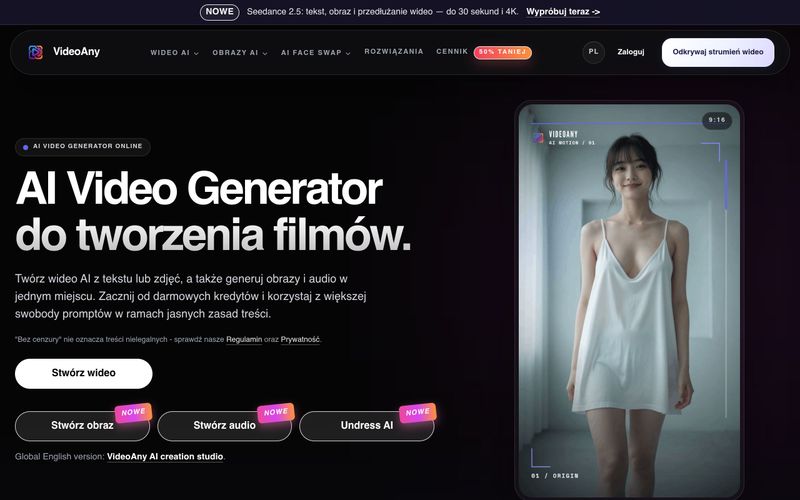
VideoAny to polskie studio AI do tworzenia wideo z tekstu i zdjęć, generowania obrazów oraz audio. Zacznij z darmowymi kredytami i korzystaj z elastycznych zasad treści.
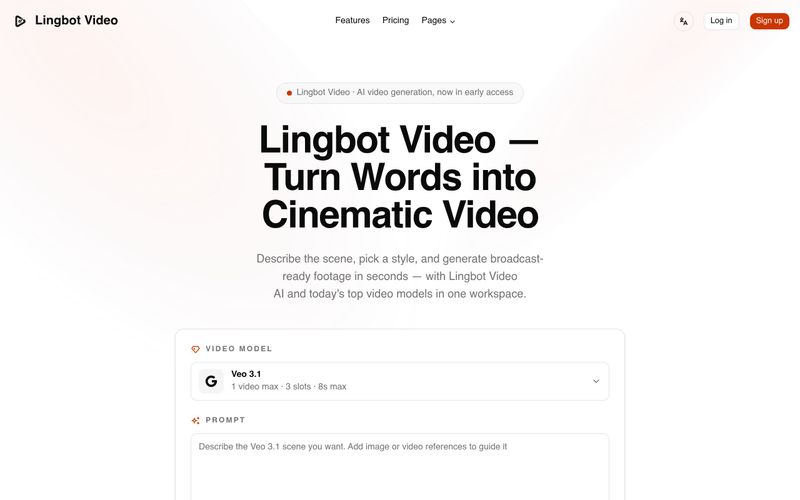
Lingbot Video turns text and images into cinematic 4K AI video with lifelike motion, precise prompt following, watermark-free exports and a full commercial license.
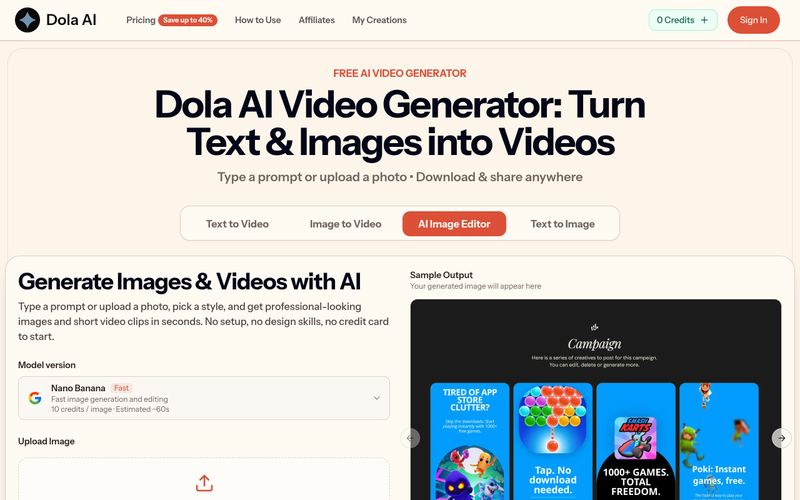
Dola AI turns text and images into short videos for free. Generate AI videos from prompts or photos, download watermark-free clips, and share them anywhere.
VidRush AI is a unified generative AI studio that combines top models like Google Veo 3.1, Seedance 2.5, Kling, Nano Banana, Seedream, and Suno to create cinematic videos, photorealistic images, and studio-quality music in one workspace.



This comprehensive guide explores the best AI image generators available in 2026, highlighting their unique features, strengths, and ideal use cases. We'll dive deep into each tool's capabilities to help you identify which AI image generator best suits your creative needs.

Google has just launched a powerful AI IDE code editor — now you can really vibe while coding

The best AI Model And AI Tools in 2026,The Most Popular Free AI Model And AI Tools.