- Home/
- Image Generation Tools List/
- Midjourney sref codes/
- How to Use Midjourney sref codes
How to use Midjourney sref codes

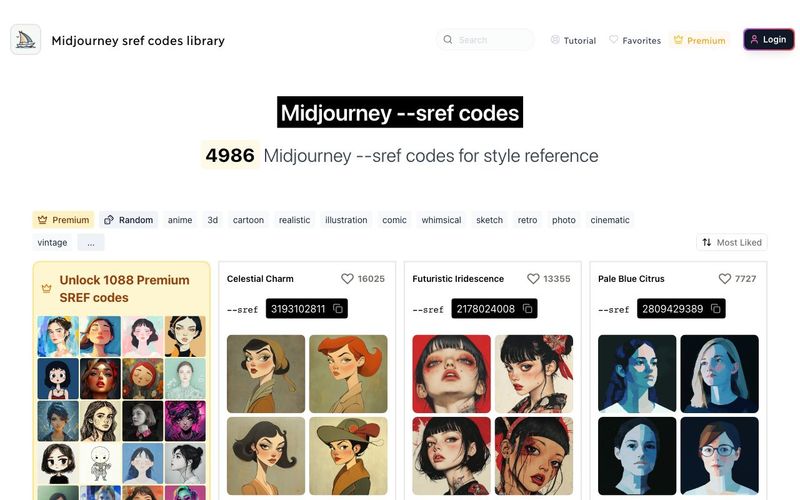
To use --sref codes, you need to add the --sref parameter followed by the desired code number. You can easily copy sref codes from here by clicking on any code from this library.
- Start your Midjourney prompt as usual.
- Add the --sref parameter followed by the desired code number.
- Complete your prompt with any additional parameters or descriptions.
Example: /imagine prompt: a serene landscape --sref 2213253170

Summary and Review:
AI News
View All News →

Awesome Flux.2 Max is out NOW
Flux 2 Max represents the most advanced release in the Flux 2 lineup, designed for creators who demand precision, realism, and production-ready visual output. As both a high-end AI Image Generator and a powerful AI Image Editor, Flux 2 Max pushes visual quality and consistency to a new level, making it suitable for professional creative workflows.

AI Image Generation Tools: The Creative Revolution of the Digital Era
In this digital age, AI image generation tools are sparking an unprecedented creative revolution.Today, we delve into the mechanics of AI image generation, explore its underlying technology, and guide you in creating your own AI artwork!

The Best AI Image Generator in 2026: A Complete Guide
This comprehensive guide explores the best AI image generators available in 2026, highlighting their unique features, strengths, and ideal use cases. We'll dive deep into each tool's capabilities to help you identify which AI image generator best suits your creative needs.