Subscribe to AI newsletter
Your data is completely secure with us. We don't share it with anyone.
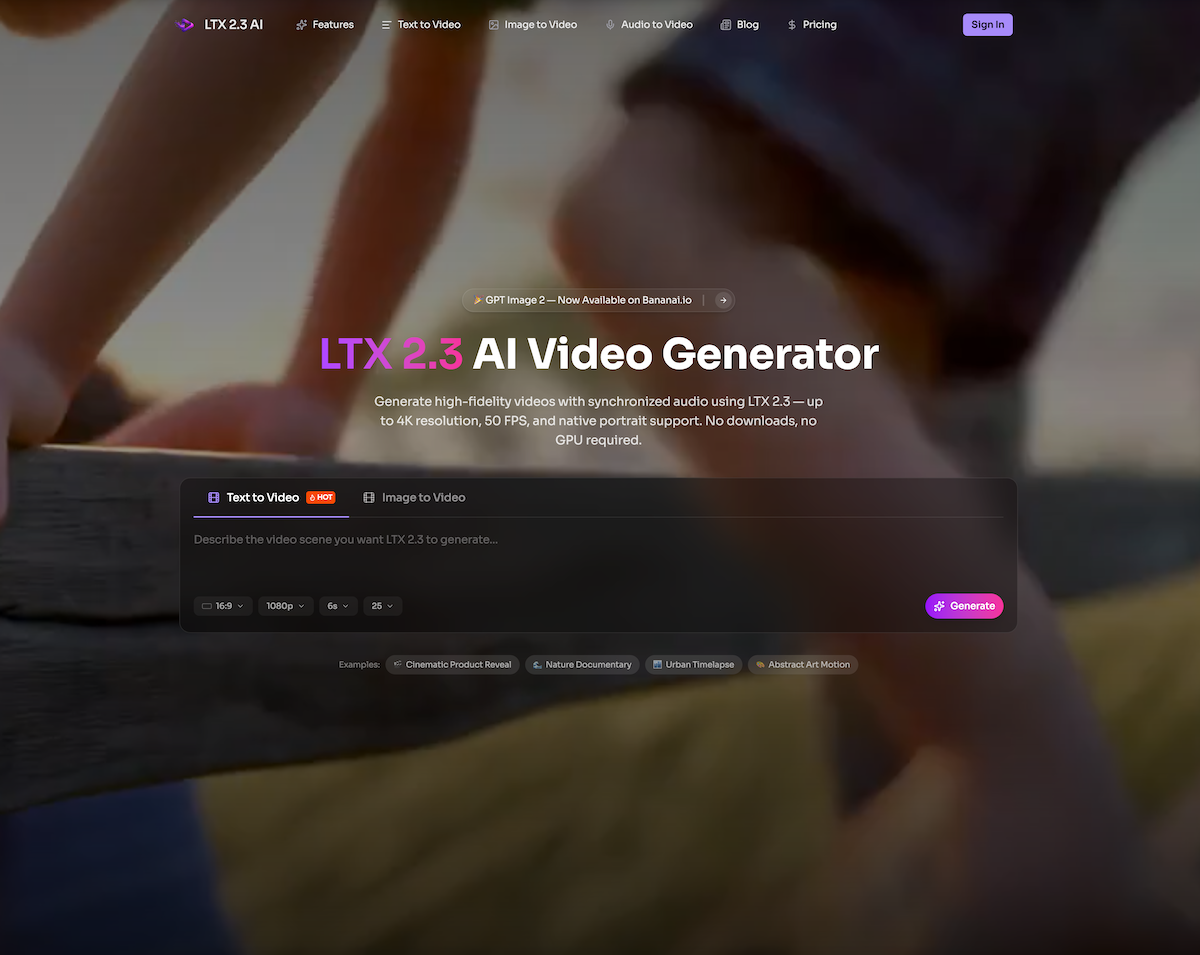
Type a natural-language description of the scene you picture — include details about camera movement, lighting, mood, and action. You can also upload a reference image for image-to-video generation with LTX 2.3.
Choose your aspect ratio (landscape, portrait 9:16, square), clip length up to 20 seconds, and quality mode — Fast for quick iterations or Pro for production-grade LTX 2.3 output.
The LTX 2.3 DiT model processes your prompt and produces video with synchronized audio, realistic textures, and natural motion — all in one pass, without extra post-production.
Watch the result right in your browser. Not quite right? Tweak your prompt and regenerate. When you're happy, download the video in high resolution for social media, ads, or client work.
LTX 2.3 is a powerful and highly accessible AI tool that redefines modern Video Generation through a simple yet highly effective workflow. Its “How to use” process is designed to remove technical barriers while still offering professional-level control, making it suitable for both beginners and experienced creators. As an AI tool, LTX 2.3 stands out because it transforms a few structured steps into a complete end-to-end video production pipeline directly in the browser.
The first step, Write Your Prompt, highlights the core strength of LTX 2.3 in Video Generation. Users are encouraged to describe their scene in natural language, including details such as camera movement, lighting, mood, and action. This level of descriptive input allows the AI tool to interpret creative intent with surprising accuracy. Additionally, the option to upload a reference image enhances control even further, enabling image-to-video generation that maintains visual consistency and stylistic direction. This flexibility makes LTX 2.3 particularly effective for creators who want both creative freedom and precision.
The second step, Pick Your Settings, adds another layer of usability and customization. Users can select aspect ratios such as landscape, square, or vertical 9:16, making the tool ideal for multiple platforms including YouTube, TikTok, and Instagram. The ability to choose clip length up to 20 seconds, along with Fast or Pro quality modes, allows users to balance speed and output quality depending on their needs. This makes LTX 2.3 a scalable AI tool suitable for everything from rapid content testing to production-ready Video Generation.
In the third step, LTX 2.3 Generates Your Video, the DiT-based model processes the input and produces synchronized video and audio in a single pass. This is a major advantage, as it eliminates the need for separate sound design or post-production editing. The result is a cohesive output featuring realistic motion, detailed textures, and automatically aligned audio, all generated efficiently within one system.
Finally, the Preview & Download stage ensures a smooth creative iteration loop. Users can instantly review results in the browser, make prompt adjustments, and regenerate until the output matches their vision. Once satisfied, they can download high-resolution videos suitable for social media, advertising, or professional client work.
Overall, LTX 2.3 is a next-generation AI tool that simplifies and accelerates Video Generation while maintaining high creative control. Its structured workflow, combined with powerful generative capabilities, makes it an essential solution for modern digital creators seeking efficiency, flexibility, and professional-quality results.



This comprehensive guide explores the best AI image generators available in 2026, highlighting their unique features, strengths, and ideal use cases. We'll dive deep into each tool's capabilities to help you identify which AI image generator best suits your creative needs.

Google has just launched a powerful AI IDE code editor — now you can really vibe while coding

The best AI Model And AI Tools in 2026,The Most Popular Free AI Model And AI Tools.