Subscribe to AI newsletter
Your data is completely secure with us. We don't share it with anyone.
Create stunning videos with LTX 2.3 online — the open-source DiT model supporting 4K resolution, synchronized audio, and 9:16 portrait mode.
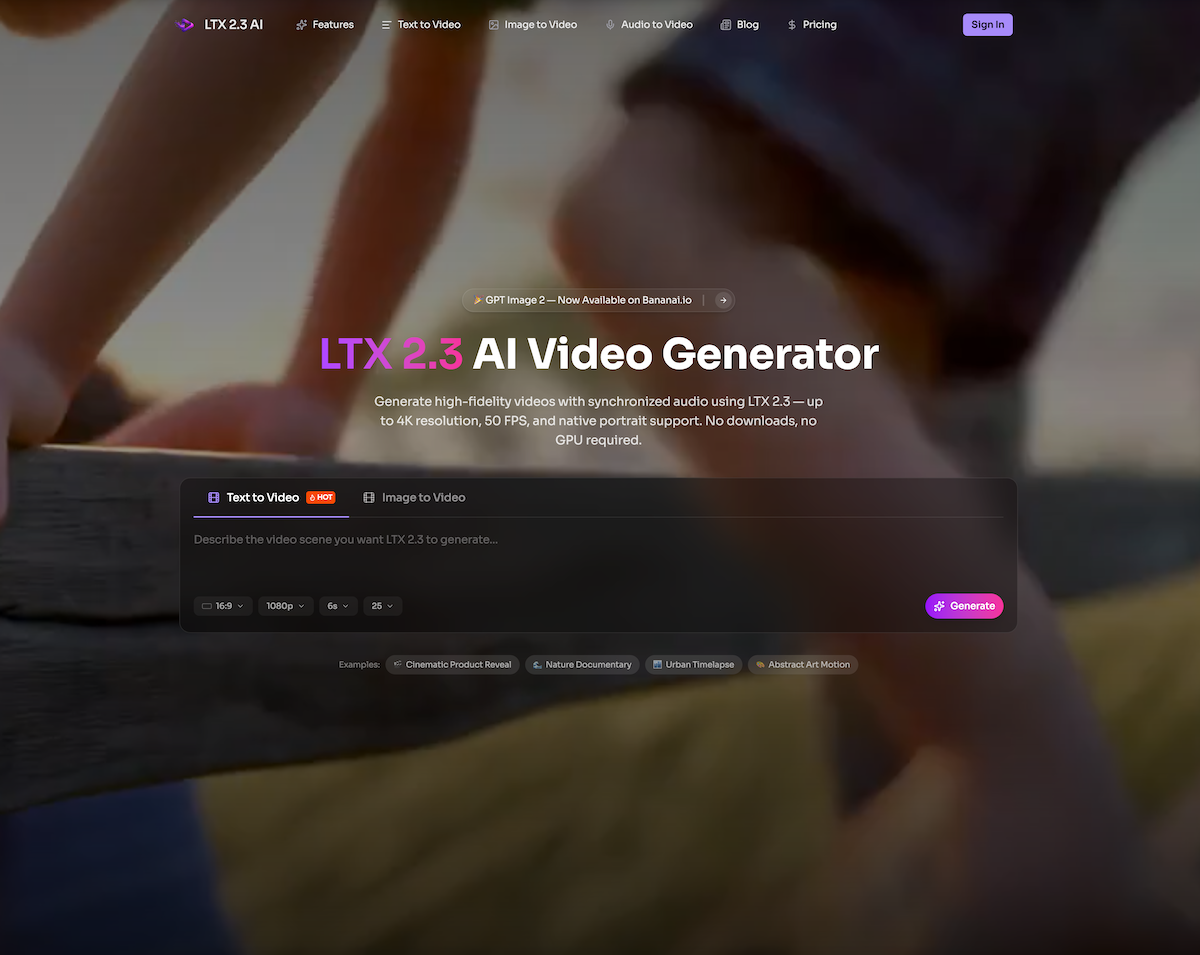
LTX 2.3 is a powerful and forward-thinking AI tool that significantly raises the bar for modern Video Generation. Built on an advanced Diffusion Transformer (DiT) architecture and released as an open-source model by Lightricks, LTX 2.3 delivers a rare combination of accessibility, performance, and professional-grade output. What makes this AI tool especially compelling is its ability to generate synchronized video and audio in a single pass, eliminating the need for complex post-production workflows and dramatically accelerating content creation.
One of the most notable strengths of LTX 2.3 is its visual quality. With support for up to 4K resolution and 50 FPS, the tool produces sharp textures, realistic motion, and highly detailed frames that rival traditional production pipelines. The redesigned VAE and expanded text connector contribute to cleaner edges, more lifelike skin tones, and improved rendering of fine details such as hair, fabric, and reflections. Compared to earlier models, this leap in fidelity makes LTX 2.3 a highly competitive AI tool in the Video Generation space.
Another key advantage is its superior prompt understanding. Thanks to a 4x larger gated-attention text connector, LTX 2.3 can accurately interpret complex instructions involving camera movement, timing, subject relationships, and emotional tone. This means creators can rely on the AI tool to translate ideas into coherent visual narratives without constant rework. Whether generating cinematic scenes, product demos, or abstract visuals, LTX 2.3 maintains strong alignment between input prompts and final output.
The platform also excels in image-to-video generation, enabling users to transform static images into fluid, natural motion clips. Unlike many competing tools that rely on simple panning effects, LTX 2.3 produces dynamic movement with strong consistency and minimal artifacts. This makes it ideal for applications such as e-commerce product showcases, social media content, and pre-visualization for film projects.
From a usability perspective, LTX 2.3 stands out as an accessible AI tool. It runs entirely in the browser, requiring no downloads or GPU setup, which lowers the barrier for entry across devices—including mobile. The workflow is straightforward: write a prompt, select settings like aspect ratio and clip length (up to 20 seconds), generate, and iterate. Fast and Pro modes further allow users to balance speed and quality depending on their needs.
In terms of versatility, LTX 2.3 supports a wide range of Video Generation use cases, including short-form social content, YouTube B-roll, educational animations, marketing videos, and cinematic pre-visualization. Its native portrait mode (9:16) is particularly valuable for platforms like TikTok and Instagram, ensuring content is properly framed without awkward cropping.
Overall, LTX 2.3 is more than just another AI tool—it is a comprehensive, production-ready solution for Video Generation. By combining high-resolution output, synchronized audio, strong prompt fidelity, and an open-source foundation, LTX 2.3 empowers creators, marketers, and teams to produce high-quality video content faster and more efficiently than ever before.
Type a natural-language description of the scene you picture — include details about camera movement, lighting, mood, and action. You can also upload a reference image for image-to-video generation with LTX 2.3.
Choose your aspect ratio (landscape, portrait 9:16, square), clip length up to 20 seconds, and quality mode — Fast for quick iterations or Pro for production-grade LTX 2.3 output.
The LTX 2.3 DiT model processes your prompt and produces video with synchronized audio, realistic textures, and natural motion — all in one pass, without extra post-production.
Watch the result right in your browser. Not quite right? Tweak your prompt and regenerate. When you're happy, download the video in high resolution for social media, ads, or client work.
LTX 2.3 is an open-source video generation model created by Lightricks. It's built on a Diffusion Transformer (DiT) architecture and can produce synchronized video and audio from text prompts, images, or audio inputs. The model supports resolutions up to 4K, frame rates up to 50 FPS, and clips up to 20 seconds long. Our platform provides a web-based interface for LTX 2.3 so you can generate videos without installing software or managing GPU hardware.
No — we're a third-party platform that provides access to the LTX 2.3 model through an easy-to-use web interface. LTX 2.3 is an open-source model released by Lightricks with weights available on HuggingFace. We run the model on our infrastructure so you can focus on creating instead of setting up hardware.
Yes — you can try LTX 2.3 on our platform for free. We offer a free tier that lets you generate videos and experience the model's capabilities at no cost. For higher-volume usage, faster rendering, and 4K output, we have paid plans available.
LTX 2.3 includes a redesigned VAE for sharper fine details and cleaner edges, a 4x larger text connector for better prompt adherence, native 9:16 portrait video support (trained on vertical data, not cropped), cleaner audio with a new vocoder and filtered training data, and stronger image-to-video output with less freezing and more natural motion.
LTX 2.3 is versatile — it handles product demos, social media clips, cinematic scenes, nature footage, abstract art, educational animations, and more. It supports text-to-video, image-to-video, and audio-to-video workflows, plus extend-video for longer sequences. You can generate in landscape, portrait, or square formats.
Yes. LTX 2.3 generates synchronized audio alongside video in a single pass. This includes ambient sounds, sound effects, dialogue, and music that match the on-screen action. The audio quality in version 2.3 is significantly cleaner than previous versions, thanks to a new vocoder and filtered training data.
Absolutely. Our web-based LTX 2.3 video generator works on any modern smartphone or tablet browser. Enter your prompt, pick your settings, and generate — no app installation needed. The native portrait support makes LTX 2.3 especially convenient for creating mobile-first content.
LTX 2.3 can generate video at 1080p, 1440p, and up to 4K (3840×2160). Supported frame rates include 24, 25, 48, and 50 FPS. You can also choose native portrait mode (1080×1920) for vertical video that's properly composed — not cropped from a wider frame.
A single LTX 2.3 generation can produce clips up to 20 seconds long. If you need something longer, the extend-video feature lets you continue a clip beyond that limit while maintaining visual and audio consistency.
LTX 2.3 is released under an open license. Videos you generate through our platform are yours to use for social media, marketing, client projects, and other commercial purposes. Check the specific license terms on the Lightricks GitHub for full details on model usage.
Share practical notes and help others evaluate this tool.
No comments yet. Start the conversation.

Sora is a large AI image-to-video model launched by OpenAI in 2026. It can create realistic and imaginative scenes based on text instructions.
You can download the latest and most popular green screen cat meme template video featured on TikTok and YouTube. These materials are offered for free
Runway is an applied AI research company shaping the next era of art, entertainment and human creativity.

Use Viggle AI to create dynamic animations from images and text prompts. This guide covers its benefits, usage steps, and frequently asked questions.



This comprehensive guide explores the best AI image generators available in 2026, highlighting their unique features, strengths, and ideal use cases. We'll dive deep into each tool's capabilities to help you identify which AI image generator best suits your creative needs.

Google has just launched a powerful AI IDE code editor — now you can really vibe while coding

The best AI Model And AI Tools in 2026,The Most Popular Free AI Model And AI Tools.