Subscribe to AI newsletter
Your data is completely secure with us. We don't share it with anyone.
Image to Video AI turns any photo into cinematic video with 14 models — Kling, Runway, Veo and more. Start with free credits, no credit card required.
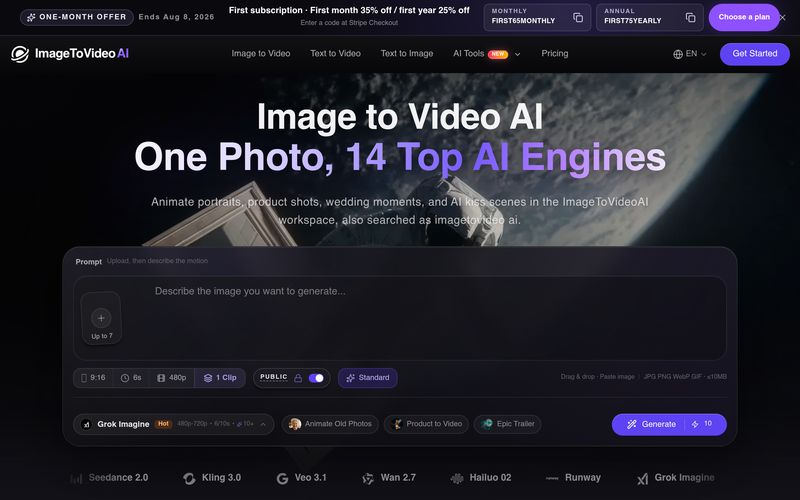
In the era of AI-powered content creation, transforming static images into engaging videos has become one of the fastest-growing creative workflows. ImageToVideoAI is an advanced AI tool focused on Video Generation, allowing users to convert ordinary images into dynamic, cinematic videos with the help of multiple leading AI models. From portraits and product photos to wedding memories and creative social content, ImageToVideoAI makes professional-quality animation accessible without complex editing skills.
The biggest advantage of Image to Video AI is its all-in-one creative workspace. Instead of relying on a single model, ImageToVideoAI brings together 14 powerful AI video engines, including Kling AI, Runway, Hailuo AI, Wan, Seedance, and Google Veo. Users can upload one image, compare different generation results, and choose the model that best matches their creative goal. This multi-model approach gives creators more flexibility for realistic motion, cinematic camera movement, product animations, and character transformations.
The workflow is simple and beginner-friendly. Users only need to upload an image in JPG, PNG, or WebP format, add a short prompt describing the desired movement or style, select an AI model, and generate a video with one click. The platform handles the technical process automatically, making Video Generation easier for marketers, designers, influencers, and everyday users.
Beyond image animation, ImageToVideoAI provides a complete suite of AI creation tools, including text-to-video, video-to-video transformation, text-to-image generation, image editing, image merging, background removal, and image upscaling. This allows users to create, enhance, and optimize visual assets within one platform instead of switching between multiple tools.
ImageToVideoAI is especially useful for popular creative scenarios such as AI product advertisements, old photo animation, AI hug videos, AI kiss videos, anime-to-realistic conversions, and social media content production. Paid plans also provide watermark-free exports, commercial usage rights, HD output, and faster parallel generation.
Overall, ImageToVideoAI is a versatile AI tool that brings powerful Image to Video AI technology into a simple and efficient workflow. By combining multiple top AI models, flexible creative features, and professional export options, it helps creators turn static images into high-quality videos faster and with greater creative control.
Upload your image
Upload the image you want to animate to the minimalist workspace.
JPG, PNG, and WebP formats are supported.
Choose prompt and generate video
Add simple prompts to control the animation, choose the best Almodel, and generate with one click.
View and download generated video
Once generation is complete, preview the result in the sidebar anddownload it directly to your device without watermark.
Yes — new users get complimentary credits on signup and can try all current image to video models. No credit card required. Upgrade anytime for more credits, HD output, and faster parallel generation.
Our image to video AI supports 14 models including Kling AI, Runway, Hailuo AI, Wan, Seedance, and Google Veo — all from one image to video platform.
Yes. All paid plans include full commercial rights — use in ads, social media, or client work.
No. Everything runs in your browser. Works on desktop, tablet, and mobile.
30–90 seconds depending on the model. Paid plans let you generate multiple videos in parallel.
ImageToVideoAI offers 14 pro models including Kling 3.0, Runway, and Google Veo — all from one platform. Compare results side by side and pick the best output for your project.
Both excel at image to video — Kling AI for photorealistic animation, Runway for precise camera control. Try both image to video models from one dashboard.
One image to video subscription, all models. No juggling accounts — Kling, Runway, Hailuo, Veo & more in a single image to video AI platform.
Yes — our Animate Old Photos feature uses image to video AI to bring faded family photos back to life. Upload any old photo and AI will add natural expressions, gentle movements, and cinematic motion. The best way to animate old photos and preserve family memories.
Upload two separate portrait photos and our AI hug video generator will merge them into a warm embrace video. Great for long-distance relationships, memorial tributes, or creative social media content.
Absolutely. Our AI product video maker transforms a flat product image into a polished advertising clip with professional camera movements and lighting. Perfect for e-commerce listings and social media ads.
Yes — our anime to live-action AI feature turns 2D anime art, illustrations, or sketches into lifelike motion video. It preserves the character design while adding realistic textures, lighting, and movement.
Grok Imagine is xAI's image generation model. On ImageToVideoAI, you can use Grok-generated images as input for our image to video AI and turn them into cinematic video with any of our 14 image to video models.
Seedance 2.0 excels at human motion and dance choreography. It's one of 14 models available on our platform — try it alongside Kling and Runway to find the best fit for your scene. See our Seedance 2.0 overview.
Google's Gemini powers our Veo model integration. Upload any photo and generate video with Veo's natural motion capabilities — available directly from your ImageToVideoAI dashboard. Read our Gemini AI photo guide.
Upload a childhood photo and a recent portrait in the AI Hug Video Generator, choose Two Photos and an across-time style, and the AI creates a warm reunion hug between younger you and present-day you.
Yes. Sign in to use the free access or credits included with your account, then upload one couple photo or two portraits and choose the French Kiss scenario. It is a free-to-start AI kissing generator for signed-in users.
No. ImageToVideoAI is the independent AI image-to-video workspace at imagetovideoai.net. Names such as imagetovideo ai, imgtovideo ai, or imagetovideos ai may refer to search variations or other sites, and they are not the same website as ImageToVideoAI.
Share practical notes and help others evaluate this tool.
No comments yet. Start the conversation.

Sora is a large AI image-to-video model launched by OpenAI in 2026. It can create realistic and imaginative scenes based on text instructions.
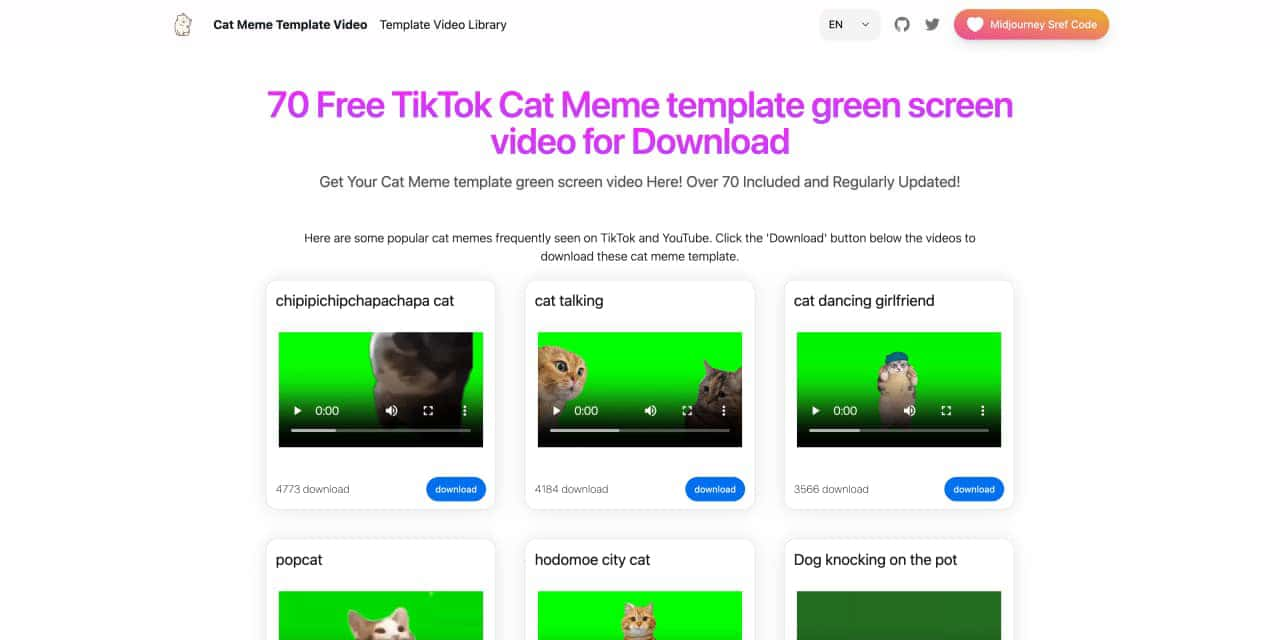
You can download the latest and most popular green screen cat meme template video featured on TikTok and YouTube. These materials are offered for free
Runway is an applied AI research company shaping the next era of art, entertainment and human creativity.
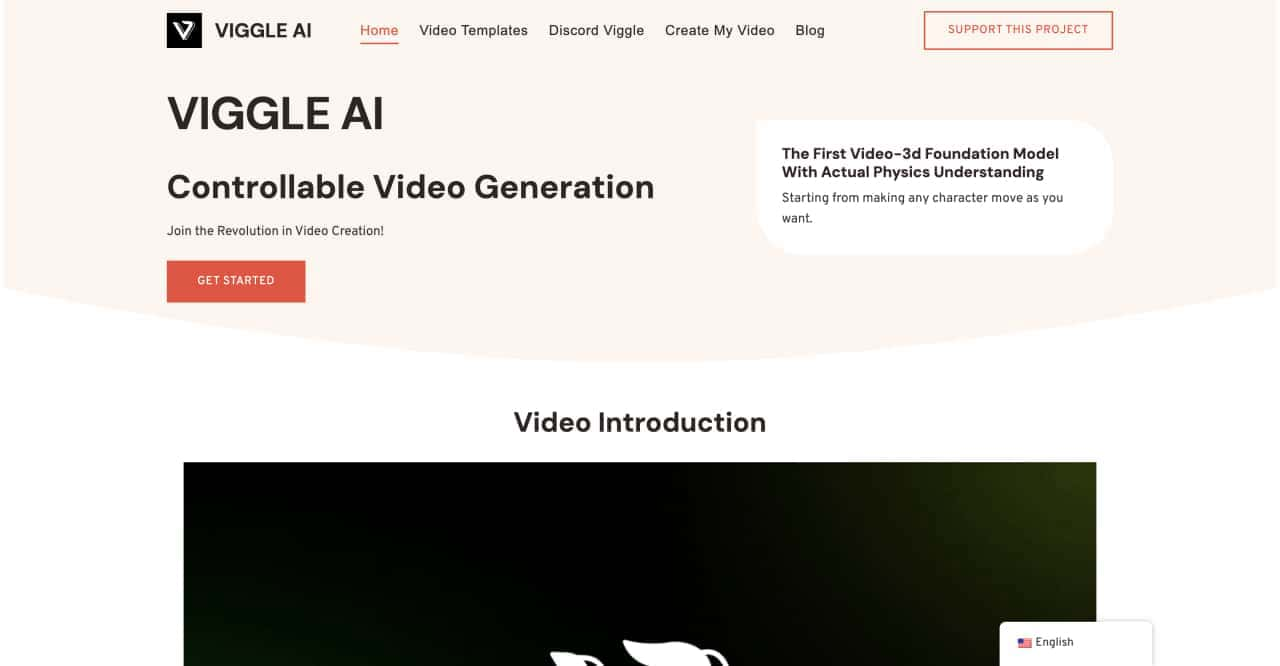
Use Viggle AI to create dynamic animations from images and text prompts. This guide covers its benefits, usage steps, and frequently asked questions.



This comprehensive guide explores the best AI image generators available in 2026, highlighting their unique features, strengths, and ideal use cases. We'll dive deep into each tool's capabilities to help you identify which AI image generator best suits your creative needs.

Google has just launched a powerful AI IDE code editor — now you can really vibe while coding

The best AI Model And AI Tools in 2026,The Most Popular Free AI Model And AI Tools.