Subscribe to AI newsletter
Your data is completely secure with us. We don't share it with anyone.
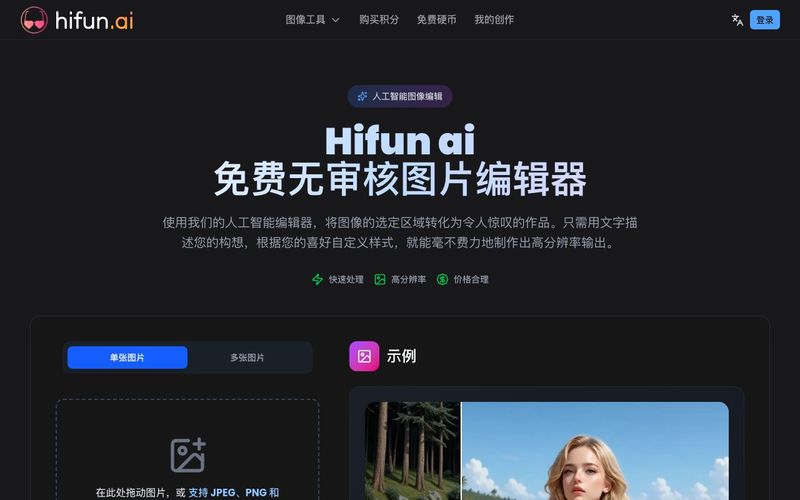
Upload the image you want to edit, then use our masking tool to mark the area you want to modify. The more precise your mask, the better the results.
Type a detailed description of the image effect you want to create. The more specific your prompt, the better the results. You can describe scenes, objects, styles, colors, and moods to guide the AI.
Click the 'Create' button to start the image editing process. Processing typically takes a few seconds. Once complete, you can view your edited image and download it.
Hifun AI is a user-friendly and powerful AI tool that simplifies Image Generation and advanced photo editing, enabling creators to transform their images effortlessly. The platform’s intuitive workflow ensures that even users with minimal technical knowledge can produce professional-quality results in just a few steps, making Hifun AI one of the most accessible AI tools for creative projects today.
Using Hifun AI begins with selecting the image and drawing a mask. Users simply upload the image they want to edit and highlight the areas for modification. The precision of the mask directly impacts the quality of the output, allowing the AI to focus on the desired sections while leaving untouched areas intact. This step demonstrates how Hifun AI combines ease of use with powerful precision, ensuring that edits are clean, accurate, and visually coherent.
Once the mask is defined, users enter a detailed prompt describing the effect they want to achieve. The AI tool interprets these instructions using advanced natural language understanding and Image Generation algorithms. Hifun AI allows for highly specific prompts, including scene composition, object modifications, artistic styles, colors, and moods. This level of customization ensures that creators maintain full control over their vision, while the AI tool enhances and executes it efficiently.
After the prompt is entered, generating the final result is as simple as clicking the “Create” button. Hifun AI leverages cloud-based processing to rapidly perform edits, typically completing tasks in just a few seconds. Once the image is ready, users can preview and download their high-resolution results. This fast, seamless process highlights why Hifun AI is a standout AI tool for both professional and personal Image Generation workflows.
Overall, Hifun AI offers a streamlined, intuitive, and highly capable platform for Image Generation. By combining precise masking, smart prompt handling, and rapid cloud processing, it empowers users to create stunning visuals with minimal effort. For anyone seeking a versatile, reliable, and free AI tool to enhance, modify, or creatively transform images, Hifun AI delivers an exceptional experience.



This comprehensive guide explores the best AI image generators available in 2026, highlighting their unique features, strengths, and ideal use cases. We'll dive deep into each tool's capabilities to help you identify which AI image generator best suits your creative needs.

Google has just launched a powerful AI IDE code editor — now you can really vibe while coding

The best AI Model And AI Tools in 2026,The Most Popular Free AI Model And AI Tools.