Subscribe to AI newsletter
Your data is completely secure with us. We don't share it with anyone.
HappyHorse is an AI video generator for cinematic text-to-video, image-to-video AI, video dubbing, and audio workflows with strong prompt fidelity and scene control.
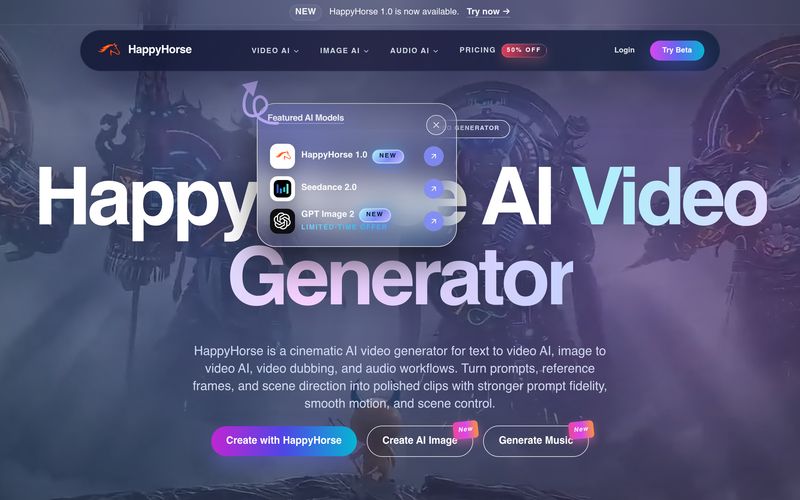
In the fast-growing world of AI tool innovation, HappyHorse stands out as a practical and creator-friendly platform focused on Video Generation. Designed for both beginners and professionals, HappyHorse transforms static images into dynamic short videos using intelligent prompt guidance, smooth motion controls, and cinematic camera effects. If you are searching for an efficient AI tool for image-to-video creation, HappyHorse provides an accessible workflow that balances creative flexibility with production-level quality.
One of the biggest highlights of HappyHorse is its advanced Image to Video AI Generator, which allows users to animate photos with realistic motion while maintaining subject stability. Instead of creating random or inconsistent movement, HappyHorse gives creators more control over facial expressions, body motion, pacing, and camera behavior. Users can simply upload a photo or provide a text prompt to guide the video direction, making it easy to generate human-centric and visually consistent clips. Whether you want subtle zoom-ins, cinematic pans, or dynamic dolly shots, HappyHorse supports prompt-guided camera movement that feels natural and professional.
The workflow of HappyHorse Video Generation is intentionally simple. First, users can start with a prompt, script, or reference image to establish a clear creative direction. The platform also supports multilingual prompts, making it accessible to a wider global audience. Second, creators can refine movement details, such as camera motion, character expressions, and visual rhythm, ensuring the final output aligns with the original concept. Finally, HappyHorse allows users to export polished clips that are suitable for advertisements, social media campaigns, product launches, explainer videos, storyboard previews, and even digital-human content production.
Another reason why HappyHorse is becoming popular in the Video Generation space is its flexible media support. The platform accepts common image formats including JPG, PNG, WebP, and HEIC, while recommending at least 512×512 resolution for optimal quality. Standard outputs are available in HD, and higher resolutions may be unlocked in select plans. Users can also animate multiple images through batch generation features, making it especially useful for content teams and creative agencies.
For creators experimenting with AI-driven motion, HappyHorse offers practical prompt strategies. Small and simple camera actions such as slow zooms or gentle panning often generate the most stable and visually appealing results. High-resolution source images can further improve consistency, particularly for portraits, product shots, and storyboard frames. This makes HappyHorse an excellent AI tool for testing social video ideas before committing to expensive full-scale production.
Overall, HappyHorse is a promising AI tool in the Video Generation category that simplifies image animation while preserving creative control. Whether you want to animate portraits, create product motion videos, build storyboards, or experiment with AI-powered visual storytelling, HappyHorse delivers an efficient and intuitive solution for modern content creators.
What image formats does the image to video AI support?
Our AI video generator supports JPG, PNG, WebP, and HEIC formats. Images should be at least 512x512 pixels for best results.
How long can the image to video output be?
Standard outputs are short clips for fast creation, with longer durations available on select plans.
How do I animate a picture (photo to video) with prompts?
Describe simple camera motion (pan, zoom, dolly) and subtle subject movement. Start with small changes, then iterate on your prompt and motion strength.
What video resolution does the AI video generator produce?
Standard output is HD. Higher resolutions may be available on select models and plans.
Can I convert multiple images to video?
Batch generation is supported on select plans. Upload multiple images and generate sequentially.
Is there a video to image converter feature?
Yes. Use our video to image tool to extract frames, then animate them with image to video.
Is image to video AI free?
You can start free with credits. Paid plans include more credits and higher limits.
What does “uncensored” mean for image to video?
It means we try to preserve creative flexibility while enforcing our content policy. Illegal content is prohibited, and you must have rights to any content you upload or reference.
Share practical notes and help others evaluate this tool.
No comments yet. Start the conversation.

Sora is a large AI image-to-video model launched by OpenAI in 2026. It can create realistic and imaginative scenes based on text instructions.
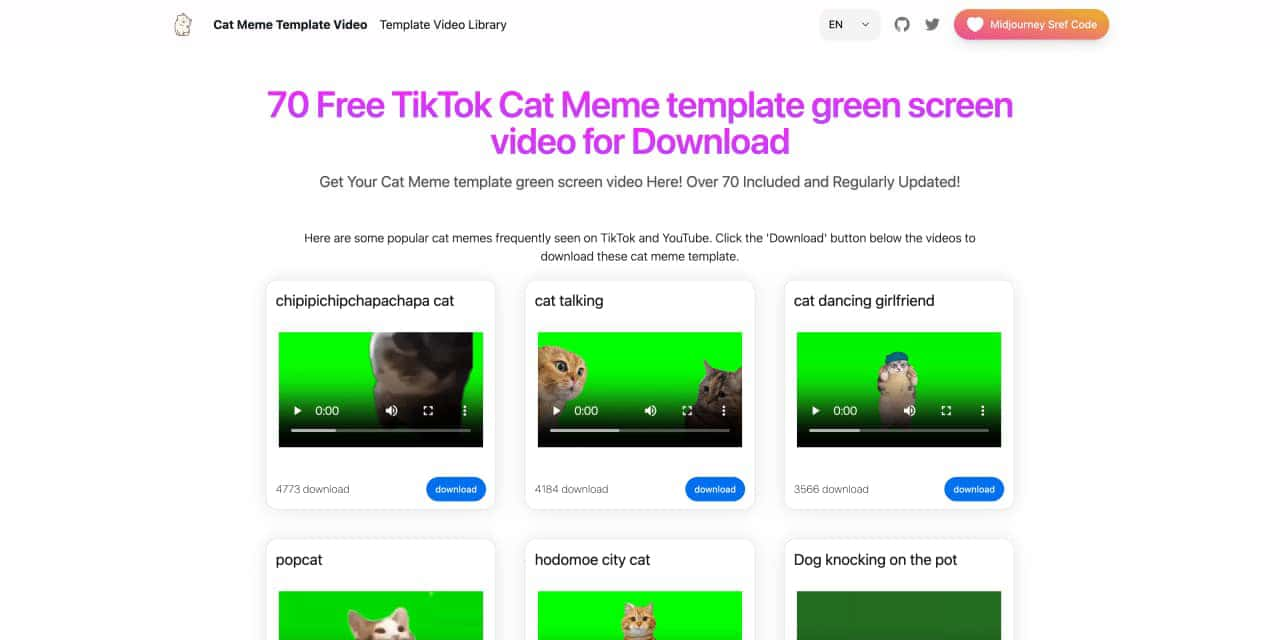
You can download the latest and most popular green screen cat meme template video featured on TikTok and YouTube. These materials are offered for free
Runway is an applied AI research company shaping the next era of art, entertainment and human creativity.
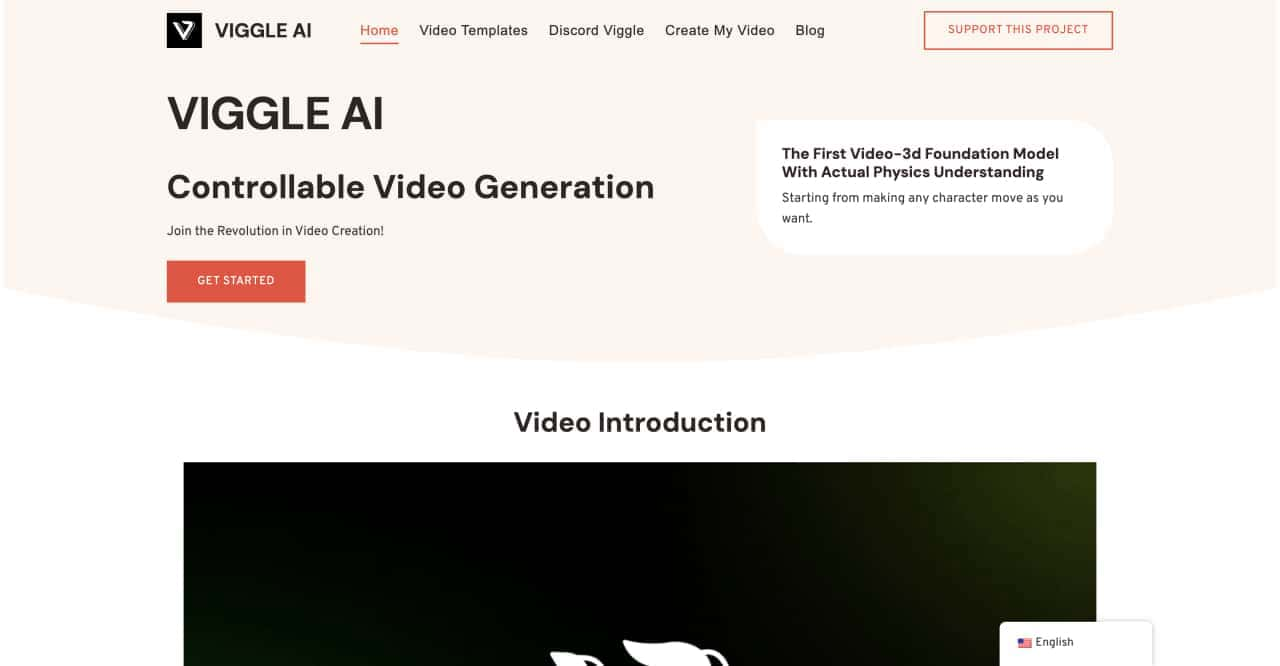
Use Viggle AI to create dynamic animations from images and text prompts. This guide covers its benefits, usage steps, and frequently asked questions.



This comprehensive guide explores the best AI image generators available in 2026, highlighting their unique features, strengths, and ideal use cases. We'll dive deep into each tool's capabilities to help you identify which AI image generator best suits your creative needs.

Google has just launched a powerful AI IDE code editor — now you can really vibe while coding

The best AI Model And AI Tools in 2026,The Most Popular Free AI Model And AI Tools.