订阅AI通讯
您的数据完全安全。我们不会与任何人共享。
HappyHorse is an AI video generator for cinematic text-to-video, image-to-video AI, video dubbing, and audio workflows with strong prompt fidelity and scene control.
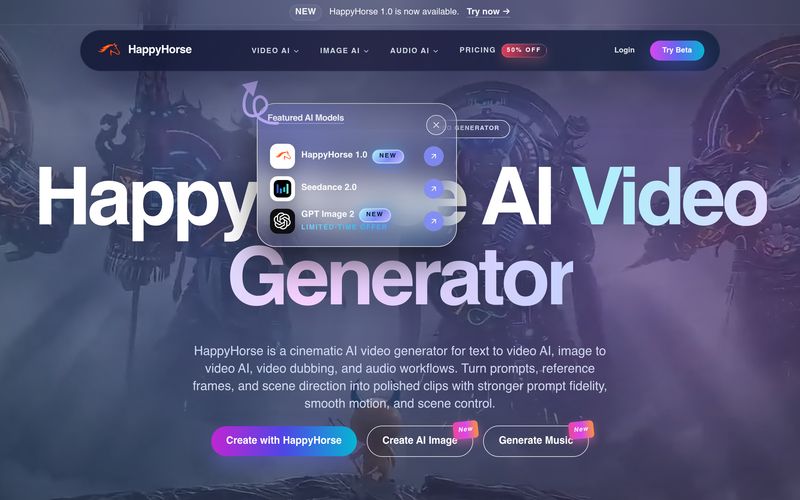
In the fast-growing world of AI tool innovation, HappyHorse stands out as a practical and creator-friendly platform focused on Video Generation. Designed for both beginners and professionals, HappyHorse transforms static images into dynamic short videos using intelligent prompt guidance, smooth motion controls, and cinematic camera effects. If you are searching for an efficient AI tool for image-to-video creation, HappyHorse provides an accessible workflow that balances creative flexibility with production-level quality.
One of the biggest highlights of HappyHorse is its advanced Image to Video AI Generator, which allows users to animate photos with realistic motion while maintaining subject stability. Instead of creating random or inconsistent movement, HappyHorse gives creators more control over facial expressions, body motion, pacing, and camera behavior. Users can simply upload a photo or provide a text prompt to guide the video direction, making it easy to generate human-centric and visually consistent clips. Whether you want subtle zoom-ins, cinematic pans, or dynamic dolly shots, HappyHorse supports prompt-guided camera movement that feels natural and professional.
The workflow of HappyHorse Video Generation is intentionally simple. First, users can start with a prompt, script, or reference image to establish a clear creative direction. The platform also supports multilingual prompts, making it accessible to a wider global audience. Second, creators can refine movement details, such as camera motion, character expressions, and visual rhythm, ensuring the final output aligns with the original concept. Finally, HappyHorse allows users to export polished clips that are suitable for advertisements, social media campaigns, product launches, explainer videos, storyboard previews, and even digital-human content production.
Another reason why HappyHorse is becoming popular in the Video Generation space is its flexible media support. The platform accepts common image formats including JPG, PNG, WebP, and HEIC, while recommending at least 512×512 resolution for optimal quality. Standard outputs are available in HD, and higher resolutions may be unlocked in select plans. Users can also animate multiple images through batch generation features, making it especially useful for content teams and creative agencies.
For creators experimenting with AI-driven motion, HappyHorse offers practical prompt strategies. Small and simple camera actions such as slow zooms or gentle panning often generate the most stable and visually appealing results. High-resolution source images can further improve consistency, particularly for portraits, product shots, and storyboard frames. This makes HappyHorse an excellent AI tool for testing social video ideas before committing to expensive full-scale production.
Overall, HappyHorse is a promising AI tool in the Video Generation category that simplifies image animation while preserving creative control. Whether you want to animate portraits, create product motion videos, build storyboards, or experiment with AI-powered visual storytelling, HappyHorse delivers an efficient and intuitive solution for modern content creators.
What image formats does the image to video AI support?
Our AI video generator supports JPG, PNG, WebP, and HEIC formats. Images should be at least 512x512 pixels for best results.
How long can the image to video output be?
Standard outputs are short clips for fast creation, with longer durations available on select plans.
How do I animate a picture (photo to video) with prompts?
Describe simple camera motion (pan, zoom, dolly) and subtle subject movement. Start with small changes, then iterate on your prompt and motion strength.
What video resolution does the AI video generator produce?
Standard output is HD. Higher resolutions may be available on select models and plans.
Can I convert multiple images to video?
Batch generation is supported on select plans. Upload multiple images and generate sequentially.
Is there a video to image converter feature?
Yes. Use our video to image tool to extract frames, then animate them with image to video.
Is image to video AI free?
You can start free with credits. Paid plans include more credits and higher limits.
What does “uncensored” mean for image to video?
It means we try to preserve creative flexibility while enforcing our content policy. Illegal content is prohibited, and you must have rights to any content you upload or reference.
分享实用笔记,帮助他人评估此工具。
暂无评论。开始对话吧。

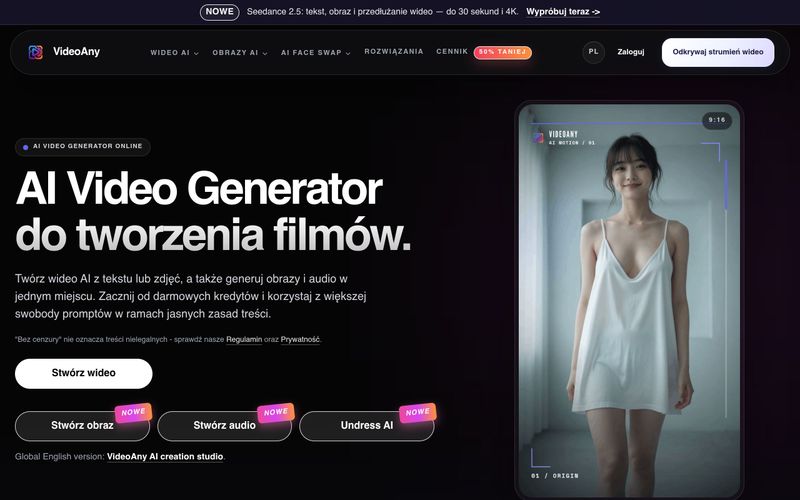
VideoAny 是一个波兰 AI 工作室,可从文本和照片创建视频、生成图像和音频。可免费开始使用积分,并享有灵活的内容政策。
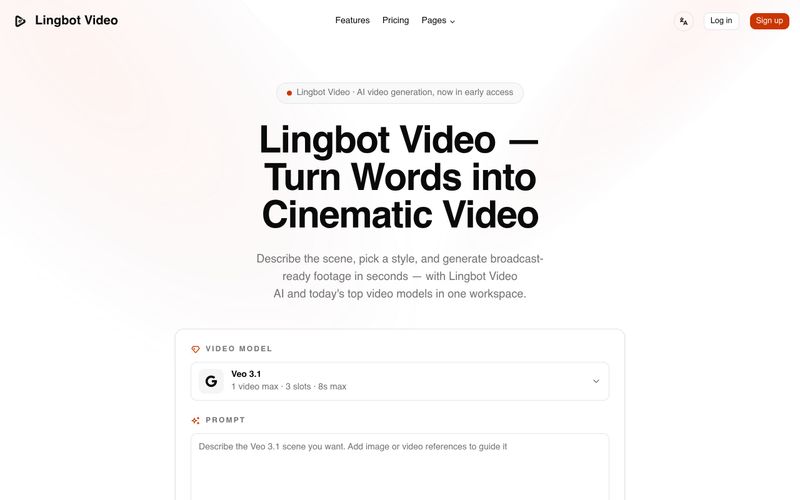
Lingbot Video 可将文本和图像转化为具有逼真运动、精准遵循提示词、无水印导出且附带完整商业许可的电影感 4K AI 视频。
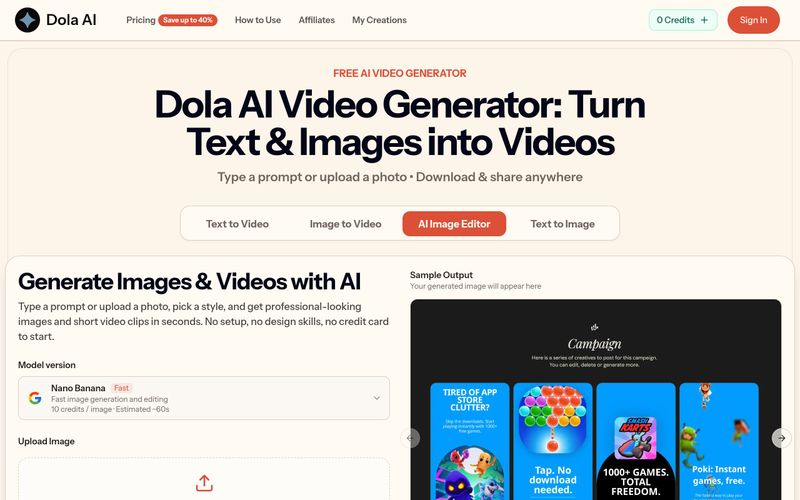
Dola AI 可免费将文本和图像转换为短视频。通过提示词或照片生成 AI 视频,下载无水印片段,并可在任何地方分享。
VidRush AI 是一个统一的生成式 AI 工作室,整合 Google Veo 3.1、Seedance 2.5、Kling、Nano Banana、Seedream 和 Suno 等顶级模型,在一个工作空间中创建电影级视频、逼真图像和专业级音乐。
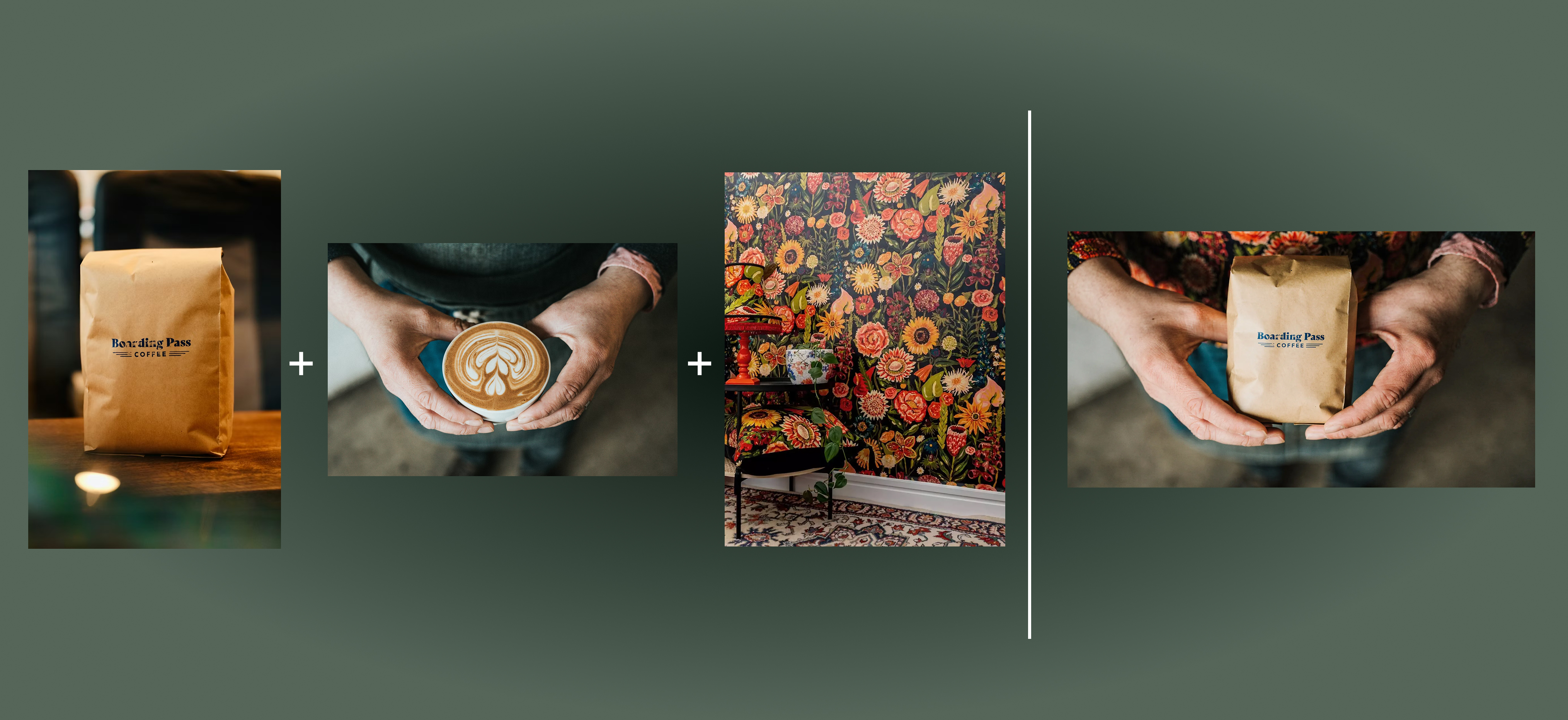

Flux 2 Max 是 Flux 2 系列中最先进的版本,专为追求高精度、真实感和生产级视觉输出的创作者而设计。作为一款高端的 AI 图像生成器(AI Image Generator) 与强大的 AI 图像编辑器(AI Image Editor) 的结合体,Flux 2 Max 将图像质量与一致性提升到了全新高度,非常适合专业级创作流程。
随着人工智能的飞速发展,11月成为了全年最具突破性的月份之一。从新一代图像模型和令人惊叹的视频工具,到能够编写代码、构建应用程序、清理杂乱数据,甚至从零开始创建完整学习中心的 AI 助手,应有尽有。无论你是创作者、营销人员、学生、开发者,还是仅仅是一位人工智能爱好者,本月的种种新发现都会让你重新思考人工智能的无限可能。
2025年最佳AI大模型与AI工具,最受欢迎的免费AI大模型与AI工具。
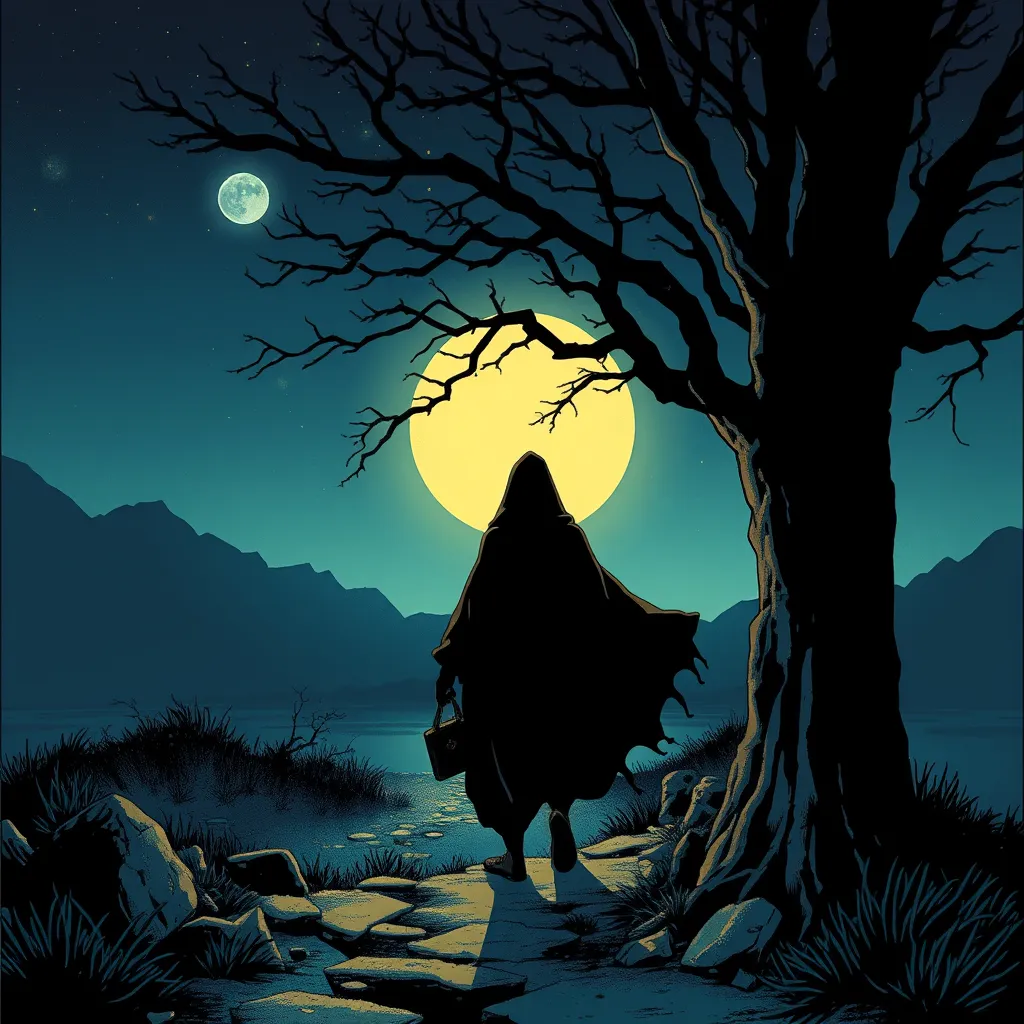
With the launch of the iOS 18.1 Beta version, registered developers can now experience some of the features of Apple AI, a cutting-edge addition to AI tools.