Subscribe to AI newsletter
Your data is completely secure with us. We don't share it with anyone.
Standardize incoming CVs into recruiter-reviewed candidate profiles.
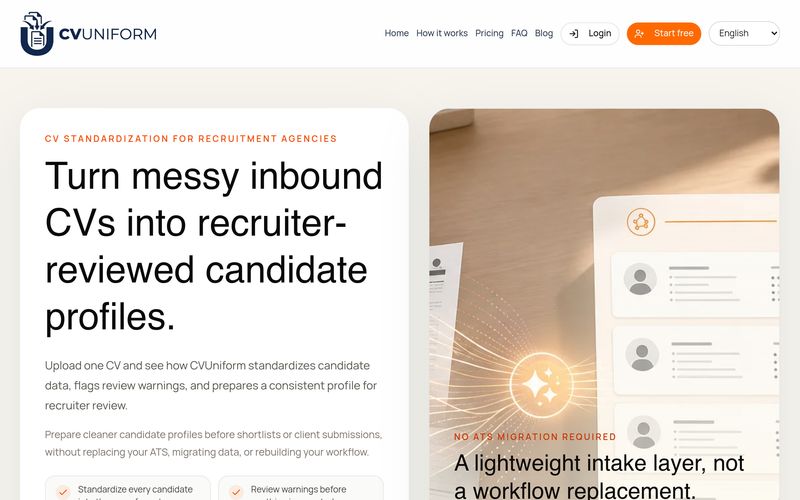
In modern recruitment workflows, processing large volumes of resumes can become a time-consuming challenge. CVUniform provides an efficient solution as an advanced AI tool designed to simplify Texting writing, candidate profile preparation, and resume standardization. Instead of manually copying information from different CV formats into templates, recruiters can use CVUniform to transform messy candidate documents into clean, consistent, and review-ready profiles.
One of the key advantages of CVUniform is its ability to standardize candidate information from various resume formats. Whether a CV arrives as a PDF, DOCX, spreadsheet entry, or a document with inconsistent layouts, the platform extracts essential details including contact information, professional experience, education, skills, and languages. This helps recruiters quickly organize candidate data into a unified structure that is easier to review and compare before shortlist decisions or client submissions.
Unlike traditional automation tools that simply parse documents and send unverified information forward, CVUniform keeps recruiters in control. The platform highlights missing fields, unclear information, and low-confidence extractions through review warnings, allowing teams to verify details before exporting the final candidate profile. This combination of AI processing and human review creates a more reliable recruitment workflow.
CVUniform is especially valuable for recruitment agencies, staffing companies, headhunters, RPO teams, and multilingual recruiting organizations. With support for multiple languages including English, French, German, Spanish, Italian, Portuguese, and Arabic, it helps teams manage diverse candidate sources while maintaining consistent presentation standards.
Beyond CV formatting, CVUniform also improves recruitment content creation and Texting writing efficiency by generating polished candidate profiles ready for client communication. Recruiters can export structured data for spreadsheets, tracking systems, and reporting without rebuilding documents manually.
Overall, CVUniform is more than a simple resume parser. As a practical AI tool, it combines intelligent data extraction, standardized profile creation, and recruiter-focused review workflows to make CV preparation faster and more professional. For teams looking to reduce administrative work and improve candidate presentation quality, CVUniform offers a smarter approach to modern recruitment operations.
Upload candidate CVs
Add one PDF or DOCX resume, or upload a batch from the folder, inbox, or shared drive your team already uses.
Choose the output format
Use one of CVUniform's available profile formats, then keep the original language or choose the output language for the profile.
Review the standardized profile
Check extracted contact details, experience, education, skills, languages, and warnings before export.
Export and share
Download the clean candidate profile and export structured data for Sheets or Excel tracking.
Does CVUniform replace our ATS?
No. CVUniform is not an ATS. It helps your team standardize CVs and export cleaner candidate profiles before tracking, shortlist preparation, or client submission.
Who is CVUniform built for?
CVUniform is built for recruitment agencies, staffing firms, headhunters, RPO teams, and recruiter-led teams handling inconsistent CV intake.
Which file formats are supported?
CVUniform supports digital PDF and DOCX resumes. Image-only scanned PDFs are not the focus of the current MVP.
Which languages are supported?
The current workflow supports English, French, German, Spanish, Italian, Portuguese, and Arabic CVs. Profiles can stay in the original language or be generated in your selected output language.
Which candidate profile formats can we use?
Workspace users can use CVUniform's available profile formats and export reviewed candidate profiles. Uploading additional DOCX formats is not currently self-serve.
Can recruiters review and edit before export?
Yes. Recruiters can review extracted fields, check warnings, and confirm candidate information before export.
What does CVUniform produce after processing?
Each processed CV can produce a clean candidate profile plus structured candidate data for spreadsheet tracking.
Does CVUniform support batch processing?
Yes. You can upload one CV or process a batch when you need to standardize multiple candidate documents.
How does CVUniform handle resume data?
CVUniform does not sell, share, or reuse resume data. Public demo uploads are deleted within 24 hours. Workspace uploads and processing artifacts are automatically deleted after 30 days.
What happens when AI is unsure?
CVUniform highlights warnings or low-confidence fields so your recruiter knows what to verify before exporting.
Share practical notes and help others evaluate this tool.
No comments yet. Start the conversation.

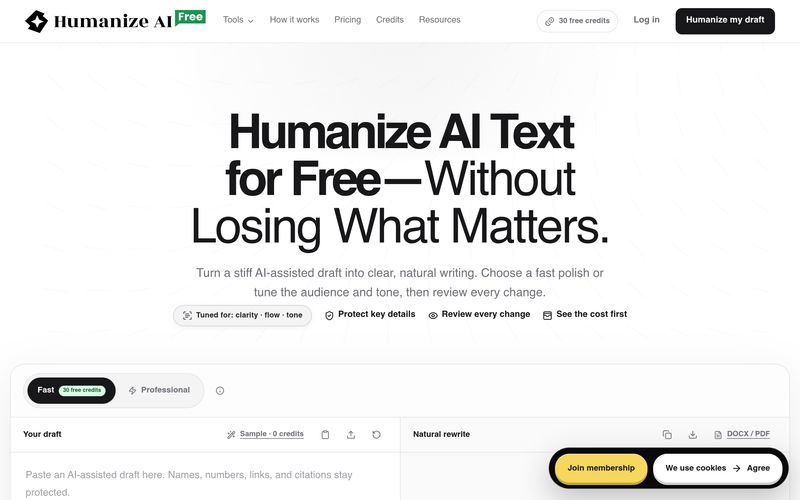
FreeHumanizeAI humanizes AI-generated text to improve clarity, flow, and tone while preserving meaning. It offers a free plan with 30 credits, professional tools, and a transparent credit system. Users can review all changes and export their work.
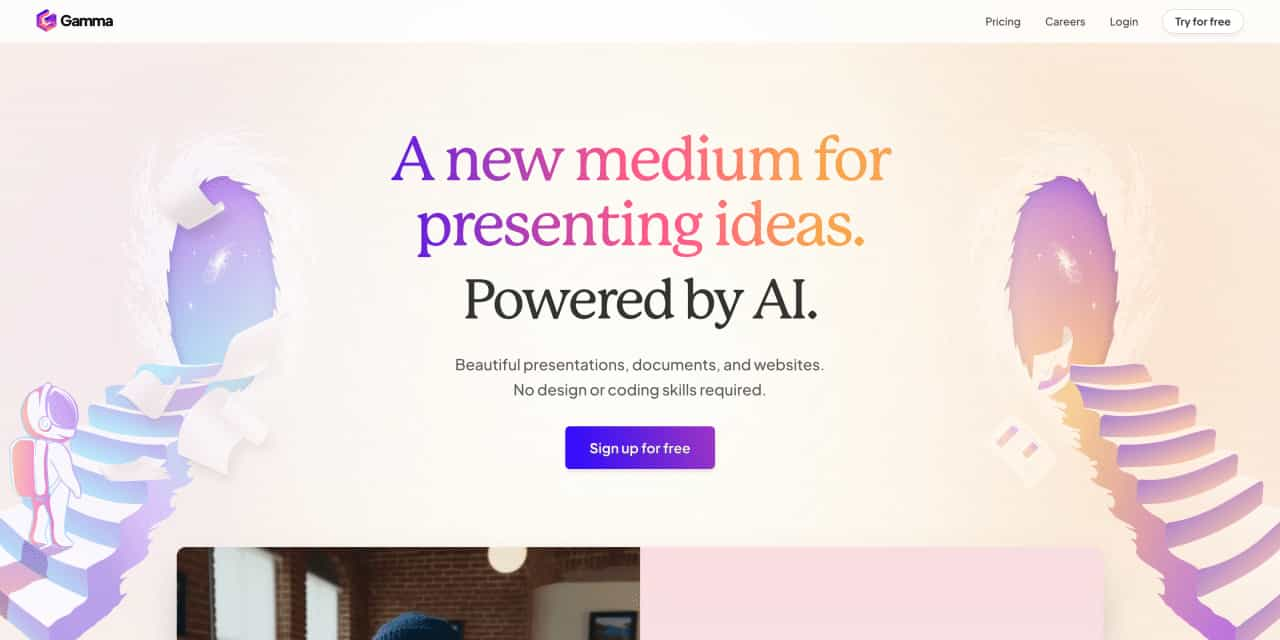
Beautiful presentations, documents, and websites. No design or coding skills required.
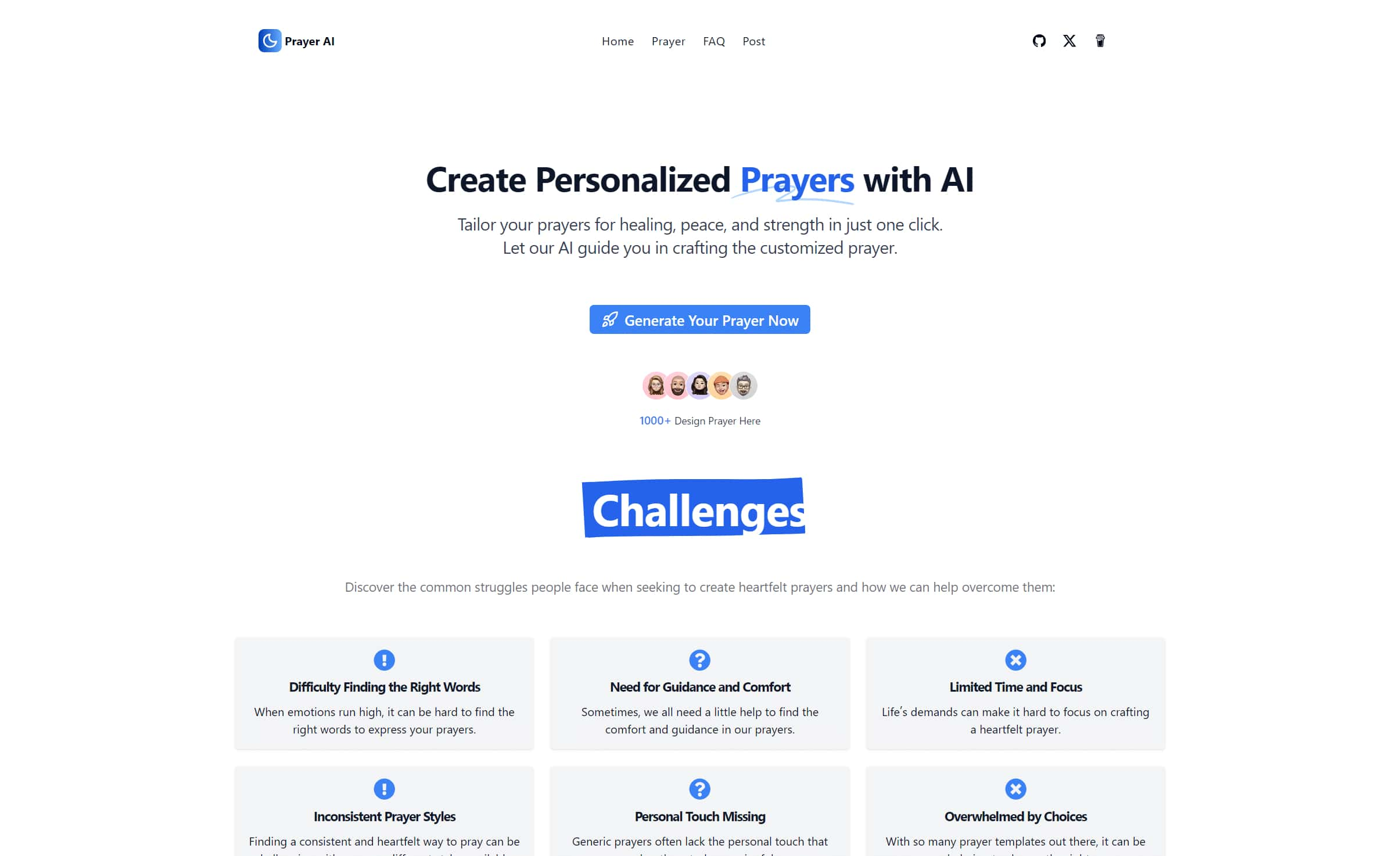
Create personalized prayers tailored to your specific needs. Explore our extensive prayer library and generate custom prayers for healing, peace, strength, and more. Learn how to write your own prayers with our helpful guides.
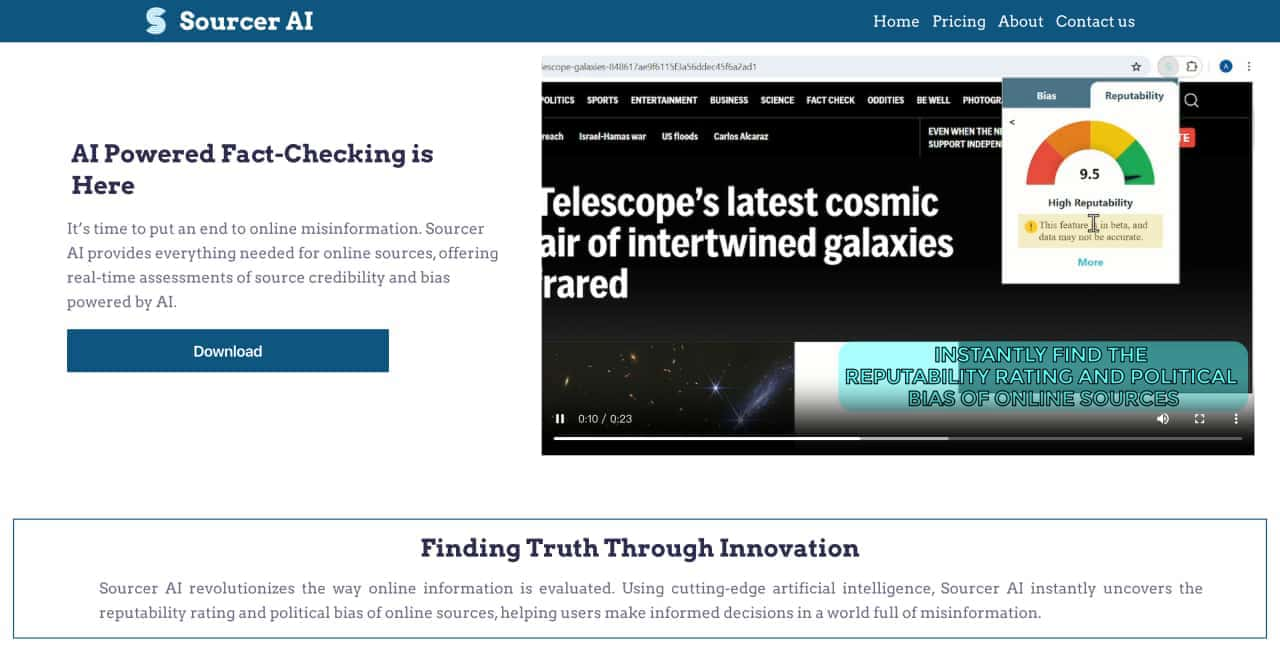
Real-Time Assessment of Source Credibility and Bas



This comprehensive guide explores the best AI image generators available in 2026, highlighting their unique features, strengths, and ideal use cases. We'll dive deep into each tool's capabilities to help you identify which AI image generator best suits your creative needs.

Google has just launched a powerful AI IDE code editor — now you can really vibe while coding

The best AI Model And AI Tools in 2026,The Most Popular Free AI Model And AI Tools.