Subscribe to AI newsletter
Your data is completely secure with us. We don't share it with anyone.
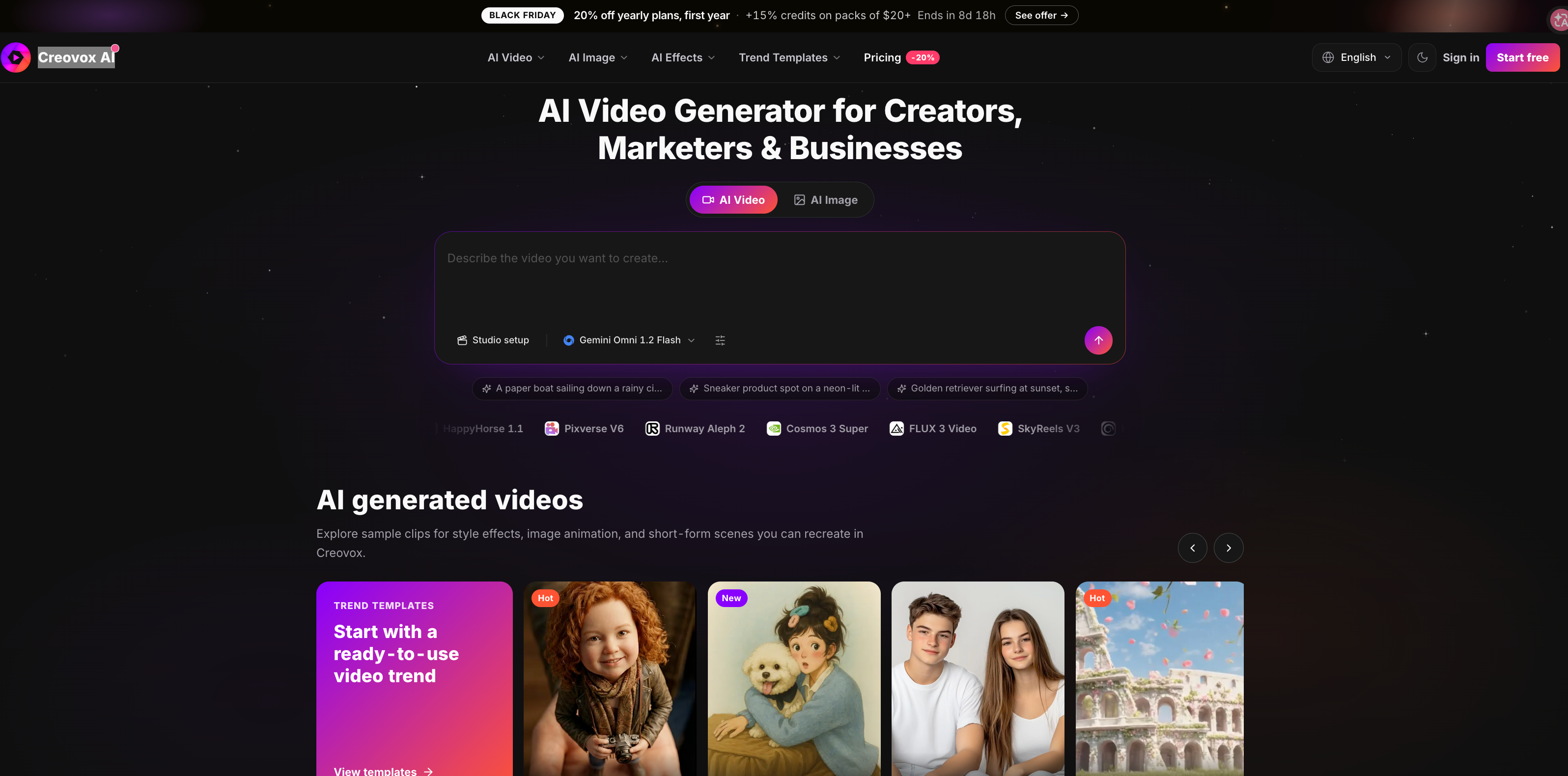
Enter a prompt, script, product description, or upload an image for an image-to-video run.
Pick from the video models currently available in Creovox, including Kling, Wan, Seedance, and Veo.
Adjust length, aspect ratio, resolution, prompt, and reference media when the workflow offers those controls.
Review the clip, change the prompt or model, and generate another version.
Creovox AI is an intuitive AI tool for Video Generation that helps creators, marketers, and businesses transform creative ideas into engaging videos. With support for multiple AI video models and flexible customization options, Creovox AI simplifies the video creation process into four straightforward steps, making AI-powered content production more accessible to users with different experience levels.
Begin by entering a text prompt, script, or product description, or simply upload an existing image. Whether you want to animate a product photo, create a cinematic scene, or develop promotional content, Creovox AI supports both Text to Video and Image to Video Generation workflows, allowing you to start with the materials you already have.
One of the key advantages of Creovox AI is its integration of multiple video generation models, including Kling, Wan, Seedance, and Veo. Each model may produce different results depending on motion, visual style, and prompt interpretation. Users can explore these options and select the model that best matches their creative goals.
Before generating your video, configure the available settings to achieve your desired visual outcome. Depending on the selected model and workflow, Creovox AI allows users to adjust video duration, aspect ratio, resolution, prompts, and reference media. These controls help creators tailor their videos for social media, product demonstrations, advertising campaigns, or cinematic storytelling.
Once your settings are ready, start the AI Video Generation process. Review the generated clip to evaluate its motion, composition, and overall visual quality. If the result doesn't fully match your expectations, refine your prompt, adjust the settings, or switch to another AI model to generate a new version.
Overall, Creovox AI offers a practical and flexible approach to Video Generation. By combining multiple AI models, customizable settings, and an iterative creative workflow in one platform, this AI tool helps users experiment with different visual ideas and streamline video production without requiring advanced editing skills.


This comprehensive guide explores the best AI image generators available in 2026, highlighting their unique features, strengths, and ideal use cases. We'll dive deep into each tool's capabilities to help you identify which AI image generator best suits your creative needs.
Google has just launched a powerful AI IDE code editor — now you can really vibe while coding
The best AI Model And AI Tools in 2026,The Most Popular Free AI Model And AI Tools.