Subscribe to AI newsletter
Your data is completely secure with us. We don't share it with anyone.
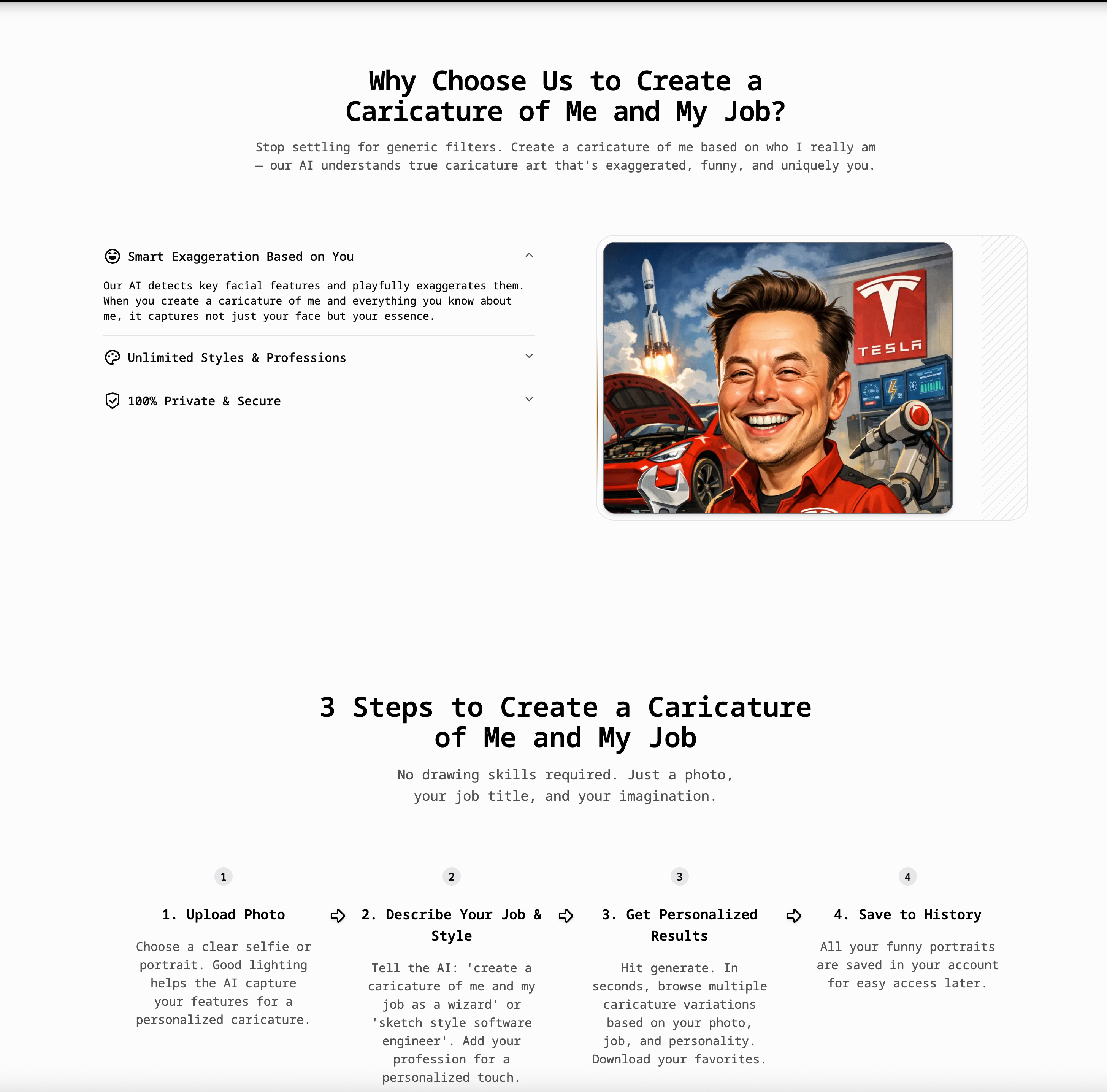
Sign up for a free account to get starter credits. You can upload your photo and generate your first few caricatures at no cost. Just describe yourself or your job and hit generate.
Upload your photo and type a prompt that includes your profession, like 'create a caricature of me and my job as a teacher' or 'funny cartoon of me as a software engineer'. The AI will add job-related props, uniforms, and backgrounds automatically.
Yes! The more details you provide in your prompt, the more personalized the result. Describe your job, hobbies, personality traits, and preferred style. For example: 'create a caricature of me based on everything you know about me — I'm a coffee-loving developer who wears glasses and loves cats'.
For best results, combine your appearance with your profession. Try prompts like: 'create a caricature of me and my job based on this photo, big head small body, funny expression, I'm a doctor with a stethoscope, pencil sketch style'.
Absolutely! Upload one clear photo and add a detailed text description. The AI combines your facial features from the photo with personality and job traits from your prompt to create a truly personalized caricature.
Yes! Many users create a caricature of me and my job specifically for LinkedIn, company websites, Slack avatars, and business cards. The images are yours to use anywhere.
Absolutely. We use your photo only to generate the caricature. It is not shared with third parties and is deleted from our processing servers automatically.
Yes! Upload a photo of your pet, partner, or family and describe them. Try 'funny caricature of my dog as a chef' or 'create a caricature of me and my family at the beach'.
No, our tool is 100% web-based. You can create a caricature of me and my job directly from your browser on mobile or desktop — no installation needed.
The text description tells the AI HOW to draw you. Your photo provides the face, but the text provides context — your job, personality, style preference (e.g., '3D', 'Vintage', 'Cartoon'), and any props or scenes you want included.
This FAQ highlights how a modern AI tool can dramatically simplify personalized Image Generation, making caricature creation accessible, fast, and highly customizable. At its core, the platform demonstrates how combining visual input (a photo) with natural language prompts can produce rich, context-aware outputs that go far beyond traditional image editing or static filters.
One of the most appealing aspects is the low barrier to entry. Users can start for free with starter credits, allowing them to test the AI tool without commitment. This is particularly important in the Image Generation space, where output quality can vary widely across platforms. By offering a free trial, the tool allows users to validate results before upgrading, which builds trust and encourages experimentation.
The workflow itself is both simple and powerful. Users upload a single image and provide a descriptive prompt that includes their profession, personality, or creative intent. This combination is what makes the Image Generation process truly dynamic. Instead of just transforming a face, the AI interprets context—adding props, environments, and stylistic elements automatically. For example, describing yourself as a teacher, developer, or chef leads to outputs that visually reflect those roles, complete with relevant details. This level of contextual understanding is a key strength of advanced AI tools.
Another standout feature is the importance of prompt quality. The FAQ emphasizes that more detailed descriptions lead to better results, encouraging users to include personality traits, hobbies, and stylistic preferences. This transforms Image Generation into a collaborative process between the user and the AI, where creativity is guided rather than limited. The ability to generate personalized caricatures from just one photo further showcases the efficiency and intelligence of the system.
In terms of practical use, the generated images are versatile and suitable for both personal and professional applications. Users can create avatars for LinkedIn, company profiles, or social platforms, as well as fun content for gifts or entertainment. The platform also supports broader use cases, including caricatures of pets, families, and teams, making it a flexible AI tool for various creative needs.
Privacy and accessibility are also well addressed. The tool is fully web-based, requiring no downloads, and ensures that uploaded images are securely processed and automatically deleted. This adds an extra layer of confidence for users concerned about data safety.
Overall, this FAQ illustrates how an advanced AI tool can elevate Image Generation by combining ease of use, personalization, and intelligent context awareness. It transforms a simple photo and a few words into expressive, meaningful visuals, making it a powerful solution for both creative exploration and practical digital content creation.



This comprehensive guide explores the best AI image generators available in 2026, highlighting their unique features, strengths, and ideal use cases. We'll dive deep into each tool's capabilities to help you identify which AI image generator best suits your creative needs.

Google has just launched a powerful AI IDE code editor — now you can really vibe while coding

The best AI Model And AI Tools in 2026,The Most Popular Free AI Model And AI Tools.