Subscribe to AI newsletter
Your data is completely secure with us. We don't share it with anyone.
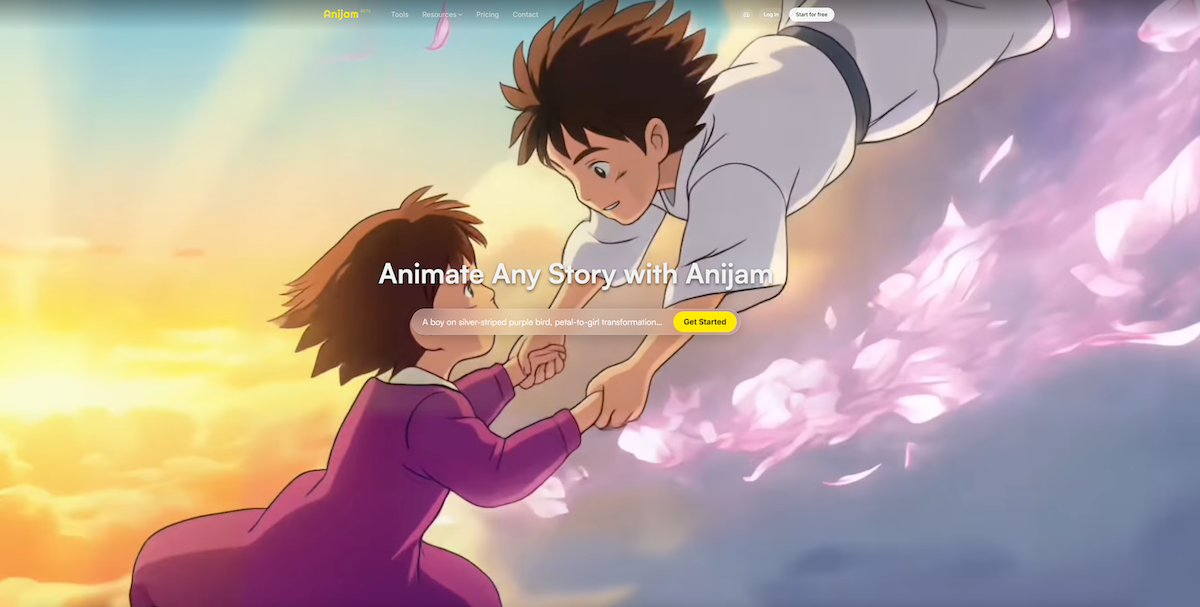
Type a text prompt describing your animation concept, paste a full script, or upload a reference image as your starting point. Anijam's AI agent instantly reads your input and generates a complete story outline, scene breakdown, and character suggestions - no storyboarding required.
Choose your animation style from Anijam's rich library (anime, cartoon, 3D cinematic, pixel art, and more). Adjust character appearance, add motion direction, select a multilingual voice from the built-in library or upload your own audio - then hit Generate to watch your animation come to life.
Refine your animation using the built-in timeline editor. Fine-tune motion, timing, lip sync, and scene transitions directly on the canvas. When you're satisfied, export in 1080p (or 4K on premium plans) and share on any platform - watermark-free on eligible plans.
From a practical workflow perspective, Anijam demonstrates how a modern AI tool can dramatically simplify the entire Video Generation process without sacrificing creative control. Its three-step “How to use” flow is not just beginner-friendly—it reflects a deeper shift toward AI-driven automation in animation production.
In Step 1, Anijam immediately sets itself apart as an intelligent AI tool for Video Generation by allowing users to start from virtually any input format: text prompts, full scripts, or reference images. What’s impressive here is how the AI agent doesn’t just generate visuals—it understands intent. It automatically builds a complete story outline, breaks it into scenes, and even suggests characters. This eliminates the need for manual storyboarding, which is traditionally one of the most time-consuming stages in animation. For creators focused on speed and scalability, this alone makes Anijam highly valuable.
Step 2 introduces a high level of creative flexibility. Unlike many rigid video tools, Anijam enables deep customization across style, voice, and motion. Users can choose from a wide variety of visual styles—such as anime, cartoon, or cinematic 3D—while also controlling character appearance and movement through simple inputs. The addition of a multilingual voice library and the ability to upload custom audio further strengthens its position as a versatile AI tool. This stage balances automation with personalization, ensuring that content doesn’t feel generic.
Finally, Step 3 highlights Anijam’s professional-grade finishing capabilities. The built-in timeline editor allows precise control over motion, timing, lip sync, and transitions—all within a single canvas. This is where Anijam evolves from a basic generator into a full production suite. The ability to export in 1080p or 4K, combined with watermark-free output options, ensures that the final videos are ready for commercial use across platforms like YouTube, TikTok, and advertising channels.
Overall, this streamlined workflow reinforces Anijam’s strength as a powerful AI tool for Video Generation. It reduces complexity while maintaining quality, making it an excellent solution for both rapid content creation and more polished animation projects.



This comprehensive guide explores the best AI image generators available in 2026, highlighting their unique features, strengths, and ideal use cases. We'll dive deep into each tool's capabilities to help you identify which AI image generator best suits your creative needs.

Google has just launched a powerful AI IDE code editor — now you can really vibe while coding

The best AI Model And AI Tools in 2026,The Most Popular Free AI Model And AI Tools.