Subscribe to AI newsletter
Your data is completely secure with us. We don't share it with anyone.
Anijam is an all-in-one AI animation platform. AI Agent handles the full pipeline - script, scenes, character consistency, lip sync & timeline editing.
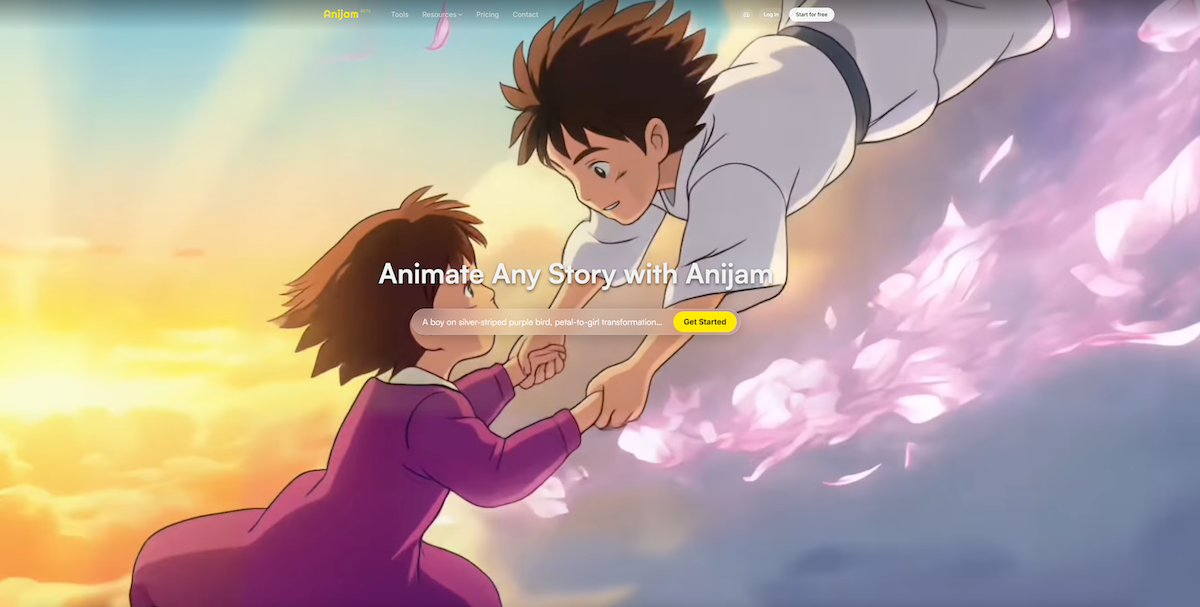
Anijam is an advanced AI tool designed to redefine Video Generation by turning ideas, scripts, and images into fully animated 3D videos—without requiring traditional animation skills. Built as a complete AI animation agent, Anijam goes far beyond basic generators, offering an end-to-end creative workflow that covers storytelling, character creation, motion design, and final video export in one seamless platform.
At its core, Anijam is an all-in-one AI tool for Video Generation that allows creators to animate any story in minutes. Unlike traditional animation software that demands technical expertise like rigging and keyframing, Anijam automates the entire production process using an intelligent AI agent.
Key highlights include:
This makes Anijam an ideal AI tool for Video Generation for content creators, marketers, educators, and filmmakers.
One of Anijam’s standout features is its animation-grade lip sync engine, which delivers highly realistic and expressive character performances.
This feature ensures that every character feels alive, making Anijam a top-tier AI tool for narrative-driven Video Generation.
Anijam provides access to a diverse style library, including:
Users can also train custom styles, ensuring consistent branding across all videos. This flexibility enhances creative control while maintaining production efficiency.
Anijam simplifies the animation process into three intuitive steps:
Start with text, images, or scripts. The AI instantly generates a story outline and scene structure.
Adjust style, characters, voice, and motion. You can also upload assets or audio for personalization.
Use the built-in timeline editor to refine motion, timing, and lip sync, then export or share your video.
This streamlined workflow positions Anijam as a highly efficient AI tool for Video Generation, eliminating the need for multiple software tools.
Anijam allows users to control:
You can even upload reference videos, and the AI will replicate motion patterns with precision. This level of control is rarely seen in other Video Generation AI tools.
Here’s why Anijam stands out in the competitive AI landscape:
Anijam is a versatile AI tool suitable for:
If you're looking for a next-generation AI tool for Video Generation, Anijam delivers a comprehensive solution that combines automation, creativity, and professional output. Its ability to transform simple prompts into fully animated stories—with consistent characters, realistic lip sync, and cinematic quality—makes it a standout platform in the AI animation space.
Whether you're creating viral social content or high-quality branded videos, Anijam empowers you to turn imagination into motion—quickly, easily, and at scale.
Type a text prompt describing your animation concept, paste a full script, or upload a reference image as your starting point. Anijam's AI agent instantly reads your input and generates a complete story outline, scene breakdown, and character suggestions - no storyboarding required.
Choose your animation style from Anijam's rich library (anime, cartoon, 3D cinematic, pixel art, and more). Adjust character appearance, add motion direction, select a multilingual voice from the built-in library or upload your own audio - then hit Generate to watch your animation come to life.
Refine your animation using the built-in timeline editor. Fine-tune motion, timing, lip sync, and scene transitions directly on the canvas. When you're satisfied, export in 1080p (or 4K on premium plans) and share on any platform - watermark-free on eligible plans.
AI 3D animation uses artificial intelligence to automatically generate motion, characters, and scenes from inputs like text, images, or 3D models. With an AI 3D animation generator like Anijam, you can create smooth, lifelike animations without manual keyframing or prior experience.
Yes. Anijam offers a free trial with animation generation and HD downloads included. Upgrade to a premium plan to unlock 4K exports and full commercial usage rights.
Traditional 3D animation requires manual modeling, rigging, keyframing, and rendering, which can take hours or days. AI-generated animation automates most steps, letting you produce high-quality animated videos faster using simple prompts.
Simple animations can be generated in minutes. More complex scenes with multiple characters or actions may take slightly longer. Overall, AI drastically reduces production time compared to traditional workflows.
Yes, but commercial usage requires a premium plan. Once upgraded, you can use your 3D animation video for ads, client work, products, and monetized platforms without additional licensing concerns.
An AI animation video generator is a tool that uses artificial intelligence to turn your text, images, or scripts into animated videos. With Anijam, you simply describe a scene, upload assets, or provide a script - and the AI automatically generates professional-quality animation with motion, transitions, and character behavior.
Yes. Anijam offers a free online AI animation video generator with no credit card required. Sign up to access core animation features including text-to-animation, style selection, and HD export. Upgrade to a premium plan to unlock 4K exports, custom style training, extended video length, and full commercial usage rights.
Yes. Anijam supports multiple input modes. You can create animations from natural language descriptions (from text), from image uploads, or directly from scripts. The AI interprets your input and constructs scene layouts, character actions, and camera movement automatically.
Not at all. Anijam's AI handles all the technical work - motion planning, lip sync, dynamic camera moves, and scene transitions. You work in plain language and simple prompts, so you don't need any prior animation or video editing skills.
Most animations are ready within a few minutes. Simple scenes with text-based prompts process fastest, while longer or more complex animations with multiple characters and dynamic backgrounds may take slightly longer - but the AI gives you real-time progress so you always know what to expect.
Share practical notes and help others evaluate this tool.
No comments yet. Start the conversation.

Sora is a large AI image-to-video model launched by OpenAI in 2026. It can create realistic and imaginative scenes based on text instructions.
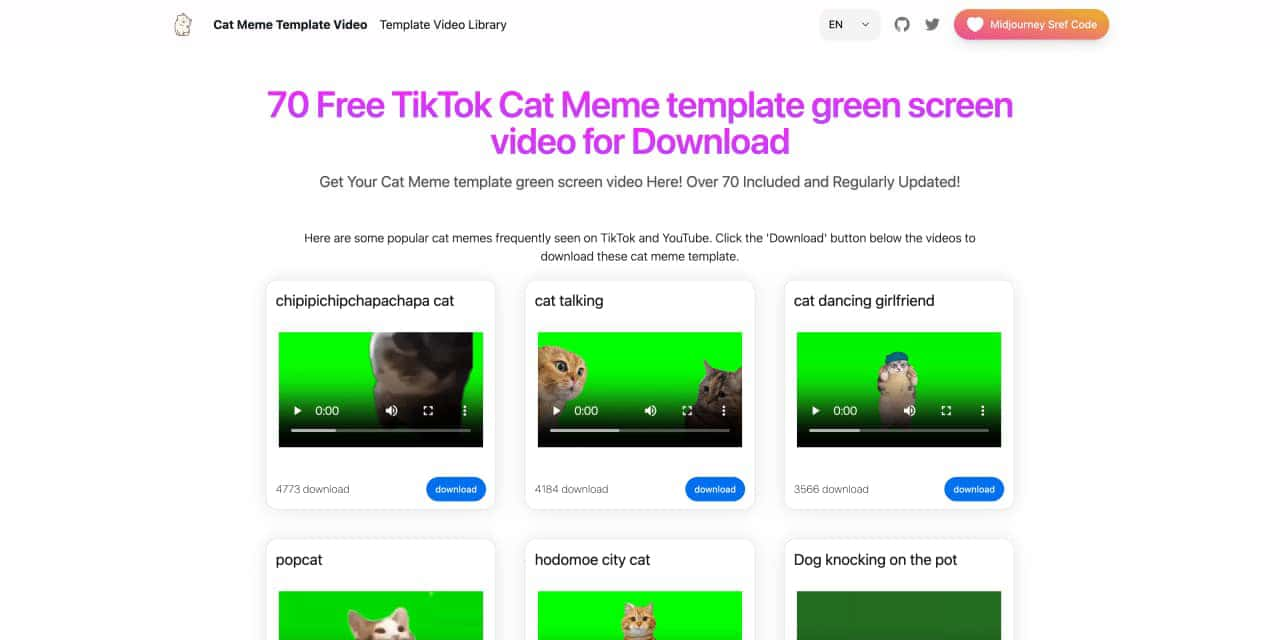
You can download the latest and most popular green screen cat meme template video featured on TikTok and YouTube. These materials are offered for free
Runway is an applied AI research company shaping the next era of art, entertainment and human creativity.
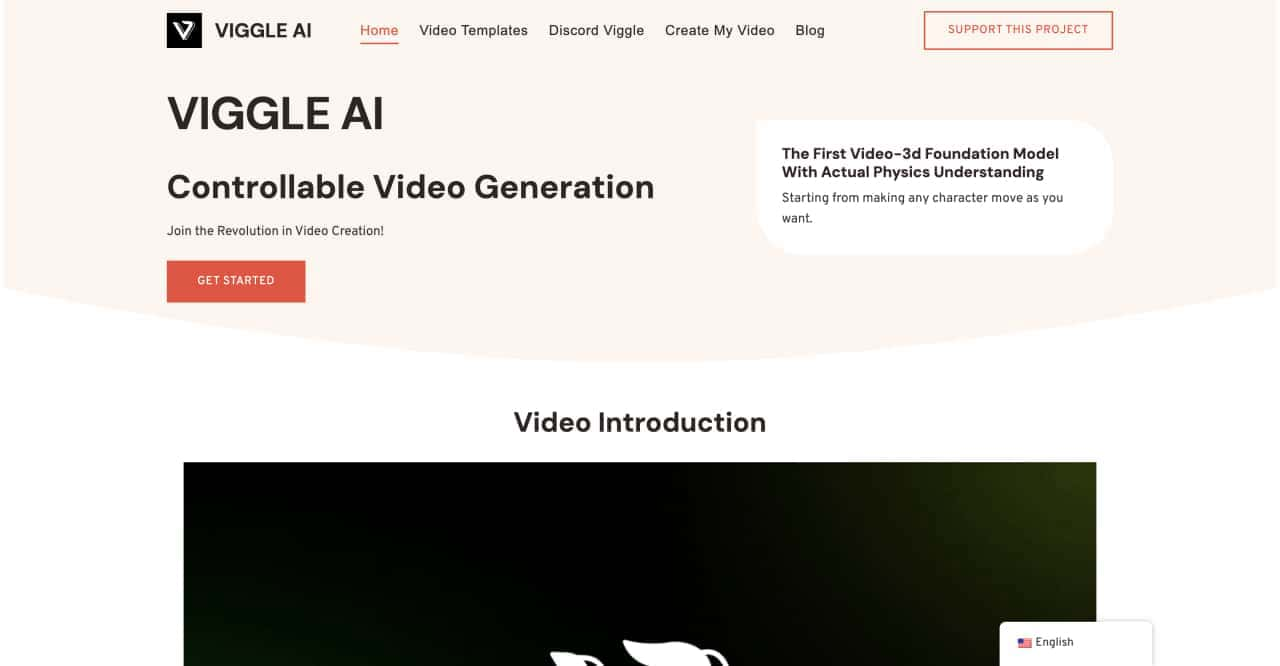
Use Viggle AI to create dynamic animations from images and text prompts. This guide covers its benefits, usage steps, and frequently asked questions.



This comprehensive guide explores the best AI image generators available in 2026, highlighting their unique features, strengths, and ideal use cases. We'll dive deep into each tool's capabilities to help you identify which AI image generator best suits your creative needs.

Google has just launched a powerful AI IDE code editor — now you can really vibe while coding

The best AI Model And AI Tools in 2026,The Most Popular Free AI Model And AI Tools.