AIニュースレターを購読
あなたのデータは私たちと完全に安全です。誰とも共有しません。
Convert video to JPG, PNG, or WebP frames directly in your browser with Video2Jpg. No uploads, no watermarks, and 100% free. Fast, private, and supports MP4, WebM, MOV, AVI, and MKV.
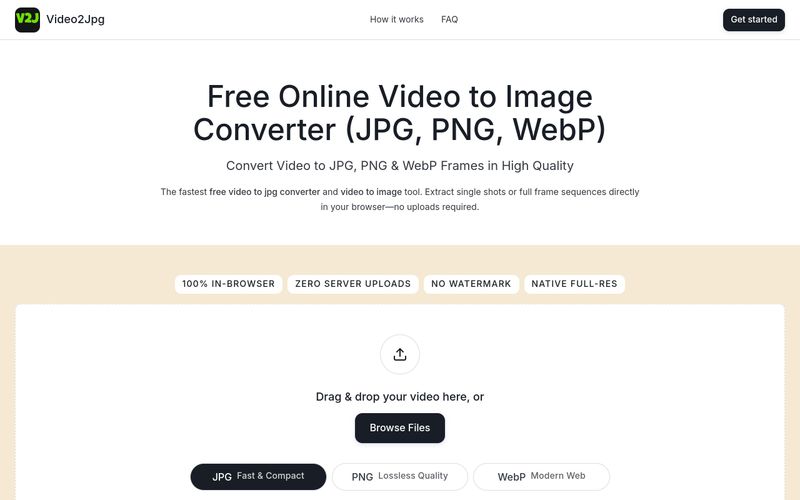
Video2Jpg is a free online tool that lets you convert videos into high-quality images directly in your web browser. Whether you need a single frame or a full sequence, Video2Jpg supports JPG, PNG, and WebP formats, all without uploading your files to any server. This means your videos remain private and secure, and you can process files of any size without worrying about upload limits.
The tool is designed for ease of use: simply drag and drop your video, choose your desired format, and extract frames at specific timestamps or set intervals for bulk extraction. Video2Jpg works with popular video formats including MP4, WebM, MOV, AVI, and MKV, and it’s compatible with both desktop and mobile browsers.
Key benefits include:
Video2Jpg is ideal for content creators, developers, and anyone who needs to quickly extract images from videos without compromising quality or privacy.
Using Video2Jpg is straightforward and requires no installation. Follow these steps:
For mobile users, open the website in your browser, tap 'Browse Files' to select a video from your photo library, and save the extracted frames directly to your camera roll.
Simply drag your video into the converter box above, select JPG as your output format, seek to the desired timestamp, and click download. You can also set interval capture to automatically extract every frame.
Open this webpage in Safari or Chrome on your mobile device, tap Browse Files to select a clip from your Photo Library, choose JPG, and save the extracted high-resolution frames directly to your camera roll.
Yes. Select PNG mode, set your extraction frequency (e.g., every frame or every second), and click Extract. The video to png converter compiles all full-resolution video to png frames into a single downloadable ZIP archive.
Yes. This is a 100% free video to jpg converter and multi-format image extractor. All processing runs entirely client-side using your browser's local resources—no video data is ever uploaded to external servers.
For support, you can contact the Video2Jpg team via email at staluxy@gmail.com. Additionally, the website provides a FAQ section and a contact page for further assistance.
実用的なメモを共有し、他の人がこのツールを評価するのを助けましょう。
まだコメントはありません。会話を始めましょう。

AI変換ツールは、コンテンツをある形式、スタイル、またはモダリティから別のものに高い精度と効率で変換するように設計されたAI搭載の変換ユーティリティのカテゴリです。AI変換ツールのより広い分類内では、テキスト変換(AIから人間へのテキスト、言語翻訳、トーン書き換えなど)、メディア変換(テキストから画像、テキストから音楽、画像からビデオ)、データ形式変換(音声文字起こし、ドキュメント再構成、コード翻訳)を処理できます。高度な機械学習モデルを活用することにより、AI変換ツールは複雑な変換プロセスを自動化し、生産性を向上させ、一貫した出力品質を保証し、最新のAI駆動ワークフローに不可欠なコンポーネントになります。
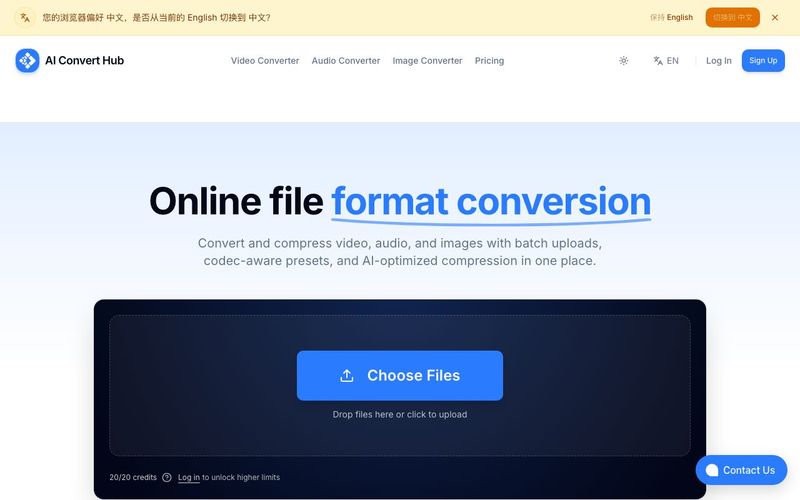
Batch convert and compress MP4/MOV, MP3/WAV, JPG/PNG/WEBP and 200+ formats with codec-aware presets, AI compression, and secure routing.
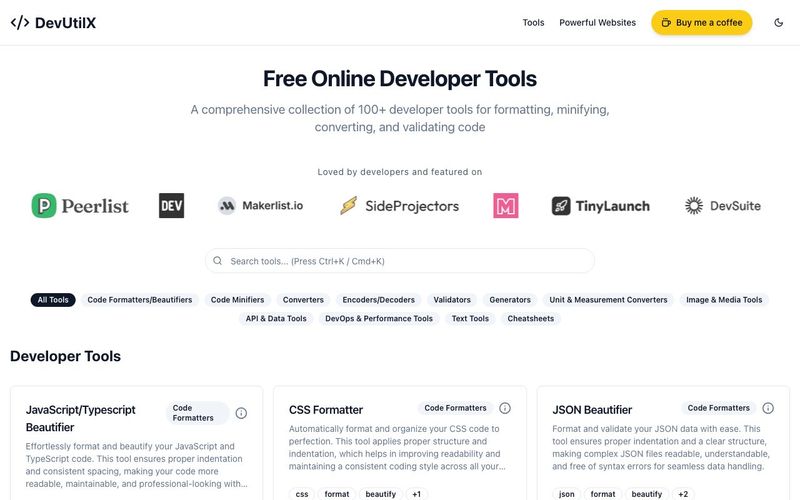
Access 100+ free online developer tools at DevUtilX. Format, validate, convert, and minify code instantly in your browser. No installation required.



This comprehensive guide explores the best AI image generators available in 2026, highlighting their unique features, strengths, and ideal use cases. We'll dive deep into each tool's capabilities to help you identify which AI image generator best suits your creative needs.

Google has just launched a powerful AI IDE code editor — now you can really vibe while coding

The best AI Model And AI Tools in 2026,The Most Popular Free AI Model And AI Tools.