订阅AI通讯
您的数据完全安全。我们不会与任何人共享。
Free Text to Handwriting Converter Online! Transform typed text into realistic handwritten notes instantly. Customize fonts, paper, and ink. Perfect for students & teachers. Try our tool now!
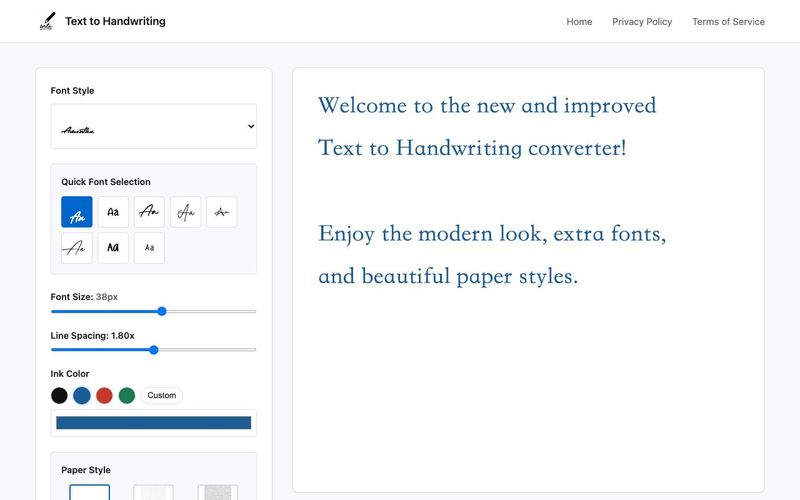
Free Text to Handwriting Converter – The AI Tool for Realistic Handwritten Notes
Looking for a simple, fast, and free way to transform digital text into natural handwriting? Our Text to Handwriting Converter is the perfect AI Tool for students, teachers, creators, and anyone who wants to add a handwritten touch to their documents. With just one click, turn plain typed text into stunning handwritten notes—complete with realistic strokes, letter spacing, and paper textures.
This smart text writing generator delivers authentic results instantly, making it ideal for assignments, presentations, personal messages, journaling aesthetics, and more.
Key Features of Our Text to Handwriting Converter
Realistic Handwriting Simulation
Our AI-powered engine recreates natural handwriting with fluid strokes, organic spacing, and subtle style variations—so your output looks genuinely handwritten.
5+ Handwriting Font Styles
Choose from multiple handwriting options including cursive, print, and expressive styles. Match your preferred tone whether you're going for formal, casual, or creative.
Multiple Paper Backgrounds
Enhance your handwritten notes with lined paper, blank sheets, bordered pages, or themed backgrounds such as gift notes, birthday cards, and love letter styles.
Custom Pen Ink Colors
Select from blue, black, red, or gel pen–style inks. Each color has light and dark variations for added depth and realism.
Real-Time Text Writing Conversion
Type or paste your content and see it instantly converted to handwriting—no delays, no complicated steps.
Realistic Visual Effects
Apply subtle blur, shadow, or shading effects to imitate real paper textures and enhance the handwritten appearance.
High-Quality PNG Export
Download your handwriting output as a crisp, high-resolution PNG image—perfect for printing, submission, or sharing.
100% Free
Access every feature without subscriptions, limits, or hidden fees.
Saves Time
Skip the manual writing. Convert long essays, notes, or assignments in seconds.
Multi-Language Support
Supports English, Hindi, Tamil, Telugu, and many other global languages—ideal for diverse writing needs.
Fully Customizable
Adjust handwriting styles, ink colors, and paper backgrounds to match your personal aesthetic.
High-Quality Output
Export print-ready PNG or PDF files suitable for homework, professional use, or decorative purposes.
Secure & Private
Your content is automatically deleted after download. We never store your data.
Works on Any Device
Mobile-friendly and responsive. Enjoy seamless handwriting conversion on phones, tablets, or desktops.
Using an online text to handwriting converter is simple, fast, and requires no software installation. Here's how you can get started in just a few easy steps:
1. Enter Your Text
Start by typing or pasting your content into the input field. Whether it's a short note or a long assignment, the tool processes it instantly.
2. Customize the Style
Choose from various handwriting fonts, pen ink colors (black, blue, red), and a range of paper styles—from plain white sheets to lined paper and decorative backgrounds. Font options support different alphabets including Latin, Devanagari, Arabic, and Cyrillic.
3. Live Preview Your Handwriting
See your handwritten content update in real-time as you type or make changes. This helps you fine-tune before downloading.
4. Download Your Handwritten Output
Once you're satisfied, download your result as a high-resolution PNG image—perfect for printing, submitting assignments, or sharing digitally.
What is the Text to Handwriting Converter?
The Text to Handwriting Converter is an online tool that transforms typed text into realistic handwritten notes. It allows you to choose different handwriting styles, paper backgrounds, and ink colors to create authentic-looking handwritten documents.
How do I convert text to handwriting?
Simply type or paste your text into the input field, choose your preferred handwriting style, paper type, and ink color. The tool will instantly generate a handwritten version that you can preview in real-time and download as PNG.
What customization options are available?
You can customize multiple aspects including handwriting fonts, pen ink colors (blue, black, red, green with light and dark variants), paper styles (plain, lined, grid, parchment), font size, and line spacing for a personalized output.
Is it free to use?
Yes, the Text to Handwriting Converter is completely free to use with no hidden charges, premium features, or registration requirements. All core features are available at no cost.
Does it support multiple languages and alphabets?
Yes, the tool supports multiple languages including Hindi, English, Tamil, Telugu, and more. It works with various alphabets such as Latin, Devanagari, Arabic, and Cyrillic scripts.
How realistic does it look?
The output is highly realistic with natural letter spacing, style variations, and fluid strokes that mimic authentic handwriting. Advanced features like blur, shadow, and shading effects further enhance the lifelike appearance of the handwritten text.
分享实用笔记,帮助他人评估此工具。
暂无评论。开始对话吧。

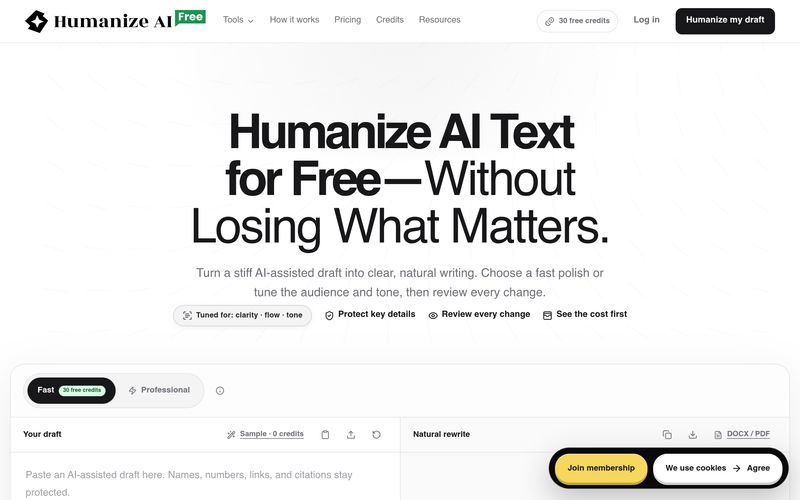
FreeHumanizeAI将AI生成的文本人性化,改善清晰度、流畅度和语气,同时保留原意。它提供免费计划(30积分)、专业工具和透明的积分系统。用户可以审查所有更改并导出作品。

Beautiful presentations, documents, and websites. No design or coding skills required.
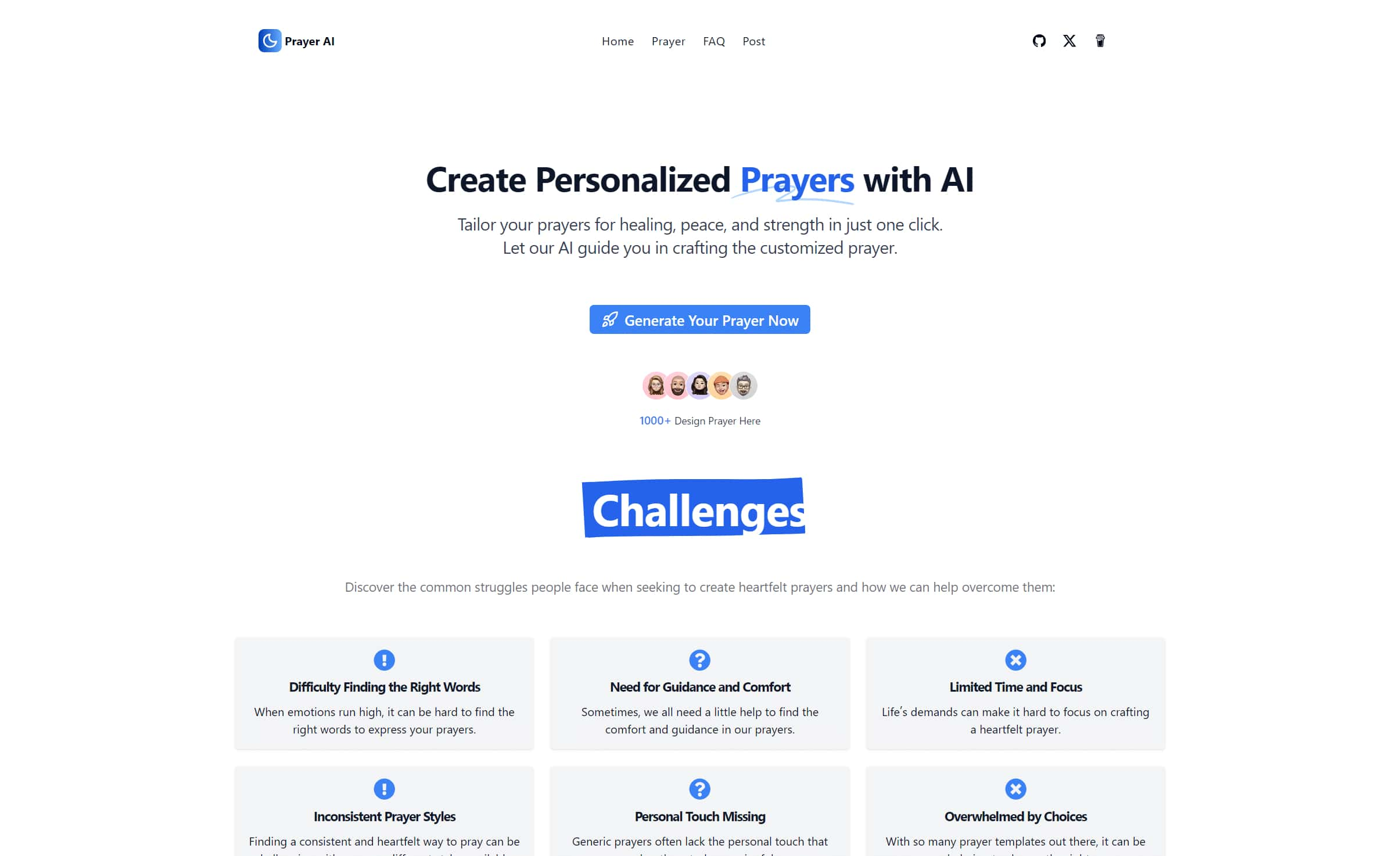
Create personalized prayers tailored to your specific needs. Explore our extensive prayer library and generate custom prayers for healing, peace, strength, and more. Learn how to write your own prayers with our helpful guides.
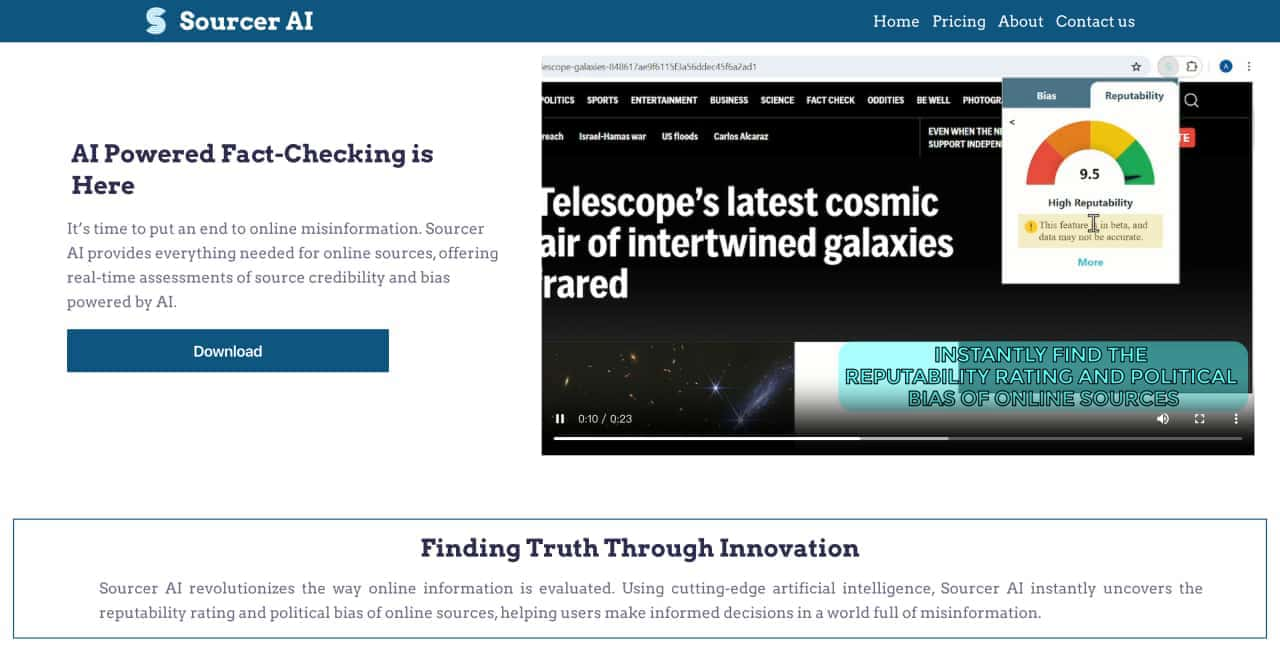
Real-Time Assessment of Source Credibility and Bas


Flux 2 Max 是 Flux 2 系列中最先进的版本,专为追求高精度、真实感和生产级视觉输出的创作者而设计。作为一款高端的 AI 图像生成器(AI Image Generator) 与强大的 AI 图像编辑器(AI Image Editor) 的结合体,Flux 2 Max 将图像质量与一致性提升到了全新高度,非常适合专业级创作流程。
随着人工智能的飞速发展,11月成为了全年最具突破性的月份之一。从新一代图像模型和令人惊叹的视频工具,到能够编写代码、构建应用程序、清理杂乱数据,甚至从零开始创建完整学习中心的 AI 助手,应有尽有。无论你是创作者、营销人员、学生、开发者,还是仅仅是一位人工智能爱好者,本月的种种新发现都会让你重新思考人工智能的无限可能。

2025年最佳AI大模型与AI工具,最受欢迎的免费AI大模型与AI工具。

With the launch of the iOS 18.1 Beta version, registered developers can now experience some of the features of Apple AI, a cutting-edge addition to AI tools.