订阅AI通讯
您的数据完全安全。我们不会与任何人共享。
FireCut boosts your editing productivity by bringing AI seamlessly into your workflow, and speeding up all the repetitive tasks like cleaning up footage, adding zoom cuts, detecting chapters, and much more.
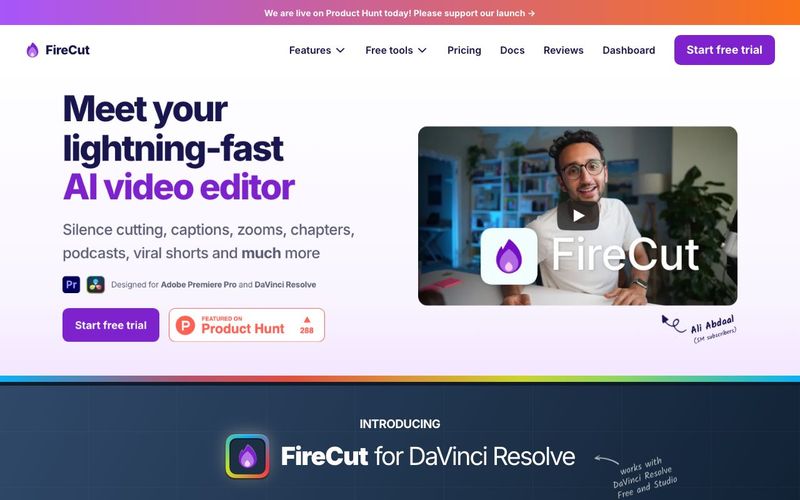
FireCut is a revolutionary AI tool designed to supercharge video editing workflows, making repetitive tasks faster and smarter. As a plugin for Adobe Premiere Pro and DaVinci Resolve, FireCut integrates seamlessly into your existing editing environment, acting as a co-pilot for creators who want to focus on creativity while letting AI handle time-consuming processes. Its capabilities in Video Generation and intelligent automation allow editors to produce professional-quality videos in minutes instead of hours.
At its core, FireCut automates the tedious parts of editing. It can quickly remove silences, detect chapters, eliminate repeated takes, and even filter out filler words or profanity. These features make it especially powerful for multi-track projects such as podcasts, interviews, and scripted content. By handling these repetitive tasks, FireCut allows creators to concentrate on storytelling, pacing, and creative enhancements.
One of FireCut’s standout features is its ability to add dynamic zoom cuts automatically, enhancing engagement in both long-form and short-form content. Editors can also generate captions instantly, find relevant B-roll, and select music or stock footage powered by Storyblocks—all without leaving the editor. Chapter detection and highlight creation further streamline post-production, making it easier to structure content for audiences and platforms like YouTube, TikTok, and Instagram Shorts.
Trusted by top creators and industry-leading brands, FireCut empowers video editors to save hours every day. Its intuitive AI-driven interface ensures that even complex multi-track edits are handled efficiently. From creating viral shorts to professional podcasts, FireCut accelerates the journey from raw footage to polished, shareable content.
With features like silence cutting, repetition removal, automated captions, zoom cuts, B-roll and music suggestions, chapter detection, and multi-track editing, FireCut is more than just an editor—it’s a full-fledged AI tool for modern Video Generation. By combining speed, precision, and creative automation, FireCut transforms how creators edit, producing professional-quality videos faster than ever before.
FireCut's main menu is the "home" page for the plugin. It shows:
The Settings menu is used for verifying your license key and managing any app-wide settings.
The Undo button gives you a way to roll back any changes made by a FireCut feature.
It will save a copy of your sequence before operations like removing silences. If you wish to undo the operation, just click on "Undo" at the top of FireCut and confirm. Please note: Using Ctrl+Z or Cmd+Z for rolling back FireCut operations is not recommended. The "Undo" button is the most reliable way of rolling back these changes.
The Reload plugin button is a convenient way to abort / reset the plugin in case you run into any issues.
You should not need to use this button often, but it can be helpful in case the plugin freezes / crashes, or is causing any issues with your timeline. It has the same effect as closing the plugin window and re-opening it from Window > Extensions > FireCut.
FireCut will show you when a version update is available.
Just click this button and FireCut will download the latest installer file (.exe or .pkg, depending on your platform). The installation works the same as how you installed FireCut the first time; it will just replace the old version. Run the installed and restart Premiere Pro to start using the latest version.
If this method doesn't work or you would prefer to use a different installation method, you can always find the latest FireCut installers in your dashboard.
FireCut is a plugin for Adobe Premiere Pro and DaVinci Resolve that automates the boring stuff so you can spend your energy on the interesting stuff. Our goal is to get you to your first cut in minutes, not hours.
With FireCut, you can remove silences from raw footage, detect chapters in your video, remove repetition (multiple takes of the script), edit multi-track videos like podcasts, and much more...
FireCut creates captions as PNG images. In order to edit any captions, simply select the clip(s) you want to edit, and then in FireCut click Add captions > Edit selected captions.
This will load up the selected captions into the editing panel. If you want to load the full transcript, just click Load full transcript.
You are now free to make any changes in this panel. To update the captions, click Add styled captions to sequence. This will add the updated captions in a new track to ensure your original captions are not over-written or affected in any way.
Your caption presets are stored in this file:
To share them between users/devices, just copy this file across to the new user, making a backup of the existing file if required.
No, your caption presets are saved to your device. They will be available even if you change your license key.
However, this means you will lose access to them if you change devices. To copy these presets to your new device, see the other FAQ above: "How can I share my Styled caption presets with others?"
Go to your dashboard and click on the Manage button shown next to your license key.
分享实用笔记,帮助他人评估此工具。
暂无评论。开始对话吧。

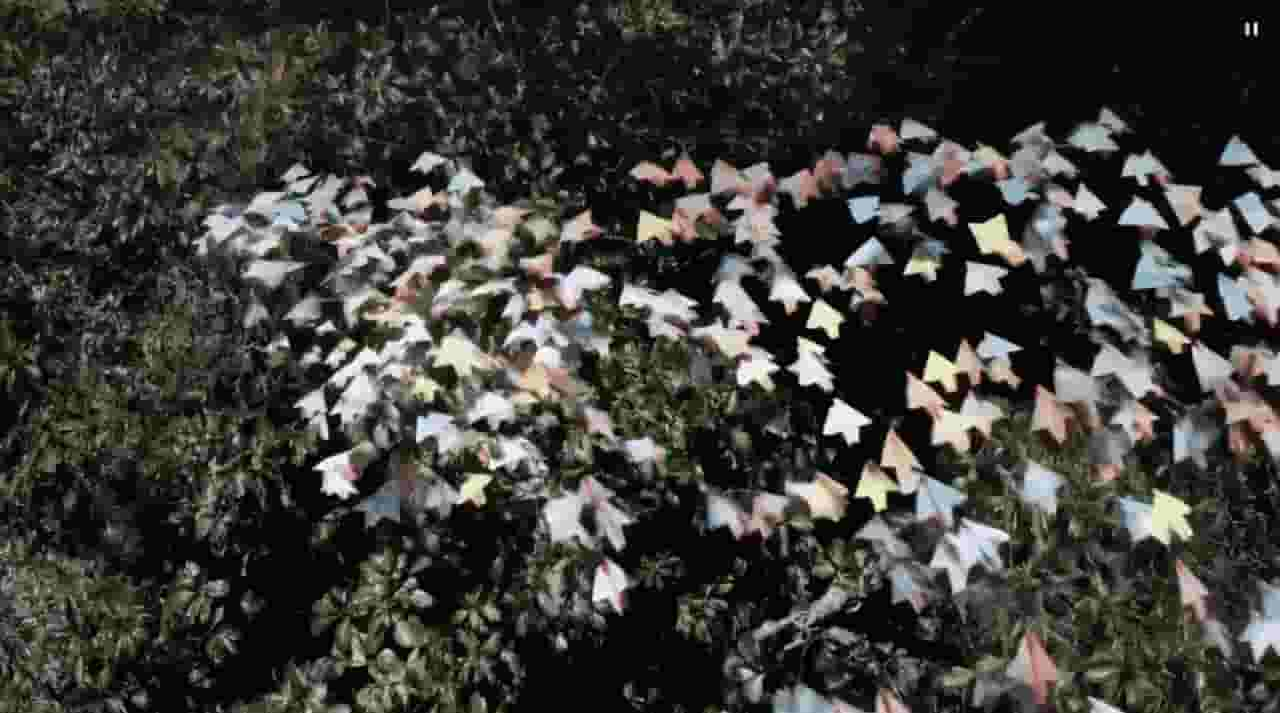
Sora is a large AI image-to-video model launched by OpenAI in 2026. It can create realistic and imaginative scenes based on text instructions.
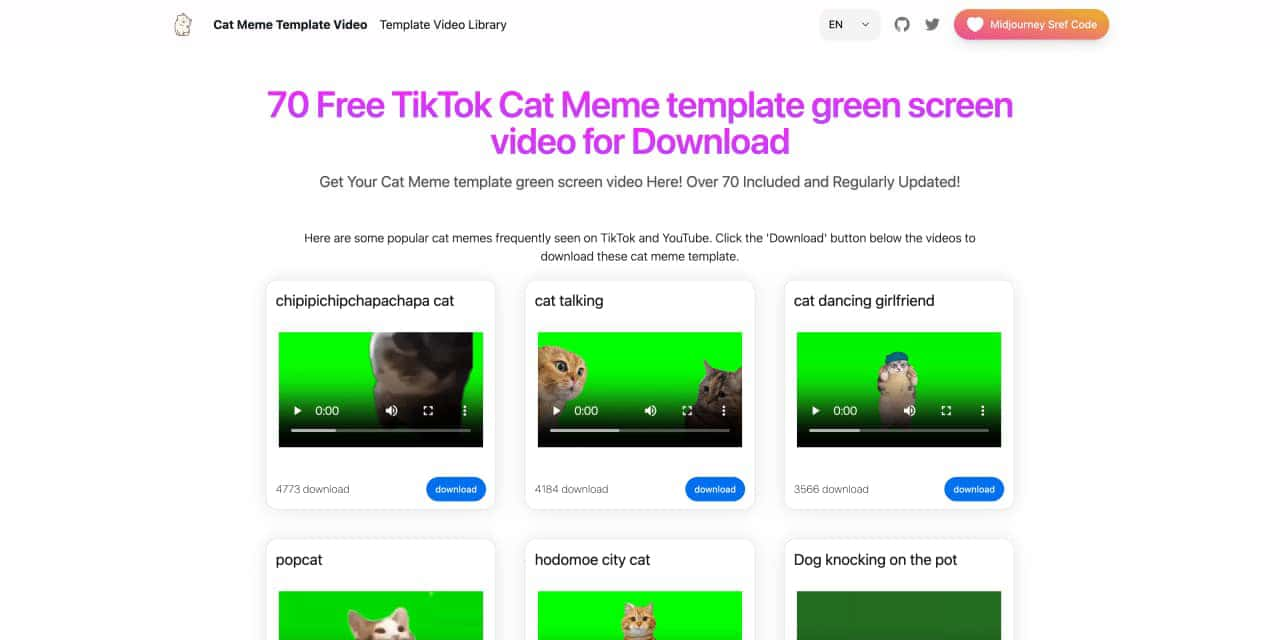
You can download the latest and most popular green screen cat meme template video featured on TikTok and YouTube. These materials are offered for free
Runway is an applied AI research company shaping the next era of art, entertainment and human creativity.

Use Viggle AI to create dynamic animations from images and text prompts. This guide covers its benefits, usage steps, and frequently asked questions.


Flux 2 Max 是 Flux 2 系列中最先进的版本,专为追求高精度、真实感和生产级视觉输出的创作者而设计。作为一款高端的 AI 图像生成器(AI Image Generator) 与强大的 AI 图像编辑器(AI Image Editor) 的结合体,Flux 2 Max 将图像质量与一致性提升到了全新高度,非常适合专业级创作流程。
随着人工智能的飞速发展,11月成为了全年最具突破性的月份之一。从新一代图像模型和令人惊叹的视频工具,到能够编写代码、构建应用程序、清理杂乱数据,甚至从零开始创建完整学习中心的 AI 助手,应有尽有。无论你是创作者、营销人员、学生、开发者,还是仅仅是一位人工智能爱好者,本月的种种新发现都会让你重新思考人工智能的无限可能。

2025年最佳AI大模型与AI工具,最受欢迎的免费AI大模型与AI工具。

With the launch of the iOS 18.1 Beta version, registered developers can now experience some of the features of Apple AI, a cutting-edge addition to AI tools.