订阅AI通讯
您的数据完全安全。我们不会与任何人共享。
Animate Photo AI turns photos into videos online. Upload & animate in seconds to create talking portraits, pet motion, and scene loops. Try it now.
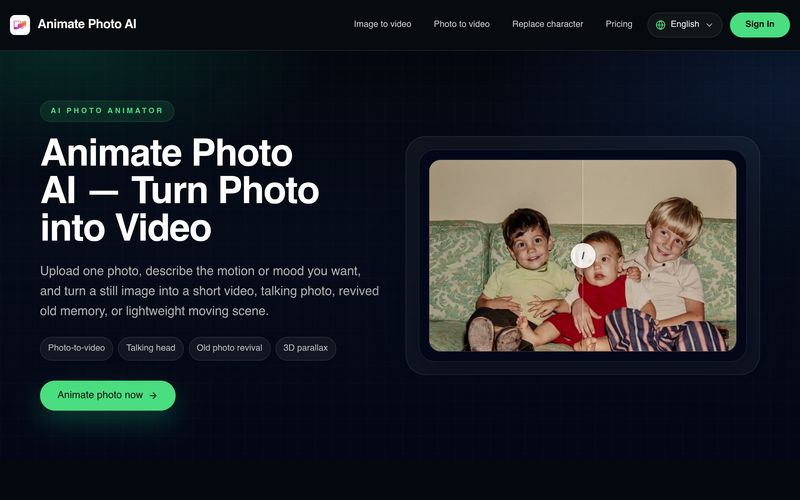
Animate Photo AI is an intuitive AI tool designed to make AI animation accessible to everyone. Instead of requiring complex editing software or animation skills, the platform transforms a single still image into a dynamic short video in just a few simple steps. Whether you want to create a talking photo, revive an old family picture, animate a product image, or add subtle motion to a social media post, Animate Photo AI delivers a fast and user-friendly experience.
One of the platform's biggest strengths is its streamlined workflow. Users simply upload a clear photo, describe the desired movement or emotion—such as a gentle smile, slow camera zoom, or natural head movement—then choose the video duration and output quality. The AI generates a preview within moments, allowing users to quickly evaluate the result before creating a longer or higher-quality version. This lightweight approach makes AI animation approachable for beginners while remaining useful for experienced creators who need rapid concept validation.
Unlike traditional animation software that requires keyframing and manual editing, Animate Photo AI focuses on natural-looking motion generated by AI. It works particularly well with portraits, old photographs, travel pictures, pets, product images, and simple landscapes. The talking photo feature is especially valuable for creators who want to produce avatar introductions, meme videos, or short explainers without recording live footage. At the same time, its gentle old-photo animation creates emotional storytelling by bringing historical family memories back to life with subtle and believable movement rather than exaggerated effects.
Beyond personal creativity, Animate Photo AI is also an effective AI tool for designers, marketers, and creative teams. It enables users to quickly prototype motion concepts, test storyboard ideas, and visualize marketing campaigns before investing in full-scale production. With support for multiple preview lengths and HD output options, the platform balances simplicity with practical flexibility.
Overall, Animate Photo AI is a highly practical AI tool that lowers the barrier to professional-quality AI animation. By combining an easy three-step workflow, natural motion generation, talking photo capabilities, and rapid preview creation, Animate Photo AI helps creators, businesses, and everyday users turn ordinary photos into engaging animated content with minimal effort.
Choose a clear image with a strong subject. Portraits, old photos, product shots, and simple scenery usually work best when the input is clean.
Write the motion, emotion, or camera feel you want, such as a gentle smile, a slow lean forward, or a subtle old-photo revival.
Start with a short result first, then decide whether you want to continue into the full tool for a longer or cleaner version.
Right now it is best for lightweight results: turning one photo into a short video, testing a talking photo direction, gently reviving an old photo, or adding simple motion to a still image.
Use a clear image with stable lighting and a strong subject. For talking photos, a front-facing unobstructed face works best. For scenery or product shots, simpler compositions usually produce cleaner motion.
Yes. That is one of the main use cases people want. The current MVP is designed to help you test the talking-photo direction quickly, then expand into more advanced control later.
Inside the homepage workspace, the settings stay on the left and the generated preview appears on the right. You can learn the flow there first, then continue in the full tool.
Because this release is an MVP built for simplicity. Most users want to get from one photo to one result quickly, not face advanced motion controls before they even know what works.
分享实用笔记,帮助他人评估此工具。
暂无评论。开始对话吧。

AI动画工具使创作者能够以最少的手动工作生成引人入胜的动画。这些工具通常包括用于AI驱动的动画生成和视频创作的应用程序,使用户能够在几分钟内将想法、脚本或图像转化为动态动画内容。
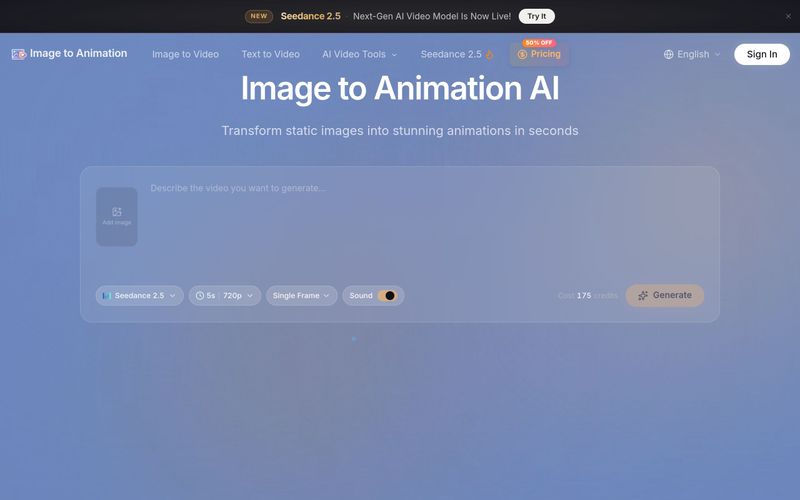
Image to Animation 是一款由 AI 驱动的工具,可将静态图片制作成动态视频。上传照片、描述运动效果,几秒内即可获得无水印动画。支持 JPG、PNG、WebP。包含免费积分、Kling、Veo3、Runway 等多种 AI 模型,付费套餐提供商业用途。
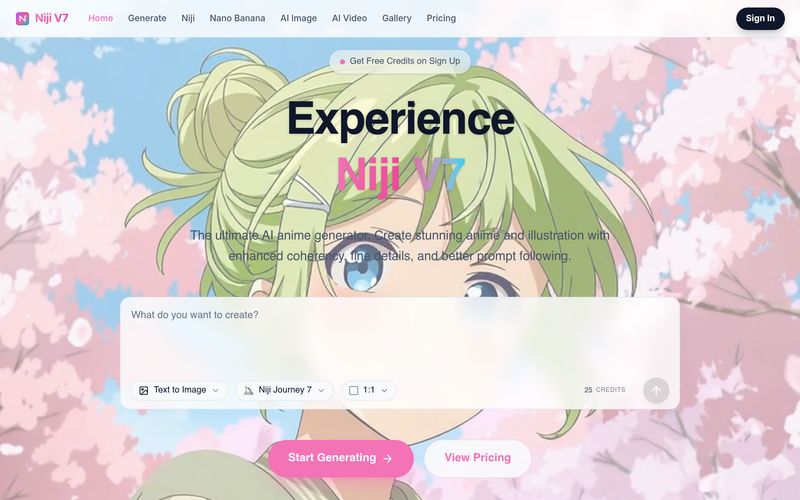
Free AI Anime Generator powered by Niji 7. Create beautiful anime art, AI images, and AI videos using Niji Journey 7, Midjourney, Nano Banana, Seedance 2.0, Veo 3.1, and more.
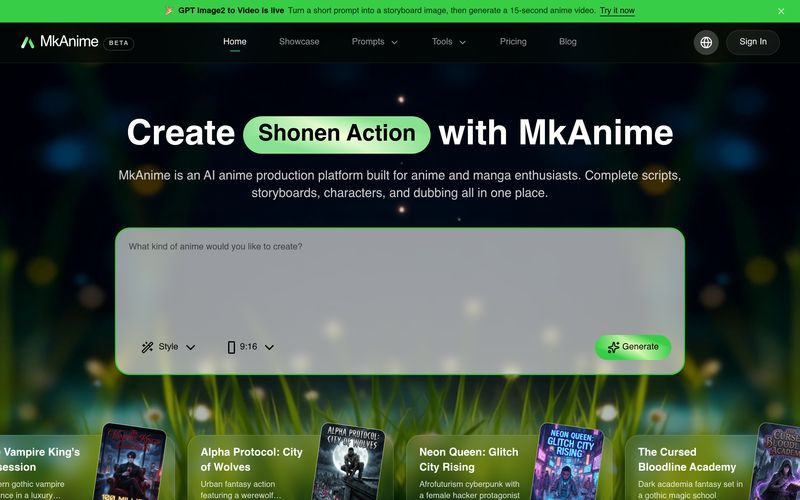
MkAnime is an AI anime studio to turn a prompt into outlines, scripts, storyboards, and short videos with consistent characters, dubbing, and exports.
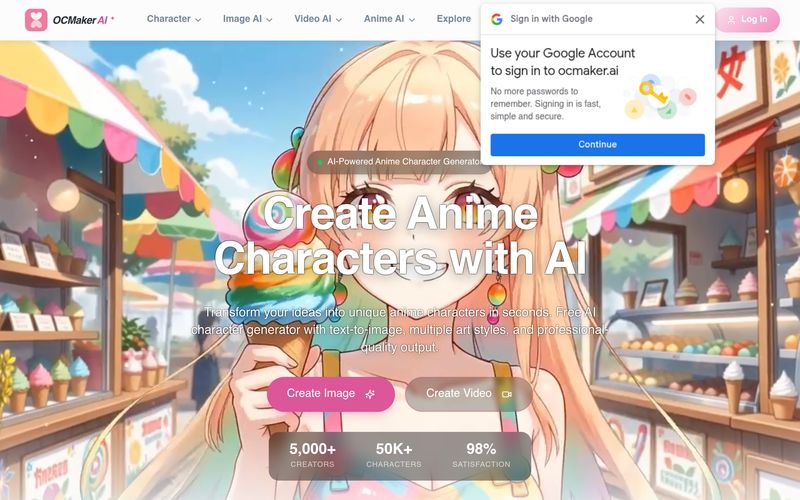
Create stunning anime characters with AI. Free text-to-image generation, multiple art styles, and high-res output. Perfect for artists and creators.


Flux 2 Max 是 Flux 2 系列中最先进的版本,专为追求高精度、真实感和生产级视觉输出的创作者而设计。作为一款高端的 AI 图像生成器(AI Image Generator) 与强大的 AI 图像编辑器(AI Image Editor) 的结合体,Flux 2 Max 将图像质量与一致性提升到了全新高度,非常适合专业级创作流程。
随着人工智能的飞速发展,11月成为了全年最具突破性的月份之一。从新一代图像模型和令人惊叹的视频工具,到能够编写代码、构建应用程序、清理杂乱数据,甚至从零开始创建完整学习中心的 AI 助手,应有尽有。无论你是创作者、营销人员、学生、开发者,还是仅仅是一位人工智能爱好者,本月的种种新发现都会让你重新思考人工智能的无限可能。

2025年最佳AI大模型与AI工具,最受欢迎的免费AI大模型与AI工具。

With the launch of the iOS 18.1 Beta version, registered developers can now experience some of the features of Apple AI, a cutting-edge addition to AI tools.