訂閱 AI 電子報
您的資料完全安全。我們不會與任何人分享。
Animate Photo AI turns photos into videos online. Upload & animate in seconds to create talking portraits, pet motion, and scene loops. Try it now.
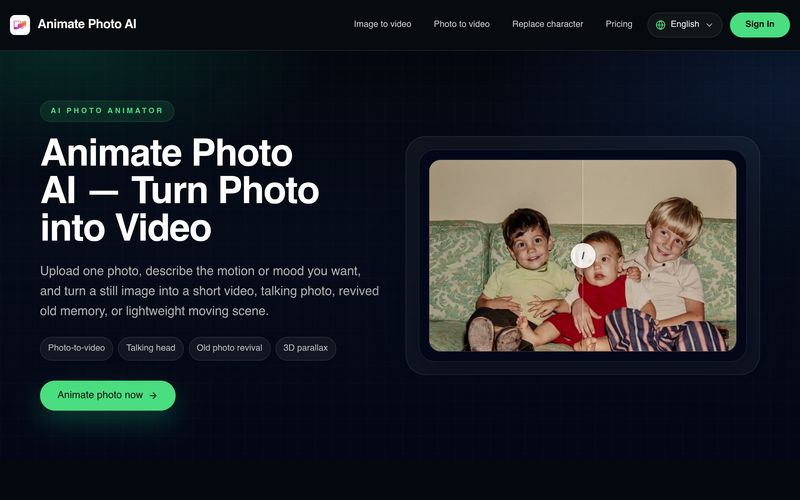
Animate Photo AI is an intuitive AI tool designed to make AI animation accessible to everyone. Instead of requiring complex editing software or animation skills, the platform transforms a single still image into a dynamic short video in just a few simple steps. Whether you want to create a talking photo, revive an old family picture, animate a product image, or add subtle motion to a social media post, Animate Photo AI delivers a fast and user-friendly experience.
One of the platform's biggest strengths is its streamlined workflow. Users simply upload a clear photo, describe the desired movement or emotion—such as a gentle smile, slow camera zoom, or natural head movement—then choose the video duration and output quality. The AI generates a preview within moments, allowing users to quickly evaluate the result before creating a longer or higher-quality version. This lightweight approach makes AI animation approachable for beginners while remaining useful for experienced creators who need rapid concept validation.
Unlike traditional animation software that requires keyframing and manual editing, Animate Photo AI focuses on natural-looking motion generated by AI. It works particularly well with portraits, old photographs, travel pictures, pets, product images, and simple landscapes. The talking photo feature is especially valuable for creators who want to produce avatar introductions, meme videos, or short explainers without recording live footage. At the same time, its gentle old-photo animation creates emotional storytelling by bringing historical family memories back to life with subtle and believable movement rather than exaggerated effects.
Beyond personal creativity, Animate Photo AI is also an effective AI tool for designers, marketers, and creative teams. It enables users to quickly prototype motion concepts, test storyboard ideas, and visualize marketing campaigns before investing in full-scale production. With support for multiple preview lengths and HD output options, the platform balances simplicity with practical flexibility.
Overall, Animate Photo AI is a highly practical AI tool that lowers the barrier to professional-quality AI animation. By combining an easy three-step workflow, natural motion generation, talking photo capabilities, and rapid preview creation, Animate Photo AI helps creators, businesses, and everyday users turn ordinary photos into engaging animated content with minimal effort.
Choose a clear image with a strong subject. Portraits, old photos, product shots, and simple scenery usually work best when the input is clean.
Write the motion, emotion, or camera feel you want, such as a gentle smile, a slow lean forward, or a subtle old-photo revival.
Start with a short result first, then decide whether you want to continue into the full tool for a longer or cleaner version.
Right now it is best for lightweight results: turning one photo into a short video, testing a talking photo direction, gently reviving an old photo, or adding simple motion to a still image.
Use a clear image with stable lighting and a strong subject. For talking photos, a front-facing unobstructed face works best. For scenery or product shots, simpler compositions usually produce cleaner motion.
Yes. That is one of the main use cases people want. The current MVP is designed to help you test the talking-photo direction quickly, then expand into more advanced control later.
Inside the homepage workspace, the settings stay on the left and the generated preview appears on the right. You can learn the flow there first, then continue in the full tool.
Because this release is an MVP built for simplicity. Most users want to get from one photo to one result quickly, not face advanced motion controls before they even know what works.
分享實用筆記,並幫助其他人評估這個工具。
尚無評論。開始對話吧。

AI 動畫工具讓創作者能以最少的手動工作生成引人入勝的動畫。這些工具通常包含AI 驅動的動畫生成應用程式和影片創作應用程式,讓使用者能在幾分鐘內將想法、腳本或影像轉化為動態的動畫內容。
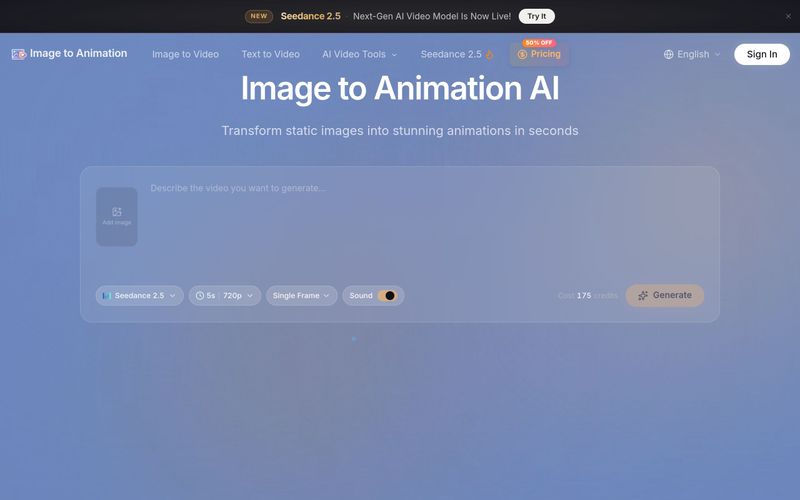
Image to Animation 是一款由 AI 驅動的工具,能將您的靜態圖片製作成動態影片。上傳照片、描述動態效果,數秒內即可獲得無浮水印動畫。支援 JPG、PNG、WebP。包含免費額度、多種 AI 模型如 Kling、Veo3、Runway,付費方案可使用商業用途。
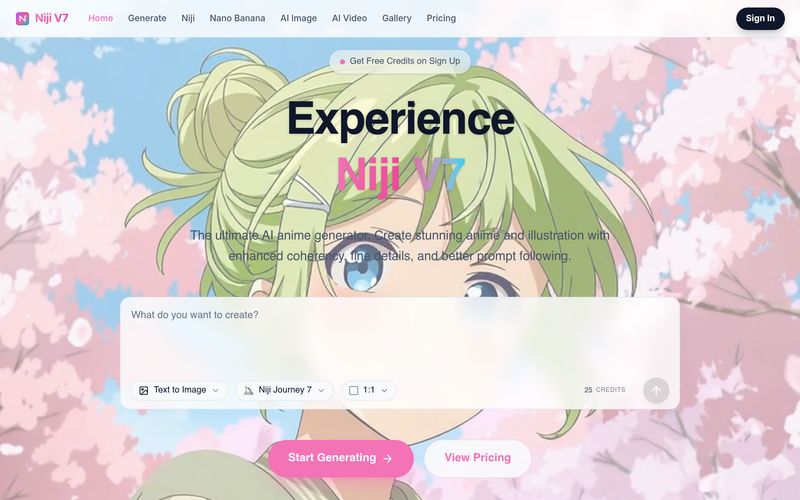
Free AI Anime Generator powered by Niji 7. Create beautiful anime art, AI images, and AI videos using Niji Journey 7, Midjourney, Nano Banana, Seedance 2.0, Veo 3.1, and more.
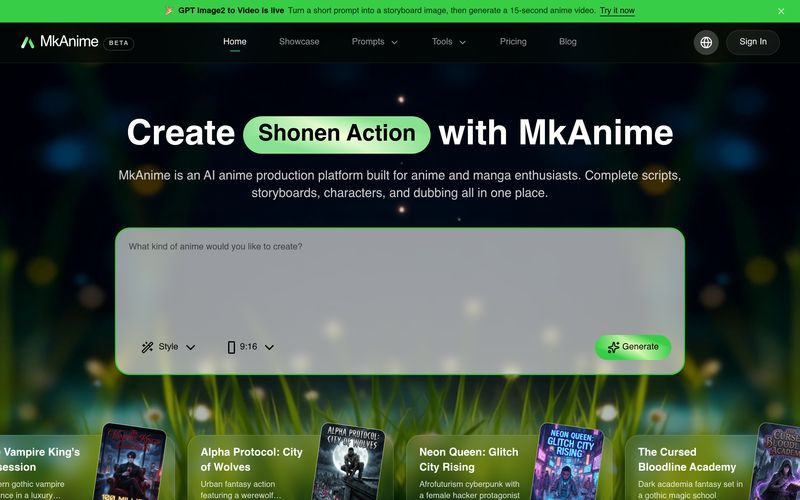
MkAnime is an AI anime studio to turn a prompt into outlines, scripts, storyboards, and short videos with consistent characters, dubbing, and exports.
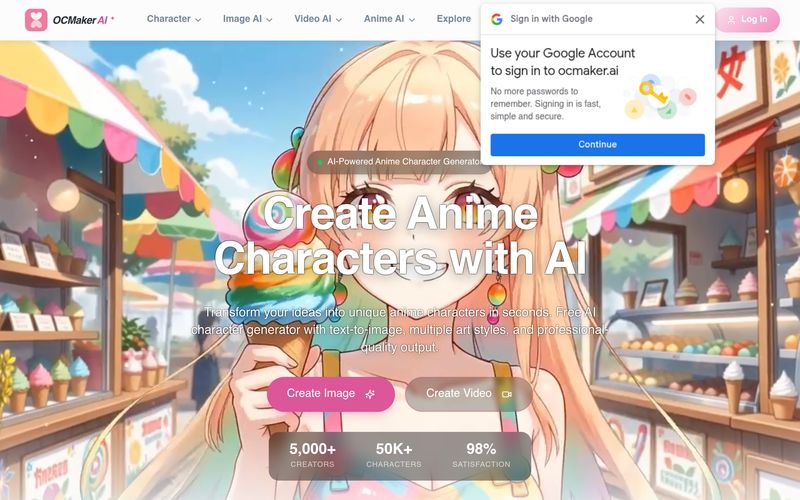
Create stunning anime characters with AI. Free text-to-image generation, multiple art styles, and high-res output. Perfect for artists and creators.



This comprehensive guide explores the best AI image generators available in 2026, highlighting their unique features, strengths, and ideal use cases. We'll dive deep into each tool's capabilities to help you identify which AI image generator best suits your creative needs.

Google has just launched a powerful AI IDE code editor — now you can really vibe while coding

The best AI Model And AI Tools in 2026,The Most Popular Free AI Model And AI Tools.