 AI img2img Tool
订阅AI通讯
您的数据完全安全。我们不会与任何人共享。

img2img AI Tool – image to image AI editor for style transfer, background removal, upscaling and face swap. Multi-model img2img (img 2 img) AI editor online.
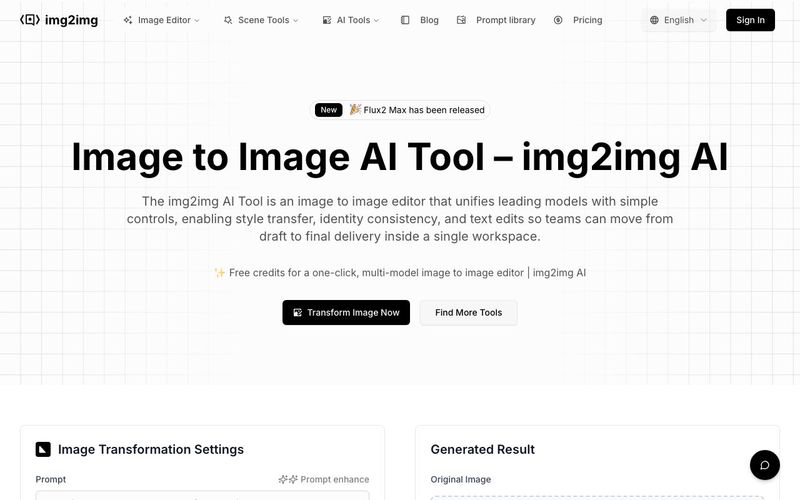
The img2img AI Tool is a versatile AI tool designed to revolutionize image generation and image editing workflows. Serving as an all-in-one image-to-image editor, it combines leading AI models with a user-friendly online workspace, allowing creators, designers, and business teams to move seamlessly from draft to final delivery in a single browser tab. With capabilities ranging from style transfer and background removal to upscaling and face swaps, this tool streamlines complex editing tasks while maintaining visual consistency and quality.
One of the standout features of the img2img AI Tool is its integration of multiple models in a single interface. Users no longer need to switch between separate software or manually shuffle files—everything from portrait retouching and commercial design to anime-style edits and art illustration can be handled in one workflow. Prebuilt presets, style filters, and batch editing options make it easy to apply consistent effects across large sets of images, saving time while enhancing creativity.
The tool also supports plain-language edits, allowing users to give natural instructions such as “make the background white” or “change the headline to Autumn Launch,” and see the AI adjust the image in real time. This functionality makes the img2img AI Tool ideal for teams collaborating on commercial projects, marketing campaigns, or large-scale image generation experiments.
For professional use, the AI excels in multiple areas. Portrait editing preserves facial details while enabling retouching, relighting, and background swaps. Style transfer converts images into oil paintings, cyberpunk scenes, or monochrome illustrations without breaking structural integrity. Commercial design workflows benefit from in-place text edits and automated resizing for multiple platforms. Even anime or line-art projects maintain character consistency, hair color, and outfit details, making it perfect for IP development and creative storytelling.
Beyond creative edits, the img2img AI Tool enhances image quality with upscaling, sharpening, denoising, and defect restoration. It minimizes blur and noise while preserving layout, which is critical for e-commerce, media reuse, or high-resolution prints. Trusted by professional image creators worldwide, this AI tool supports over a million monthly transformations and delivers rapid processing, often in under 30 seconds.
In summary, the img2img AI Tool is a comprehensive, professional-grade AI tool for image generation, combining multi-model editing, high-quality output, and intuitive controls. It empowers creators to transform ideas into polished visuals efficiently, bridging the gap between drafts and final production with ease.
Select a clear, well-lit photo to begin your image to image AI transformation with the img2img AI generator. This will be the base for style or quality changes.
Enter a prompt to guide the AI. Be specific about the look you want — artistic style, colors, or effects like background removal. This helps the image to image AI engine understand your goal.
Tweak parameters like resolution, output count, and strength to fine-tune how your AI image evolves in the img2img AI online editor.
Yes. The img2img AI Tool offers CN/EN examples and templates—just say "change the headline to …" or "switch background to …" and the image editor updates in place, so even first-time image to image (img2img AI) users can get started quickly.
Yes. Style, type, and color presets keep batches aligned, and text edits aim to preserve layout to minimize rework so image to image online output stays on-brand.
Standard JPG/PNG for import/export; previews in seconds, and high-res settings for e-commerce pages, image to image campaigns, and offline prints.
It can. With references and rule templates, the image editor maintains facial features, outfits, and product shapes across iterations in your image to image AI projects.
Ensure rights for assets, trademarks, and likeness. Outputs from the img2img AI Tool and its image to image AI generator are suitable for business use subject to platform and local policies.
The img2img AI Tool integrates Flux Kontext Pro, Nano Banana AI, Seedream 4.0 AI, and Qwen Image Edit, with more models coming soon for image to image (img2img AI) editing.
分享实用笔记,帮助他人评估此工具。
暂无评论。开始对话吧。


探索精心挑选的 Codex 皮肤,保存收藏,并在 macOS 或 Windows 上自定义 Codex 桌面版,同时保留原生 UI。

NanoBananaAI 是一款由 Nano Banana Pro(谷歌先进图像模型)驱动的免费 AI 图像生成器。通过自然语言提示词,创建、编辑和转换令人惊叹的视觉效果,无需设计技能。

通过想法或脚本生成无脸短视频。在生成前检查吸引点、配音、视觉、字幕和场景规划。
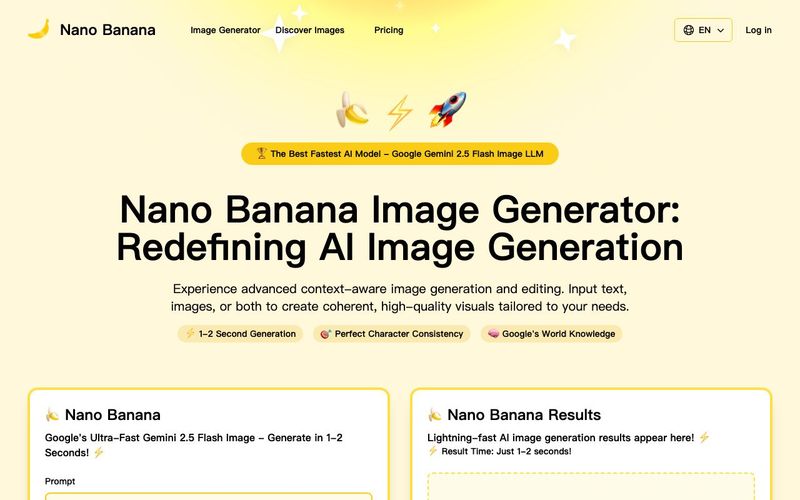
Discover Nano Banana, the next-generation multimodal model for context-aware image generation and editing. Combine text and image prompts to create, edit, and refine visuals with unmatched consistency and style.


Flux 2 Max 是 Flux 2 系列中最先进的版本,专为追求高精度、真实感和生产级视觉输出的创作者而设计。作为一款高端的 AI 图像生成器(AI Image Generator) 与强大的 AI 图像编辑器(AI Image Editor) 的结合体,Flux 2 Max 将图像质量与一致性提升到了全新高度,非常适合专业级创作流程。
随着人工智能的飞速发展,11月成为了全年最具突破性的月份之一。从新一代图像模型和令人惊叹的视频工具,到能够编写代码、构建应用程序、清理杂乱数据,甚至从零开始创建完整学习中心的 AI 助手,应有尽有。无论你是创作者、营销人员、学生、开发者,还是仅仅是一位人工智能爱好者,本月的种种新发现都会让你重新思考人工智能的无限可能。

2025年最佳AI大模型与AI工具,最受欢迎的免费AI大模型与AI工具。

With the launch of the iOS 18.1 Beta version, registered developers can now experience some of the features of Apple AI, a cutting-edge addition to AI tools.