 AI img2img Tool
AI 뉴스레터 구독
귀하의 데이터는 완전히 안전하게 보호됩니다. 어떤 누구와도 공유하지 않습니다.

img2img AI Tool – image to image AI editor for style transfer, background removal, upscaling and face swap. Multi-model img2img (img 2 img) AI editor online.
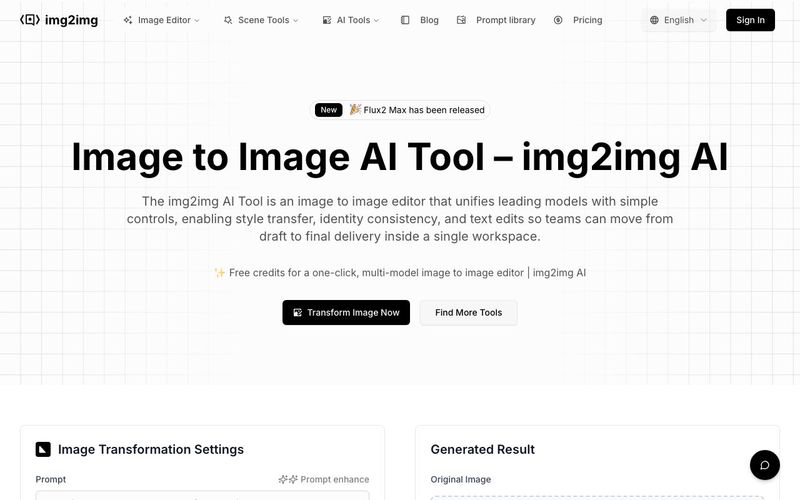
The img2img AI Tool is a versatile AI tool designed to revolutionize image generation and image editing workflows. Serving as an all-in-one image-to-image editor, it combines leading AI models with a user-friendly online workspace, allowing creators, designers, and business teams to move seamlessly from draft to final delivery in a single browser tab. With capabilities ranging from style transfer and background removal to upscaling and face swaps, this tool streamlines complex editing tasks while maintaining visual consistency and quality.
One of the standout features of the img2img AI Tool is its integration of multiple models in a single interface. Users no longer need to switch between separate software or manually shuffle files—everything from portrait retouching and commercial design to anime-style edits and art illustration can be handled in one workflow. Prebuilt presets, style filters, and batch editing options make it easy to apply consistent effects across large sets of images, saving time while enhancing creativity.
The tool also supports plain-language edits, allowing users to give natural instructions such as “make the background white” or “change the headline to Autumn Launch,” and see the AI adjust the image in real time. This functionality makes the img2img AI Tool ideal for teams collaborating on commercial projects, marketing campaigns, or large-scale image generation experiments.
For professional use, the AI excels in multiple areas. Portrait editing preserves facial details while enabling retouching, relighting, and background swaps. Style transfer converts images into oil paintings, cyberpunk scenes, or monochrome illustrations without breaking structural integrity. Commercial design workflows benefit from in-place text edits and automated resizing for multiple platforms. Even anime or line-art projects maintain character consistency, hair color, and outfit details, making it perfect for IP development and creative storytelling.
Beyond creative edits, the img2img AI Tool enhances image quality with upscaling, sharpening, denoising, and defect restoration. It minimizes blur and noise while preserving layout, which is critical for e-commerce, media reuse, or high-resolution prints. Trusted by professional image creators worldwide, this AI tool supports over a million monthly transformations and delivers rapid processing, often in under 30 seconds.
In summary, the img2img AI Tool is a comprehensive, professional-grade AI tool for image generation, combining multi-model editing, high-quality output, and intuitive controls. It empowers creators to transform ideas into polished visuals efficiently, bridging the gap between drafts and final production with ease.
Select a clear, well-lit photo to begin your image to image AI transformation with the img2img AI generator. This will be the base for style or quality changes.
Enter a prompt to guide the AI. Be specific about the look you want — artistic style, colors, or effects like background removal. This helps the image to image AI engine understand your goal.
Tweak parameters like resolution, output count, and strength to fine-tune how your AI image evolves in the img2img AI online editor.
Yes. The img2img AI Tool offers CN/EN examples and templates—just say "change the headline to …" or "switch background to …" and the image editor updates in place, so even first-time image to image (img2img AI) users can get started quickly.
Yes. Style, type, and color presets keep batches aligned, and text edits aim to preserve layout to minimize rework so image to image online output stays on-brand.
Standard JPG/PNG for import/export; previews in seconds, and high-res settings for e-commerce pages, image to image campaigns, and offline prints.
It can. With references and rule templates, the image editor maintains facial features, outfits, and product shapes across iterations in your image to image AI projects.
Ensure rights for assets, trademarks, and likeness. Outputs from the img2img AI Tool and its image to image AI generator are suitable for business use subject to platform and local policies.
The img2img AI Tool integrates Flux Kontext Pro, Nano Banana AI, Seedream 4.0 AI, and Qwen Image Edit, with more models coming soon for image to image (img2img AI) editing.
실용적인 메모를 공유하고 다른 사람들이 이 도구를 평가하는 데 도움을 주세요.
아직 댓글이 없습니다. 대화를 시작하세요.


엄선된 Codex 스킨을 탐색하고, 즐겨찾기에 저장하며, 네이티브 UI를 유지한 채 macOS 또는 Windows에서 Codex Desktop을 커스터마이징하세요.

NanoBananaAI는 Google의 고급 이미지 모델인 Nano Banana Pro로 구동되는 무료 AI 이미지 생성기입니다. 자연어 프롬프트로 놀라운 시각적 콘텐츠를 생성, 편집, 변환하세요. 디자인 기술이 필요 없습니다.

아이디어나 대본에서 페이스리스 릴을 만드세요. 생성 전에 훅, 음성 해설, 시각 자료, 캡션, 장면 계획을 검토하세요.
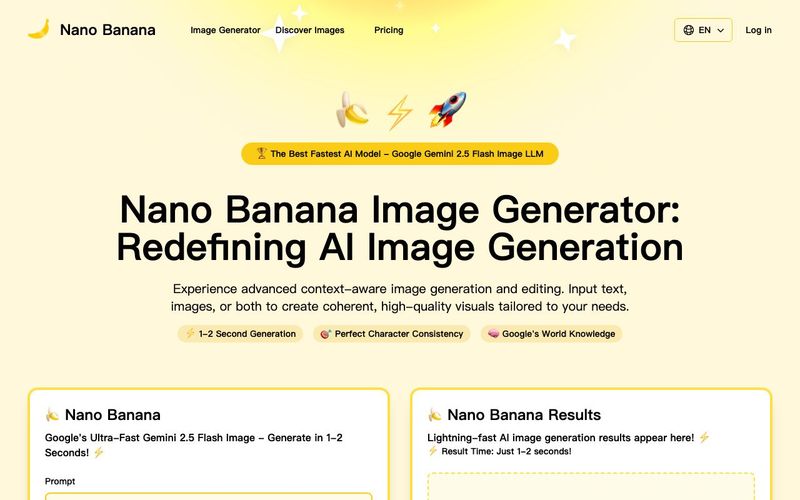
Discover Nano Banana, the next-generation multimodal model for context-aware image generation and editing. Combine text and image prompts to create, edit, and refine visuals with unmatched consistency and style.



This comprehensive guide explores the best AI image generators available in 2026, highlighting their unique features, strengths, and ideal use cases. We'll dive deep into each tool's capabilities to help you identify which AI image generator best suits your creative needs.

Google has just launched a powerful AI IDE code editor — now you can really vibe while coding

The best AI Model And AI Tools in 2026,The Most Popular Free AI Model And AI Tools.