Subscribe to AI newsletter
Your data is completely secure with us. We don't share it with anyone.
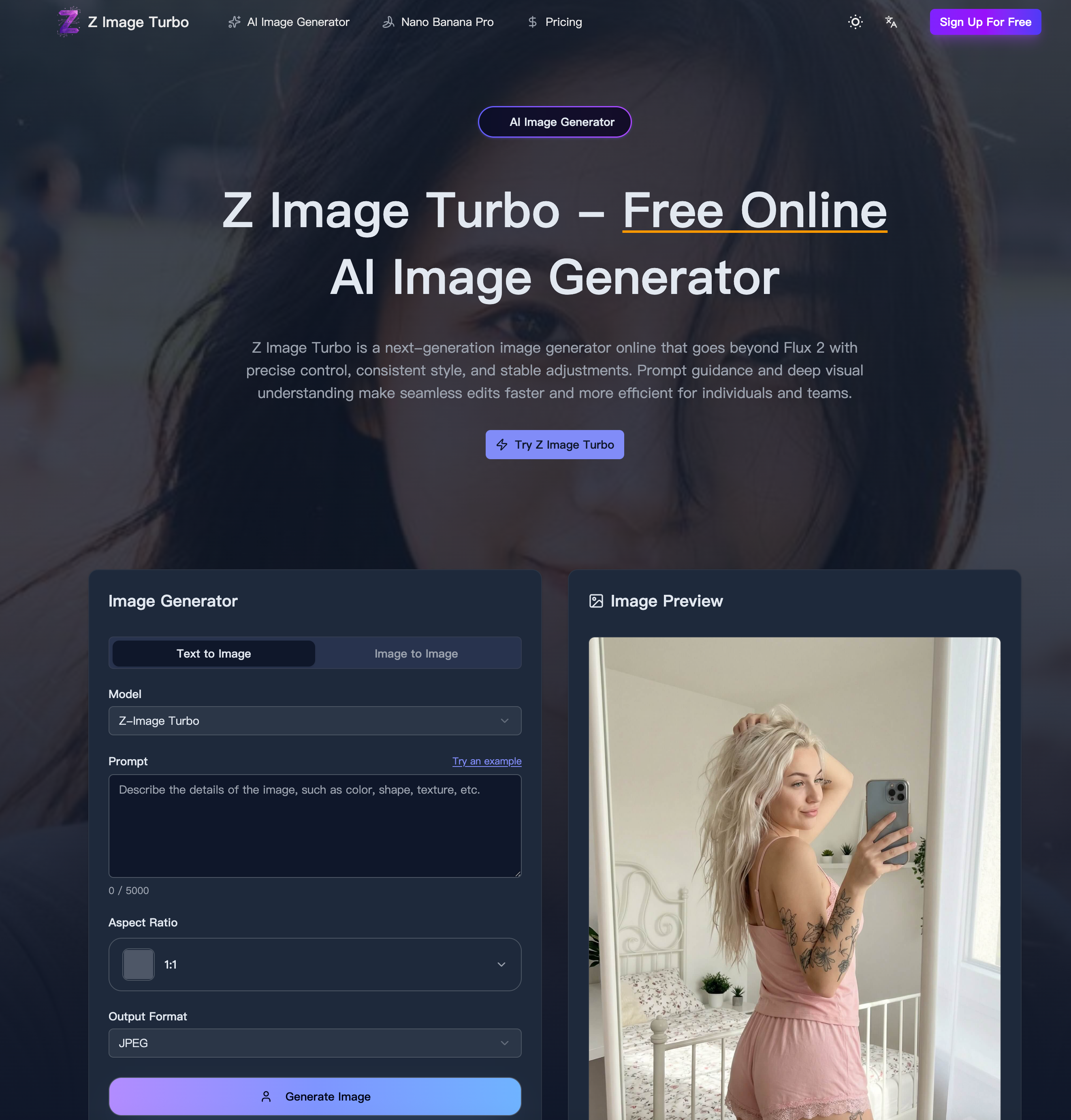
Enter a clear description. Call out subject, style, lighting, and framing so the first pass lands closer to your vision.
Choose an aspect ratio (1:1, 4:3, 16:9, etc.) or custom dimensions rounded to the nearest 32px, then pick JPG, PNG, or WebP for export.
Tap Generate, watch progress, then download the outputs. Stay within credits and rerun to refine lighting, elements, or framing until it's right.
Z Image Turbo delivers a refreshingly efficient workflow that highlights how a modern AI tool for Image Generation should operate. Its “How to use” process is intentionally simple, yet powerful enough to support both beginners and professionals. The first step, prompting the scene, demonstrates the platform’s strength in understanding detailed instructions. By encouraging users to define subject, style, lighting, and framing upfront, Z Image Turbo ensures that the initial output is already closely aligned with the user’s intent. This significantly reduces the trial-and-error cycle that often slows down other Image Generation tools, making it a highly productive solution for fast-paced creative work.
The second step, setting size and format, further reinforces the flexibility of this AI tool. Supporting common aspect ratios like 1:1, 4:3, and 16:9, along with custom dimensions, Z Image Turbo adapts easily to different content needs—from social media visuals to presentation assets and print-ready designs. The ability to export in multiple formats such as JPG, PNG, and WebP ensures compatibility across various platforms and workflows. This level of control is essential for designers and marketers who require both precision and adaptability in their Image Generation process.
Finally, the generate and download stage showcases the platform’s speed and iterative strength. Users can quickly produce results, review outputs, and refine details such as lighting, composition, or elements while maintaining consistency across versions. The credit-based system also adds transparency, allowing users to manage usage efficiently while experimenting with multiple variations. This iterative loop is where Z Image Turbo truly shines as an AI tool, enabling rapid prototyping without compromising visual quality or structural stability.
Overall, the streamlined three-step workflow of Z Image Turbo reflects a well-designed balance between simplicity and advanced capability. It empowers users to move from concept to final image with minimal friction, making it an ideal AI tool for anyone focused on high-quality, scalable Image Generation.



This comprehensive guide explores the best AI image generators available in 2026, highlighting their unique features, strengths, and ideal use cases. We'll dive deep into each tool's capabilities to help you identify which AI image generator best suits your creative needs.

Google has just launched a powerful AI IDE code editor — now you can really vibe while coding

The best AI Model And AI Tools in 2026,The Most Popular Free AI Model And AI Tools.