Subscribe to AI newsletter
Your data is completely secure with us. We don't share it with anyone.
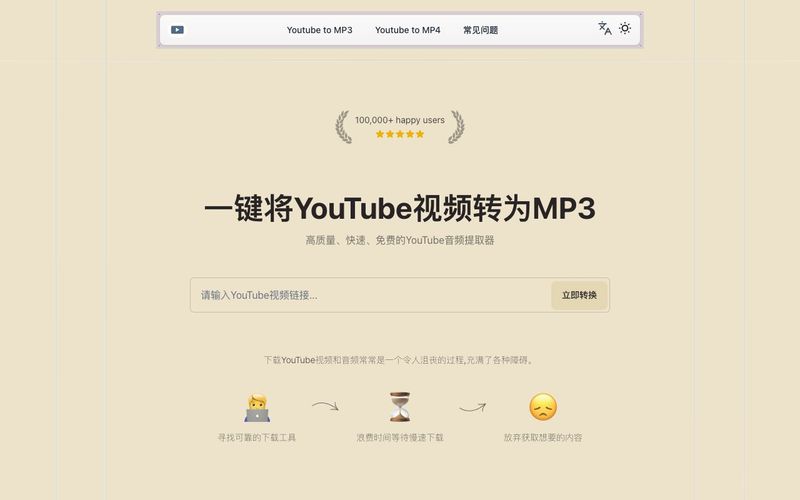
Using our YouTube to MP3 converter is very simple: 1. Copy the URL of the YouTube video you want to convert 2. Paste the URL into the input box on our website 3. Click the 'Convert Now' button 4. Wait for the conversion to complete, then download your MP3 file The whole process is quick, free, and requires no registration or software installation.
Converting YouTube videos to MP3 for personal use is generally considered legal in most cases. However, be aware not to distribute or publicly share copyrighted content. We recommend respecting creators' rights and using this tool only for legitimate purposes.
Our converter provides high-quality MP3 output. By default, we use a bitrate of 128kbps, which offers a good balance between file size and audio quality. This quality is sufficient for most users' daily listening needs.
Our YouTube to MP3 converter supports most standard-length YouTube videos. However, for particularly long videos (e.g., over 2 hours), processing time may be longer. We recommend converting long videos in segments for best results.
Yes, our YouTube to MP3 converter is fully compatible with mobile devices. Whether you're using a smartphone or tablet, you can use our service anytime, anywhere, as long as you have an internet connection. The interface automatically adapts to your screen size, ensuring the best user experience.
No, our YouTube to MP3 converter is completely free to use. We don't charge any fees or require users to register an account. We are committed to providing high-quality, convenient free services to users. Just remember to use it moderately and respect copyright laws.



This comprehensive guide explores the best AI image generators available in 2026, highlighting their unique features, strengths, and ideal use cases. We'll dive deep into each tool's capabilities to help you identify which AI image generator best suits your creative needs.

Google has just launched a powerful AI IDE code editor — now you can really vibe while coding

The best AI Model And AI Tools in 2026,The Most Popular Free AI Model And AI Tools.