Subscribe to AI newsletter
Your data is completely secure with us. We don't share it with anyone.
GenVideo's AI Product Video Generator turns product images into UGC-style video ads using models like Veo 3.1, Seedance, Kling, Wan, and Grok Imagine. Start from 90+ ad examples, control format, duration and model, and preview credit costs before generating.
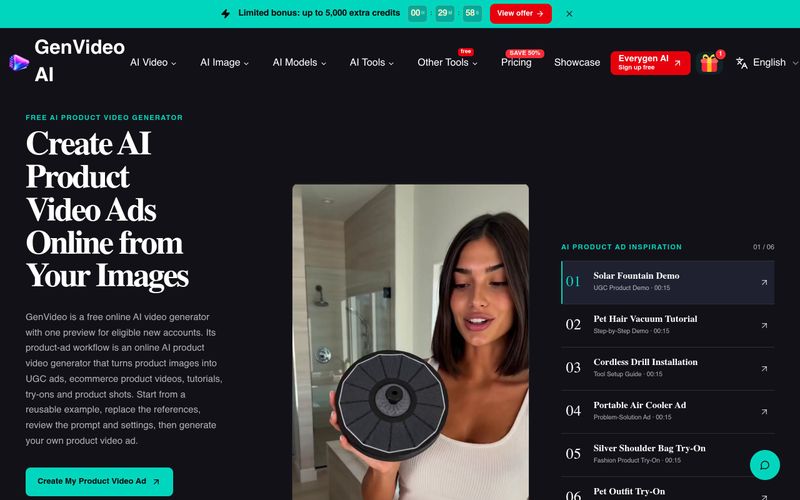
GenVideo's Free AI Product Ads Generator is an online tool that converts your product images into short video ads. It offers a library of over 90 product-ad examples covering UGC stories, demos, unboxing, try-ons, launches, hero close-ups and more. You start by picking an example that fits your goal, replace the sample images with your own product shots, review and edit the guiding prompt, and then choose the frame (aspect ratio), video length, quality and AI model before generating.
The tool supports multiple leading AI video models, including Veo 3.1, Seedance 2.5, Kling, Wan, and Grok Imagine, so you can match the model to your creative and budget needs. Before you generate, the credit cost is clearly displayed, helping you avoid wasting credits on unusable drafts. Finished videos are saved in My Creations, where you can review, download, and share with your team.
Eligible new accounts get one free preview, making it easy to try the workflow without commitment. Additional generations and premium models consume credits, with a single credit balance that works across supported models. GenVideo does not read product URLs directly; you provide images and key facts yourself. The tool is designed for ecommerce sellers, marketers, and content creators who want to produce social-ready product video ads quickly, while keeping control over format, cost, and final review.
You can also start directly from text or animate an image using the main menu.
Start with one or more clear product images. Pick an ad example that fits your goal. You can add a person or scene image when it helps the story. Read the words that guide the video. Then choose the frame, length, quality and AI model. You will see the credit cost before you create.
Yes. Open any example on this page and it will appear in the AI Product Video Generator. Replace the sample images with your own. Read the words that guide the video, then change the scene or action to fit your product. Check the video choices and cost before you create.
Not yet. The AI Product Video Generator starts with product images and an ad idea. It does not read a shop page or turn one link into a full campaign. Save the product images you may use, add them to the generator and write the key facts you want the video to show.
Eligible new accounts can try the AI product video generator online with the current free preview. Additional generations and premium models use credits. The cost can change with the AI model, video length and quality, and you will see the exact credit cost before you create.
Yes, when the chosen AI model offers those choices. You can set the frame, length and quality before you create. Some models give you more options than others. Pick a shape and length that suit the place where you plan to share the video.
It depends on the rights you hold, the terms for the AI model and the rules of the site where you post the ad. Use only files you own or may use. Get consent for people, music, logos and brand art when needed. Watch the full clip before you share it, and check each claim and brand mark.
For support, contact GenVideo via the Contact page. There are also dedicated pages for Business and Partnership inquiries. The website is available in multiple languages including English, Chinese, French, Spanish, Japanese, Korean, Portuguese, Italian, and German. You can follow updates and find resources on the website's showcase, prompts, and tools sections.
Share practical notes and help others evaluate this tool.
No comments yet. Start the conversation.

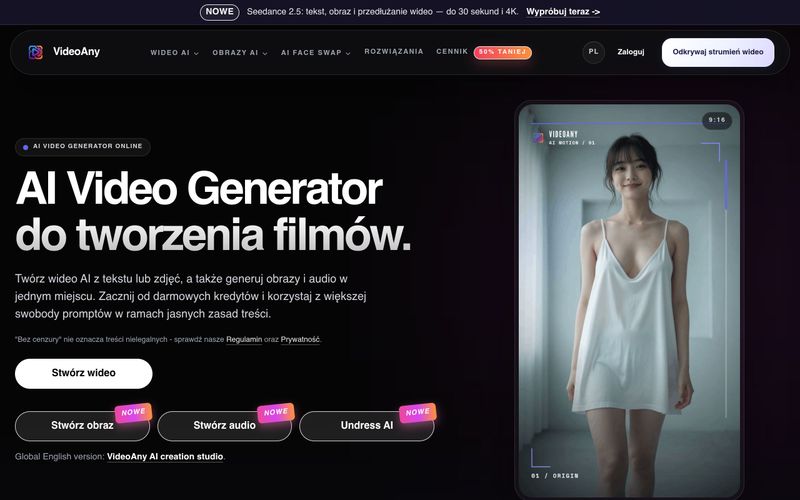
VideoAny to polskie studio AI do tworzenia wideo z tekstu i zdjęć, generowania obrazów oraz audio. Zacznij z darmowymi kredytami i korzystaj z elastycznych zasad treści.
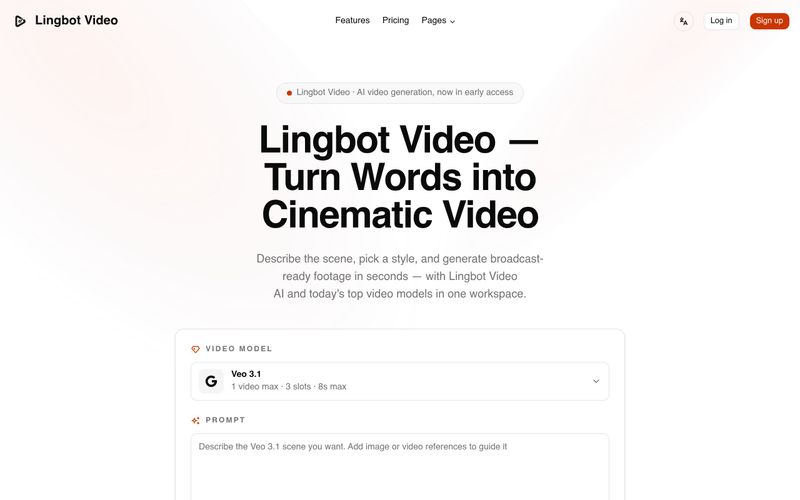
Lingbot Video turns text and images into cinematic 4K AI video with lifelike motion, precise prompt following, watermark-free exports and a full commercial license.
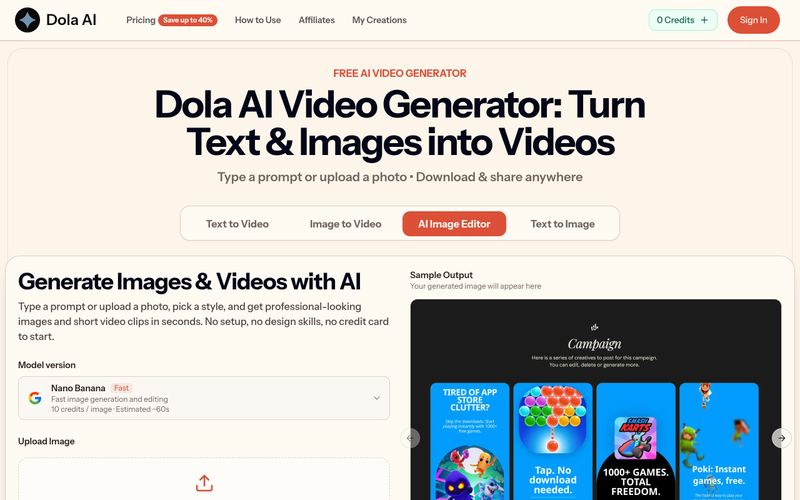
Dola AI turns text and images into short videos for free. Generate AI videos from prompts or photos, download watermark-free clips, and share them anywhere.
VidRush AI is a unified generative AI studio that combines top models like Google Veo 3.1, Seedance 2.5, Kling, Nano Banana, Seedream, and Suno to create cinematic videos, photorealistic images, and studio-quality music in one workspace.



This comprehensive guide explores the best AI image generators available in 2026, highlighting their unique features, strengths, and ideal use cases. We'll dive deep into each tool's capabilities to help you identify which AI image generator best suits your creative needs.

Google has just launched a powerful AI IDE code editor — now you can really vibe while coding

The best AI Model And AI Tools in 2026,The Most Popular Free AI Model And AI Tools.