Subscribe to AI newsletter
Your data is completely secure with us. We don't share it with anyone.
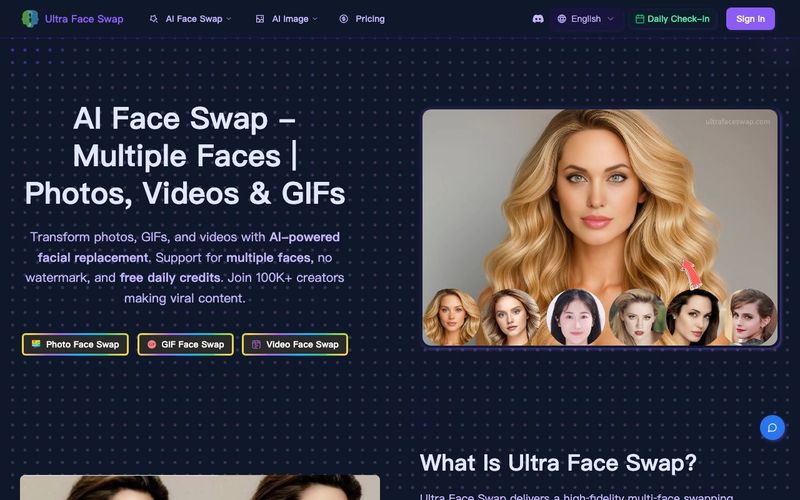
Open the Workspace
Choose the mode you need: Photo Face Swap, GIF Face Swap, or Video Face Swap.
Upload Source & Target Faces
Upload your original photo, GIF, or video. Then upload the target face image (clear frontal faces work best). Supports simultaneous multi‑face replacement.
Click One‑Tap Swap
Review, then start the swap. Wait about 20–40 seconds to generate a high‑quality, realistic result.
Download & View Results
Enjoy stunning face swap results with exceptional quality. Download your creation or use the zoom feature to view fine details and precision.



This comprehensive guide explores the best AI image generators available in 2026, highlighting their unique features, strengths, and ideal use cases. We'll dive deep into each tool's capabilities to help you identify which AI image generator best suits your creative needs.

Google has just launched a powerful AI IDE code editor — now you can really vibe while coding

The best AI Model And AI Tools in 2026,The Most Popular Free AI Model And AI Tools.