Subscribe to AI newsletter
Your data is completely secure with us. We don't share it with anyone.
Speak naturally, and Typeless will turn your words into polished messages, emails, and documents that read like you carefully typed them.

Typeless: The AI Tool for Effortless Voice-to-Text Communication
Typeless is a cutting-edge AI tool designed to transform natural speech into polished messages, emails, and documents that read as if you typed them yourself. With advanced AI voice generation technology, Typeless understands context, corrects grammar, and adapts to your personal style, letting you focus on what you want to communicate rather than how to write it.
One of Typeless’s standout features is its ability to automatically remove filler words like “um,” “uh,” and “you know,” ensuring your transcriptions are clean, professional, and easy to read. It also detects repetitions and self-corrections, keeping only your intended message and eliminating unnecessary clutter. This results in concise, clear, and effective communication every time.
Typeless also excels at auto-formatting, organizing spoken lists, steps, and key points into structured text automatically. This saves time and effort, making your notes, emails, and documents look professional without manual editing. The AI can even help you find the perfect words, ensuring your ideas are expressed clearly and persuasively.
With adaptive tones for different applications—work emails, chat platforms, or customer support—Typeless ensures your message always fits the context. It supports 100+ languages, allowing seamless multilingual dictation, and offers a personal dictionary so your unique words and jargon are never missed.
Privacy is a core strength of Typeless. It operates locally on your device, retaining no data for model training or storage. Your voice dictations remain completely private, with zero data retention and no sharing with third parties.
Typeless is a truly innovative AI voice generation tool, perfect for professionals, content creators, and anyone who wants to communicate more effectively using their voice. By combining natural speech, intelligent AI editing, and robust privacy, Typeless redefines the way we create written content directly from our spoken words.
Download and Install
First, download the Typeless app on your device. Typeless supports macOS and Windows.
Launch and Configure
Open Typeless and grant it necessary permissions — such as Accessibility permission on your operating system — so that it can insert any dictated text into any app.
Start Speaking
Simply speak naturally into your microphone. Typeless will process your speech in real time and convert it to text.
Real-Time AI Editing
As you speak, Typeless cleans up your dictation automatically: it removes filler words like “um” or “uh,” eliminates repeated words, recognizes when you correct yourself mid-sentence, and only keeps your final intended version.
Auto‑Formatting
Your spoken lists, key points, and steps will be organized — Typeless automatically structures them into bullet lists or paragraphs so your final text looks clean and professional.
Contextual Tone Adjustment
Typeless adapts its transcription style depending on the app you are using — whether it's a work email, a chat app, or a document editor — giving your voice‑typed text the right tone.
Use in Any Application
You can use Typeless in almost any text-based editor: Google Docs, Notion, Gmail, Slack, Chrome, and more.
Manage Personal Dictionary
Add your specialized words, jargon, or unique names into Typeless’s personal dictionary so it recognizes them in future dictation.
Save Locally
Typeless keeps all your dictation history stored locally on your device — nothing is sent to or retained on their servers, preserving your privacy.
What is Typeless?
Typeless is an intelligent voice‑dictation AI tool that lets you speak naturally and converts your words into polished, well-formatted text — emails, documents, messages — as if you typed them manually.
Which platforms does Typeless support?
Typeless currently supports macOS and Windows. According to its FAQ, mobile versions (iOS/Android) are in development.
Can I use Typeless in any app?
Yes. Typeless can dictate into nearly any text-based application — including Google Docs, Notion, Gmail, Slack, Chrome text fields — by leveraging accessibility permissions.
What voice‑editing and cleanup does Typeless do?
Typeless has smart AI auto-editing: it removes filler words (“um,” “uh”), eliminates repeated phrases, detects self-corrections mid-sentence, and optimizes your phrasing for clarity.
Does Typeless support multiple languages?
Yes — Typeless supports over 100 languages, and can even handle mixed-language dictation seamlessly.
Can I teach Typeless my personal vocabulary?
Absolutely. Typeless has a personal dictionary feature where you can add your own words (like company names, jargon, or niche terms), and it will recognize them in future dictation.
How private is my data when using Typeless?
Typeless respects your privacy: your dictations are processed locally, there is zero data retention, and your voice data is never stored or used for training.
Do I need an internet connection to use Typeless?
According to their FAQ, core voice-to‑text features work best when you're online, although they are working on more offline-capable features.
What pricing plans does Typeless offer?
There is a Free plan (with a 2,000 words/week limit), and a Pro plan ($12/month billed yearly or $30/month) that unlocks unlimited dictation, priority feature requests, team features, and more.
How do I contact support or give feedback?
You can reach Typeless support via email at hello@typeless.com for bug reports, questions, or feature requests.
Share practical notes and help others evaluate this tool.
No comments yet. Start the conversation.

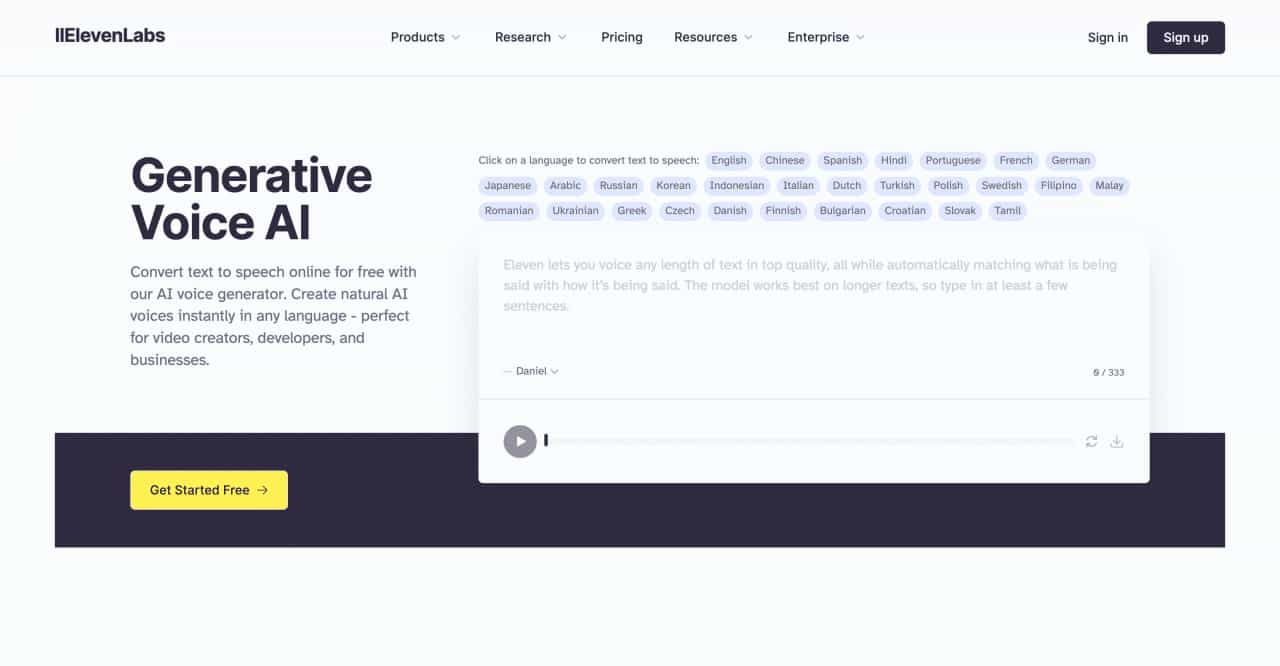
Convert text to speech online for free with our AI voice generator. Create natural AI voices instantly in any language - perfect for video creators, developers, and businesses.
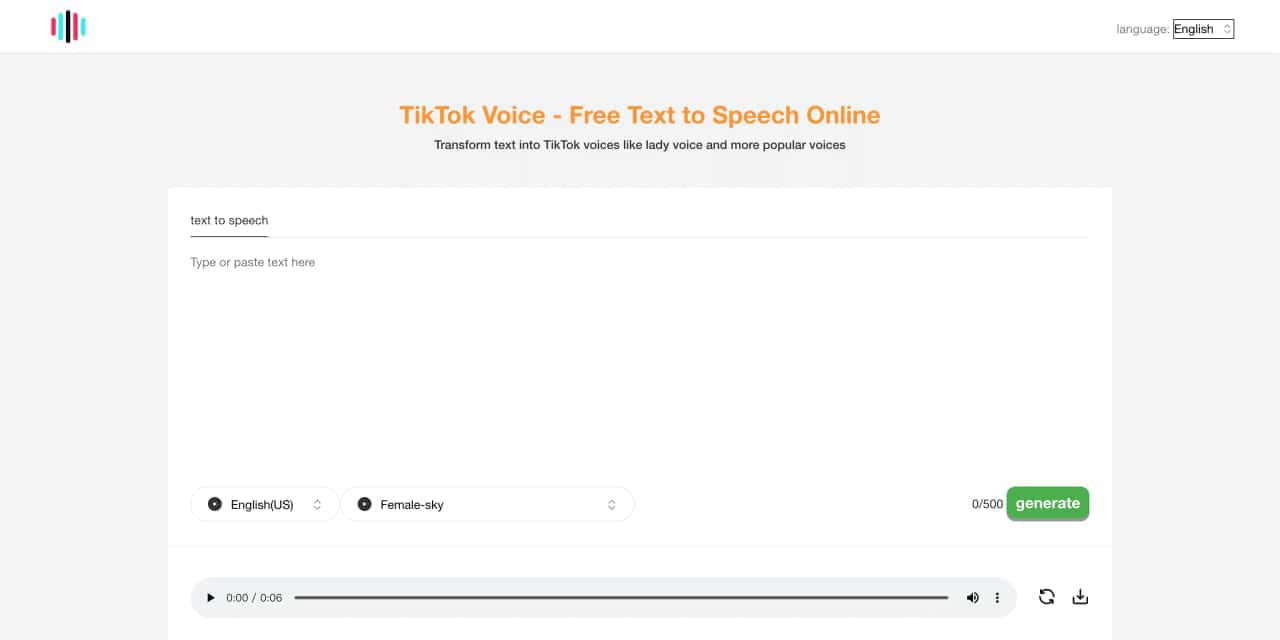
Tiktok voice is an Ai powered tts ,text to speech generator tool. Can generate lady's voice, Siri-like voice ,the other poupular and vrial tiktok voices
Transform your content with cutting-edge AI voice over and text to speech solutions. Our Voice Design AI offers natural-sounding, customizable voices for podcasts, e-learning, and more. Try our AI voice generator today!
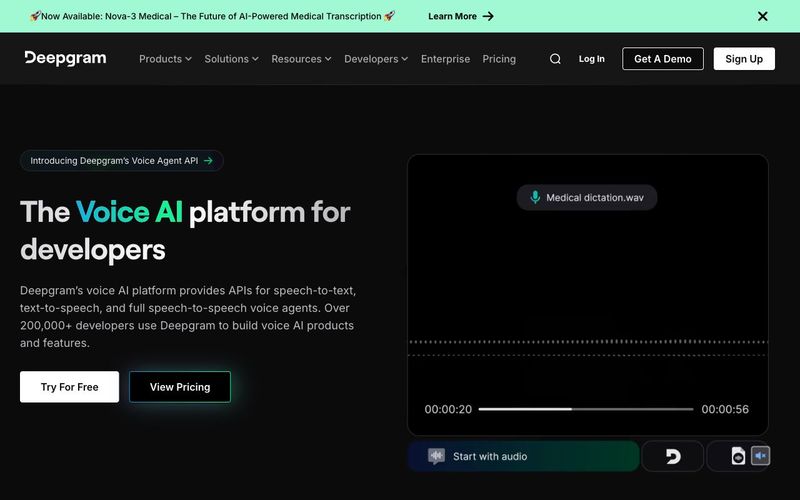
Power your apps with real-time speech-to-text and text-to-speech APIs powered by Deepgram's voice AI models. Low latency, high quality, and low cost that scales



This comprehensive guide explores the best AI image generators available in 2026, highlighting their unique features, strengths, and ideal use cases. We'll dive deep into each tool's capabilities to help you identify which AI image generator best suits your creative needs.

Google has just launched a powerful AI IDE code editor — now you can really vibe while coding

The best AI Model And AI Tools in 2026,The Most Popular Free AI Model And AI Tools.