Subscribe to AI newsletter
Your data is completely secure with us. We don't share it with anyone.
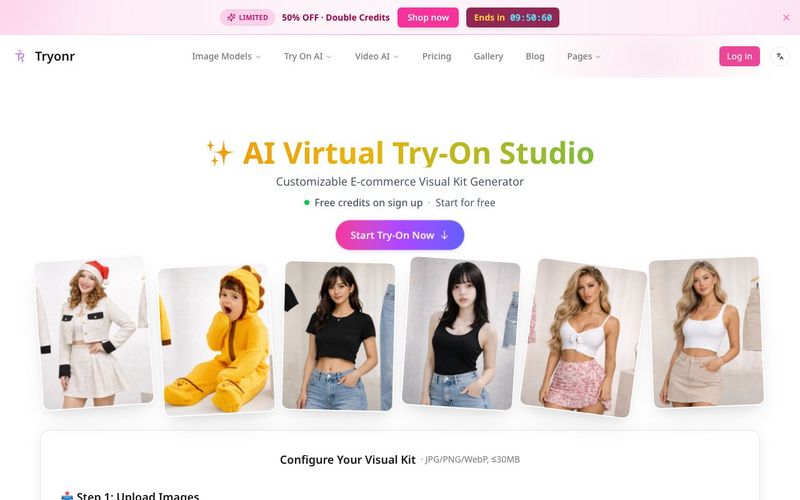
Start with a clear photo of your product. Flat-lay, mannequin, or simple studio shots all work well with Tryonr AI try-on.
Pick the Tryonr output you need: AI virtual try-on with models, annotated images, multi-angle shots, or all at once.
Let Tryonr AI virtual try-on generate your images, fine-tune styles or poses, then download e-commerce ready files.
For online entrepreneurs and marketing teams, the speed of content creation is often a bottleneck for growth. Tryonr has solved this by condensing a week-long photography process into a three-step digital workflow. By utilizing this advanced AI tool, sellers can bypass the traditional hurdles of model scouting and studio booking, moving directly from a raw product shot to a high-conversion sales gallery through sophisticated image generation.
The process begins with the "Upload" phase, where the versatility of Tryonr truly shines. Unlike traditional editing software that requires perfectly staged shots, the Tryonr AI engine is designed to handle diverse inputs, including flat-lays, mannequin shots, or basic studio photos (up to 10MB). This flexibility allows sellers to use existing inventory photos as a foundation for professional image generation, ensuring that even the most basic images can be transformed into high-end marketing assets.
Once the image is uploaded, users can select from a specialized menu of outputs tailored for e-commerce success. This is where Tryonr acts as a multi-functional AI tool. Users can choose to generate a full suite of virtual try-on images with realistic models, create multi-angle galleries (front, back, and side) from a single photo, or apply AI smart annotations to highlight technical details like fabric quality and stitching. This granular control allows brands to build a cohesive visual kit that answers every potential buyer's question before they even ask.
The final stage involves the actual image generation and fine-tuning. In under two minutes, the AI produces e-commerce-ready files optimized for platforms like Amazon, Shopify, and Etsy. Users have the opportunity to fine-tune poses and styles to match their brand’s specific aesthetic. Because Tryonr maintains such high standards for texture and fit accuracy, the resulting downloads are not just "AI-generated art"—they are professional, commercial-ready assets that preserve the physical integrity of the product.
By integrating Tryonr into your business model, you are essentially hiring a 24/7 on-demand photography team. This AI tool ensures that you can launch new collections instantly, maintain character consistency across your brand, and provide a 360-degree viewing experience that modern shoppers demand, all at a 90% cost reduction compared to traditional methods.



This comprehensive guide explores the best AI image generators available in 2026, highlighting their unique features, strengths, and ideal use cases. We'll dive deep into each tool's capabilities to help you identify which AI image generator best suits your creative needs.

Google has just launched a powerful AI IDE code editor — now you can really vibe while coding

The best AI Model And AI Tools in 2026,The Most Popular Free AI Model And AI Tools.