Subscribe to AI newsletter
Your data is completely secure with us. We don't share it with anyone.
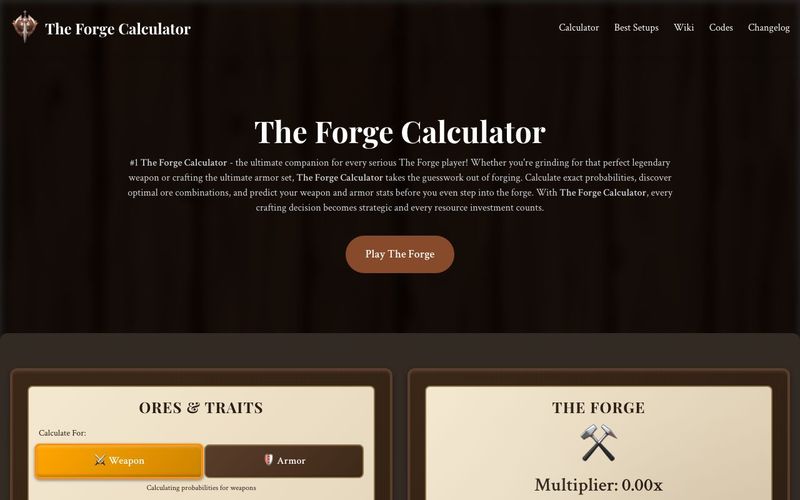
Start by selecting either Weapon or Armor mode at the top of the calculator. This determines which probability tables The Forge Calculator will use for your calculations. The Forge Calculator remembers your preference, so switching between modes is seamless and fast!
Use the searchable ore inventory in the right panel to find specific ores and click their cards to add them. You can work with up to four different ore types and adjust counts by removing from slots/pills. The Forge Calculator makes it incredibly easy to experiment - just search, click, and watch the magic happen! I love how The Forge Calculator lets me quickly test different combinations without any hassle.
Watch the probability list update in real-time as you add ores. The Forge Calculator shows the exact percentage chance for each weapon or armor type, sorted from most to least likely. This is where The Forge Calculator really shines - seeing those probabilities update instantly helps you make better decisions on the fly!
Check the composition and traits section to see which special properties will activate and what percentage of each ore your final item will contain. Review estimated damage or health ranges. The Forge Calculator breaks down every detail so you know exactly what you're getting - no surprises, just pure strategic planning with The Forge Calculator!
Experiment with different ore combinations to find the perfect balance of probability, traits, and stats. Remove ores by clicking on them in the forge slots or selected pills section. This is my favorite part of using The Forge Calculator - the freedom to experiment without consequences! The Forge Calculator lets you test hundreds of combinations in minutes, something that would take days of actual gameplay.



This comprehensive guide explores the best AI image generators available in 2026, highlighting their unique features, strengths, and ideal use cases. We'll dive deep into each tool's capabilities to help you identify which AI image generator best suits your creative needs.

Google has just launched a powerful AI IDE code editor — now you can really vibe while coding

The best AI Model And AI Tools in 2026,The Most Popular Free AI Model And AI Tools.