Subscribe to AI newsletter
Your data is completely secure with us. We don't share it with anyone.
Seedance 2.0 helps teams generate, refine, and launch high-quality AI videos faster with practical workflows, clear controls, and conversion-focused creative
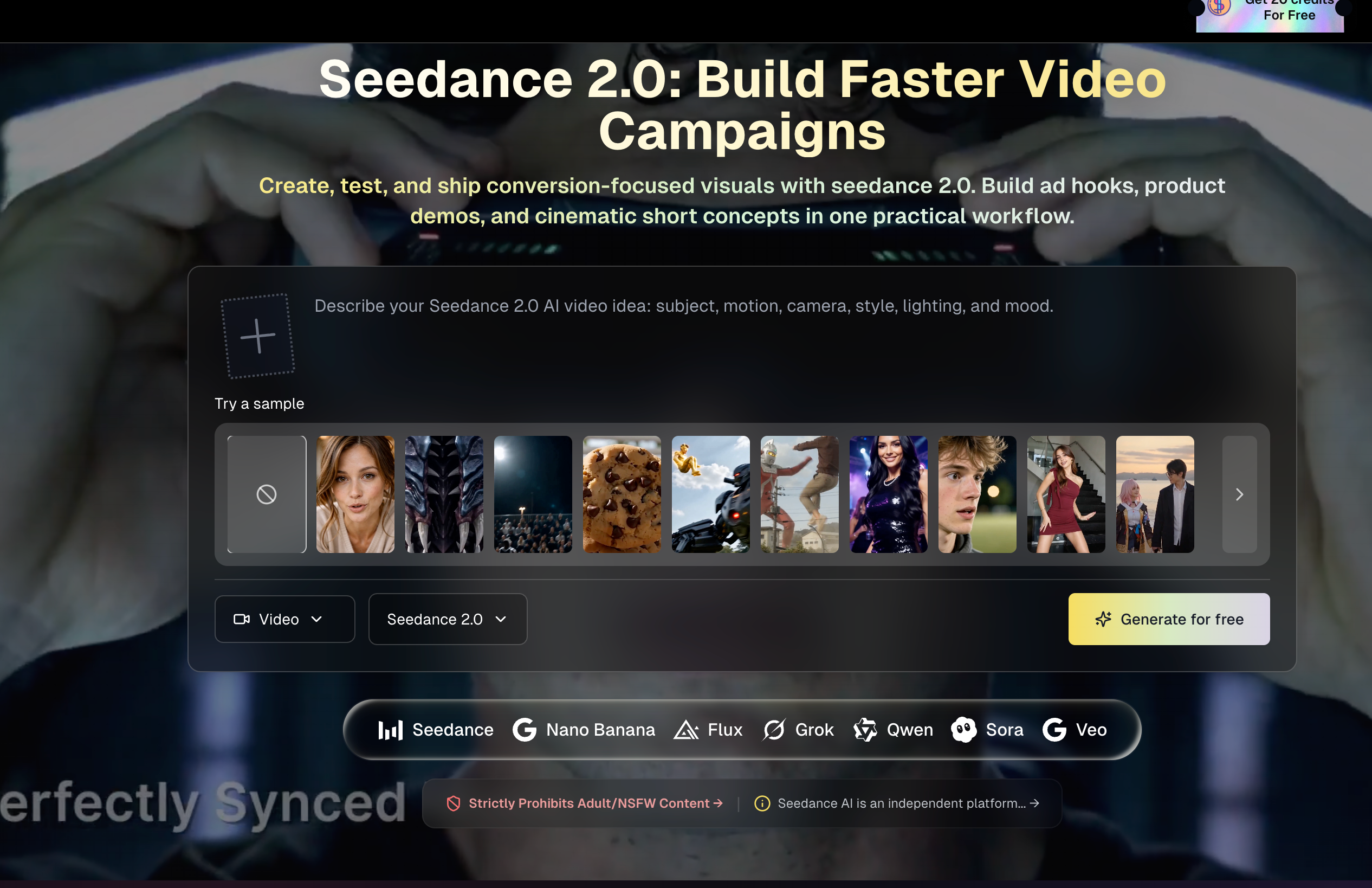
Seedance 2.0 is a powerful and production-ready AI tool that redefines how teams approach modern Video Generation, especially in fast-paced marketing and content environments. Unlike fragmented workflows that require multiple tools for scripting, animation, audio, and editing, Seedance 2.0 brings everything into a single, unified pipeline—making it an ideal solution for creators, marketers, and growth teams who need to produce high-quality video content at scale.
One of the most compelling advantages of Seedance 2.0 is its end-to-end workflow efficiency. From generating ad hooks and product demos to crafting cinematic short-form content, this AI tool enables users to move from concept to publish-ready output without switching platforms. This significantly reduces production friction and allows teams to iterate faster, test multiple creative variations, and launch campaigns more efficiently—an essential capability in today’s competitive Video Generation landscape.
Technically, Seedance 2.0 stands out with its next-generation motion synthesis and native audio orchestration. It doesn’t just generate visuals; it produces coherent, story-driven clips with synchronized voice, sound effects, and ambient audio—all in a single generation pass. This eliminates the need for separate audio editing tools and ensures better alignment between motion and sound. The platform also supports cinematic camera controls, allowing users to define shot types like pans, zooms, and tracking movements directly through prompts, resulting in more intentional and professional-looking outputs.
Another key feature is multi-shot consistency, which ensures that characters, environments, and visual styles remain stable across multiple scenes. This is particularly valuable for branded storytelling, episodic content, and product campaigns where visual continuity is critical. Combined with support for text, image, and audio inputs, Seedance 2.0 adapts seamlessly to different creative workflows, whether you’re starting from a script, a static image, or a soundtrack concept.
From a performance standpoint, the platform is also highly efficient. Most videos are generated within 1–3 minutes, enabling rapid iteration cycles. Its credit-based pricing model gives teams flexibility to balance cost and quality, while commercial usage rights make it suitable for ads, e-commerce, and brand campaigns.
In summary, Seedance 2.0 is a robust AI tool that elevates Video Generation by combining speed, consistency, and cinematic quality. It empowers teams to produce engaging, conversion-focused video content with minimal effort, making it a valuable asset for anyone looking to scale visual storytelling in the AI era.
What is Seedance 2.0 and who should use it?
Seedance 2.0 is built for creators, marketers, and production teams who need fast text-to-video and image-to-video output with consistent quality. Seedance 2.0 is suitable for ads, product demos, social content, and short cinematic concepts.
How does Seedance 2.0 pricing work?
Pricing follows a credit model based on output quality and duration. In practical use, higher resolutions consume more credits per second. This lets teams control budget by choosing the right quality tier for each campaign.
Will failed generations consume credits?
Failed jobs should not be charged. If you see incorrect credit deductions, contact support with your account email and job ID so the issue can be reviewed and corrected quickly.
How long does Seedance 2.0 generation usually take?
Most jobs complete in around 1 to 3 minutes. Complex prompts, longer durations, high-resolution output, and queue pressure can increase total processing time.
Can I use generated videos commercially?
Yes. Generated outputs can be used for business content such as paid ads, e-commerce, social publishing, and brand marketing, subject to local law and platform policy requirements.
Does Seedance 2.0 support character consistency across shots?
Yes. With clear prompts and strong references, Seedance 2.0 can keep identity, styling, and visual continuity stable across multiple scenes, which is useful for episodic and branded workflows.
Does Seedance AI 2.0 support native audio workflows?
Yes. Seedance 2.0 workflows can align motion with speech or soundtrack context, helping teams produce clips with stronger rhythm and lip-sync quality while reducing post-production effort in Seedance 2.0 pipelines.
Where can I find and download finished results?
Completed jobs are available in your workspace history and library pages. You can open, replay, and download prior results at any time for reuse, optimization, or republishing.
Do generation result links expire?
Temporary upstream links may expire. Stable platforms typically store successful outputs in managed storage so playback and downloads remain accessible from your account history.
How can I get faster troubleshooting support?
Send support your account email plus the exact job ID. This gives the team enough context to trace logs, diagnose generation issues, and resolve billing or output problems faster.
Share practical notes and help others evaluate this tool.
No comments yet. Start the conversation.

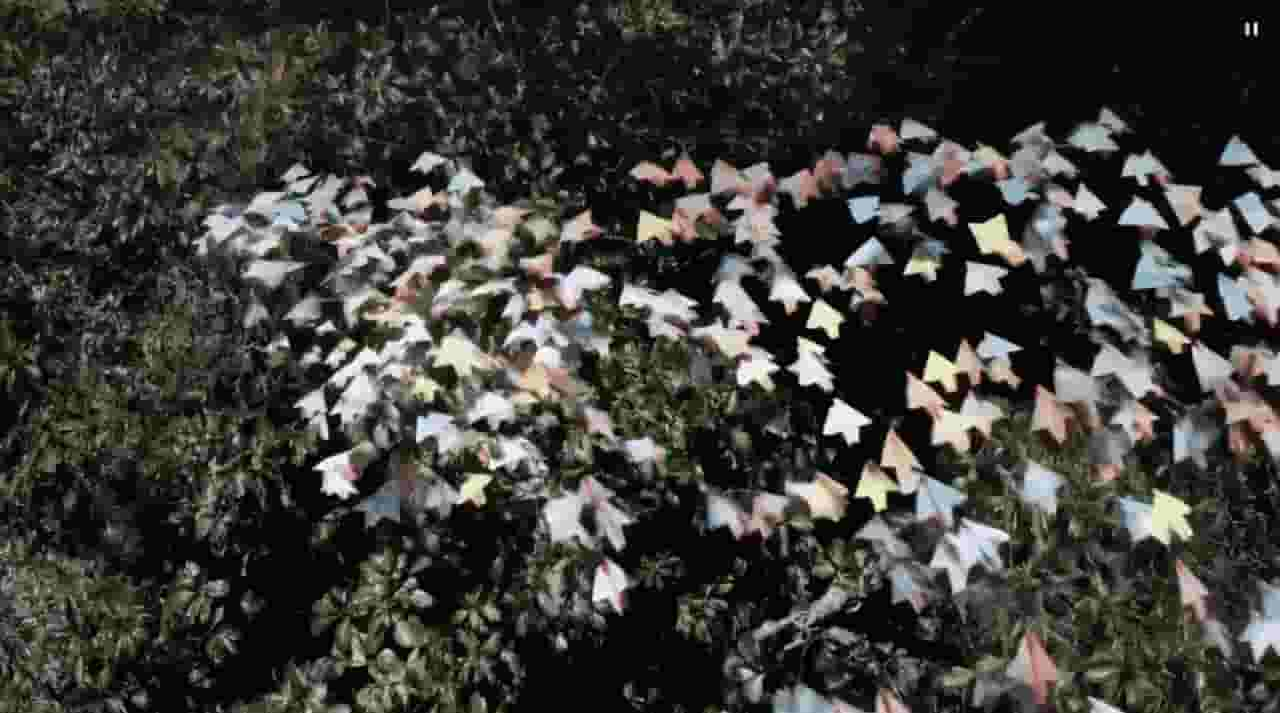
Sora is a large AI image-to-video model launched by OpenAI in 2026. It can create realistic and imaginative scenes based on text instructions.
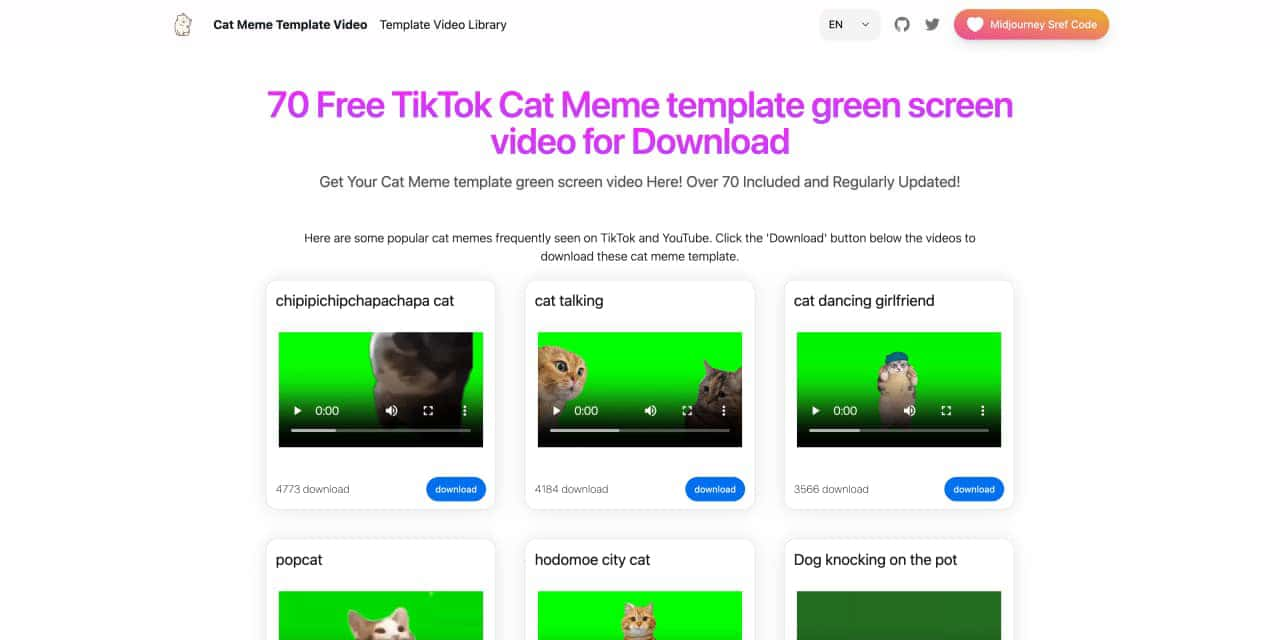
You can download the latest and most popular green screen cat meme template video featured on TikTok and YouTube. These materials are offered for free
Runway is an applied AI research company shaping the next era of art, entertainment and human creativity.
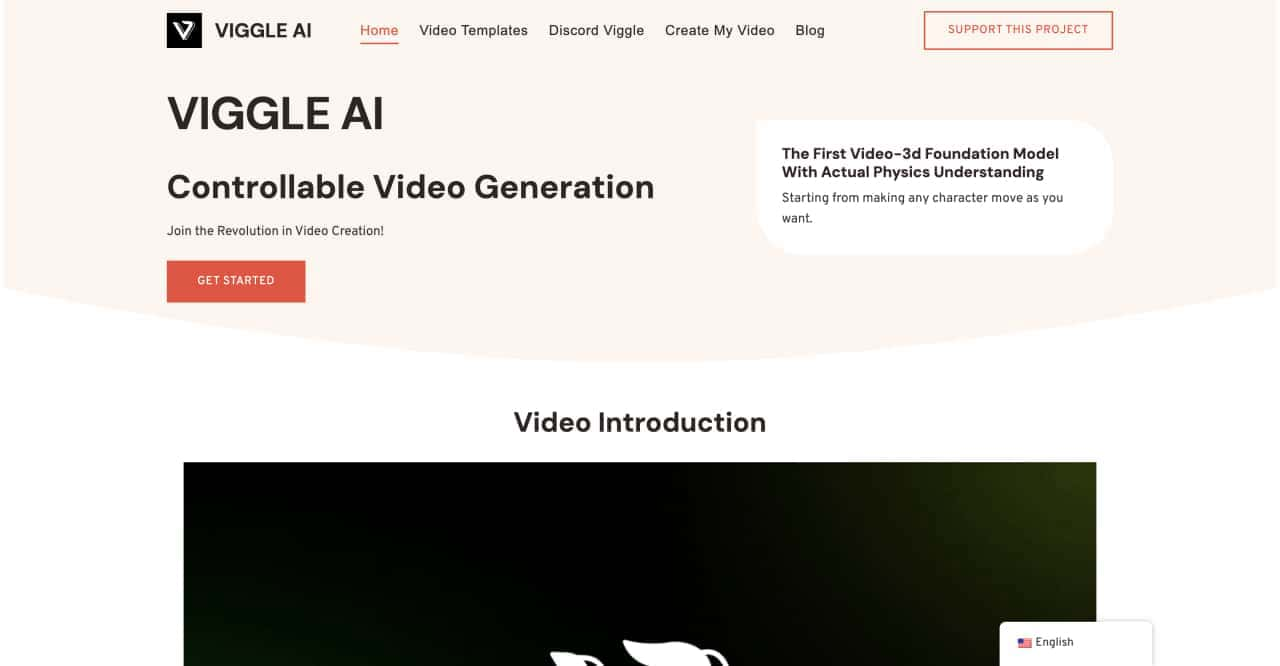
Use Viggle AI to create dynamic animations from images and text prompts. This guide covers its benefits, usage steps, and frequently asked questions.



This comprehensive guide explores the best AI image generators available in 2026, highlighting their unique features, strengths, and ideal use cases. We'll dive deep into each tool's capabilities to help you identify which AI image generator best suits your creative needs.

Google has just launched a powerful AI IDE code editor — now you can really vibe while coding

The best AI Model And AI Tools in 2026,The Most Popular Free AI Model And AI Tools.