Subscribe to AI newsletter
Your data is completely secure with us. We don't share it with anyone.
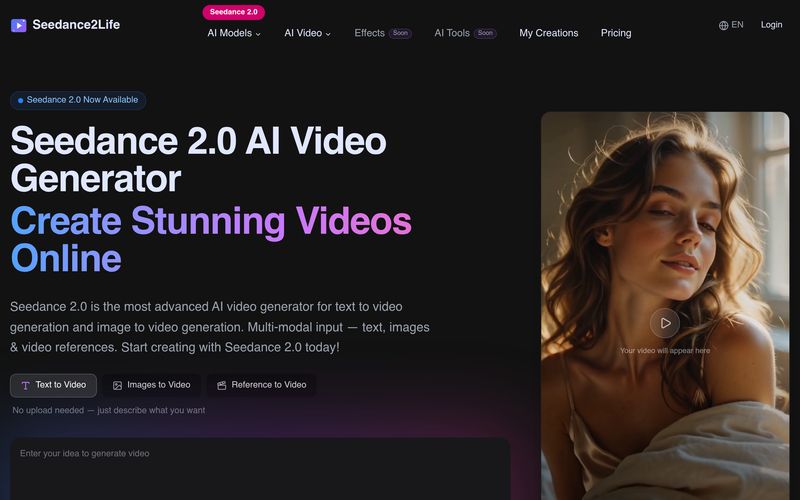
Select text to video, image to video, or reference to video. Upload reference images if needed, or start from scratch with a text prompt.
Write a prompt describing what you want to create — choose your preferred AI model, aspect ratio, duration, and other settings.
Our AI processes your input and generates a cinematic video. Watch the progress in real time. Most generations complete within 30-120 seconds.
Seedance2Life provides a simple and practical workflow for anyone who wants to use an AI tool for professional Video Generation. Based on its “How to use” process, the platform is designed to make AI video creation accessible even for users who do not have advanced editing or production experience. Instead of requiring complex software skills, Seedance2Life guides users through a clear three-step process: choose a tool, describe the creative vision, and generate the final video.
The first step, “Choose Your Tool,” shows the flexibility of Seedance2Life as an AI tool. Users can select text to video, image to video, or reference to video depending on the type of material they already have. This is useful because different creative projects often begin in different ways. A marketer may start with campaign copy, a designer may start with a product image, and a filmmaker may use reference visuals to guide the style and movement. By supporting multiple input methods, Seedance2Life gives users more freedom in the Video Generation process.
The second step, “Describe Your Vision,” is where the creative direction becomes more specific. Users can write a prompt that explains the scene, subject, camera movement, lighting, mood, and visual style they want to create. They can also choose the preferred AI model, aspect ratio, duration, and other settings. This level of control makes Seedance2Life more than a basic video generator. It allows creators to shape the output according to different use cases, such as social media videos, product demos, cinematic clips, brand stories, educational content, or concept trailers.
The final step, “Generate Your Video,” highlights the speed and efficiency of Seedance2Life. After processing the input, the AI generates a cinematic video while users can watch the progress in real time. Most generations are completed within 30 to 120 seconds, which makes the platform especially valuable for fast ideation and rapid content production.
Overall, Seedance2Life is a strong AI tool for modern Video Generation. Its workflow is easy to understand, but still powerful enough for professional creative needs. By combining flexible input modes, prompt-based control, model selection, real-time progress updates, and fast cinematic output, Seedance2Life helps users turn ideas into high-quality videos with less time, lower production cost, and greater creative freedom.



This comprehensive guide explores the best AI image generators available in 2026, highlighting their unique features, strengths, and ideal use cases. We'll dive deep into each tool's capabilities to help you identify which AI image generator best suits your creative needs.

Google has just launched a powerful AI IDE code editor — now you can really vibe while coding

The best AI Model And AI Tools in 2026,The Most Popular Free AI Model And AI Tools.