Subscribe to AI newsletter
Your data is completely secure with us. We don't share it with anyone.
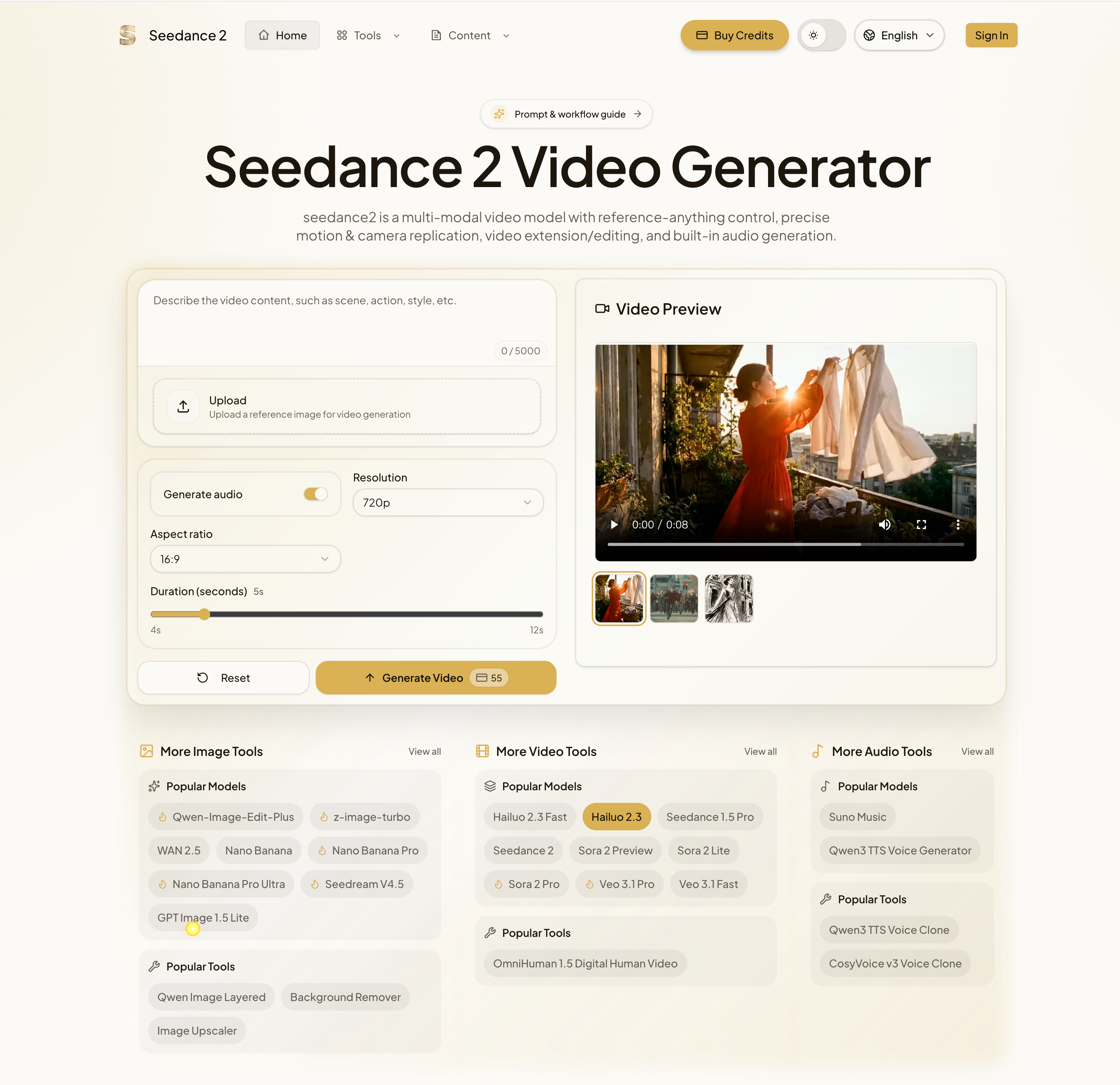
seedance2 supports text, images, videos, and audio; caps apply (images ≤ 9, videos ≤ 3, audio ≤ 3, total files ≤ 12).
Yes. Specify the added seconds for extension or the target to replace; set duration to the new segment length.
Higher resolutions (up to 2K) and longer outputs depend on provider options; official materials highlight faster generation and longer clips.
The FAQ highlights how seedance2 positions itself as a highly flexible and production-ready AI tool in the evolving field of Video Generation, offering a level of control and versatility that goes beyond traditional prompt-based systems. One of its most significant strengths is its support for multimodal inputs, including text, images, videos, and audio. This capability allows users to combine up to multiple assets within defined limits, creating a structured yet powerful workflow where each input contributes to the final output. In the context of Video Generation, this means creators are no longer restricted to describing scenes—they can directly guide style, motion, and sound using real references.
A standout feature of this AI tool is the use of “@ references,” which introduces a highly intuitive way to assign roles to different assets. Instead of relying on complex instructions, users can simply tag inputs to define their function—such as setting a first frame, controlling camera movement, or defining audio rhythm. This makes the creative process more precise and predictable, allowing users to achieve professional results without deep technical expertise.
Another important capability is video extension and editing. Seedance2 enables users to extend existing clips by specifying additional duration or to modify specific elements within a video without regenerating the entire sequence. This is a major efficiency boost in Video Generation, especially for iterative projects where small adjustments are frequently required. It allows creators to refine their work quickly while maintaining consistency across scenes.
Audio generation is also integrated into the workflow, further enhancing the realism of generated videos. By optionally adding dialogue, sound effects, or ambient audio, the AI tool ensures that visual content is complemented by synchronized sound, creating a more immersive experience. This is particularly valuable for storytelling, marketing, and social media content, where audio-visual cohesion plays a critical role.
Additionally, support for higher resolutions (up to 2K) and longer video outputs—depending on provider configurations—makes seedance2 suitable for both quick content creation and more polished productions. The ability to scale quality and duration ensures that the platform can adapt to different use cases, from short-form clips to more complex narratives.
Overall, the FAQ demonstrates that seedance2 is a comprehensive and forward-thinking AI tool for Video Generation, combining multimodal flexibility, precise control, and efficient editing capabilities. It offers a well-balanced solution for creators seeking both creative freedom and production-level results.



This comprehensive guide explores the best AI image generators available in 2026, highlighting their unique features, strengths, and ideal use cases. We'll dive deep into each tool's capabilities to help you identify which AI image generator best suits your creative needs.

Google has just launched a powerful AI IDE code editor — now you can really vibe while coding

The best AI Model And AI Tools in 2026,The Most Popular Free AI Model And AI Tools.