Subscribe to AI newsletter
Your data is complely secured with us. We don't share with anyone.
How to Go From Character Setup to Published Videos
Set up once, then run a repeatable workflow for scenes, talking videos, and music videos.
Lock Your Character Foundation
Set name, face, and voice so your virtual influencer stays consistent across outputs.
Build Reusable Scenes
Upload or generate scene frames you can reuse instead of rebuilding every background.
Generate, Review, and Publish
Run previews, render finals, and download assets ready for your channels.
Run Your Virtual Influencer with Predictable Credits
Start with a plan that matches your output, then top up with packs when campaigns spike. Every workflow shows credit usage before you generate.
AI Character Creator
Create a reusable AI character with locked face and voice, then use it across AI Scene Generator, AI Video Generator, and Music Video workflows in Scenova.
AI Scene Generator
Create reusable scenes for your virtual influencer and keep visual consistency across talking videos and music video projects.
AI Video Generator
Create talking videos from script or uploaded voice with your AI character, optional reusable scenes, and preview-first credit control.
AI Music Video Generator
Turn lyrics or a theme into an original song, then generate and refine a full AI music video with segment-level controls and consistent character visuals.
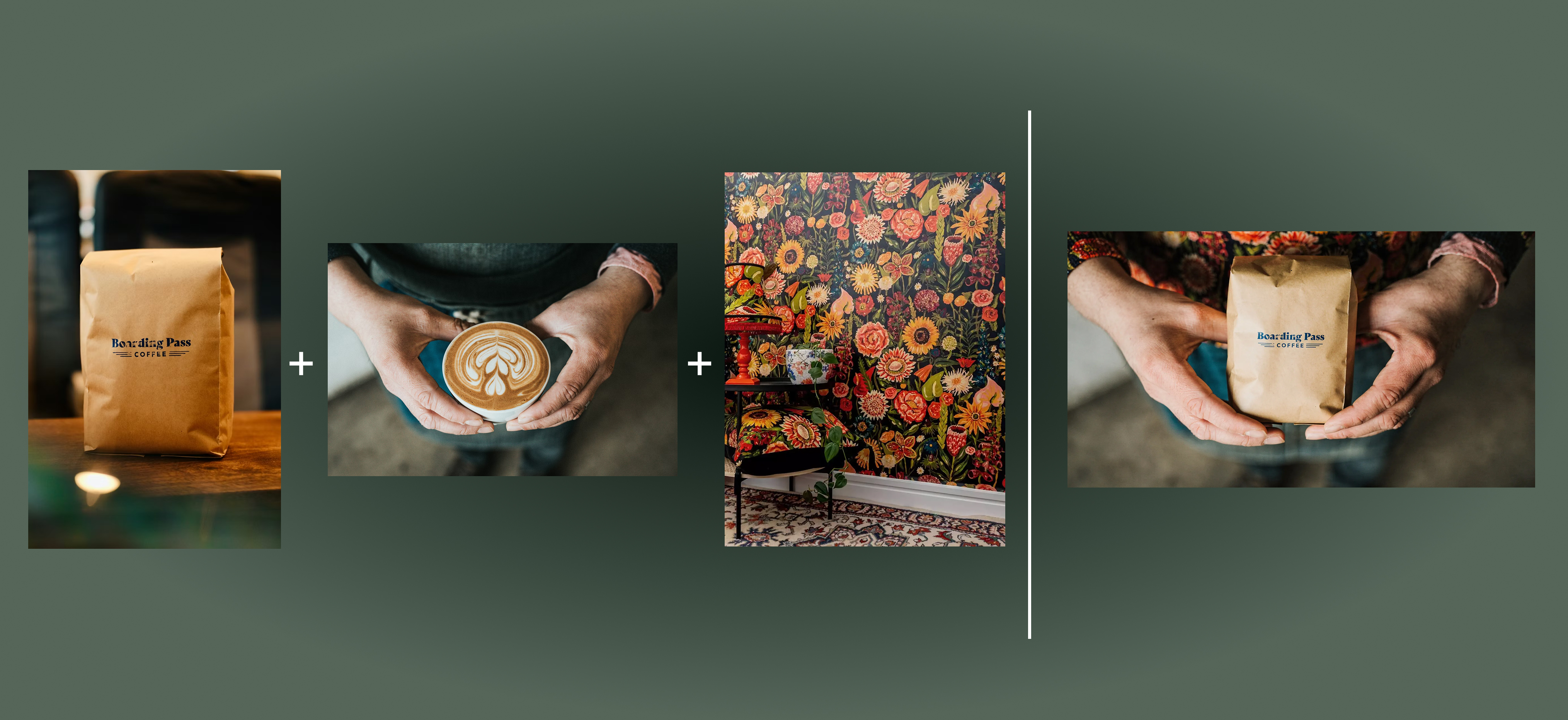

Flux 2 Max represents the most advanced release in the Flux 2 lineup, designed for creators who demand precision, realism, and production-ready visual output. As both a high-end AI Image Generator and a powerful AI Image Editor, Flux 2 Max pushes visual quality and consistency to a new level, making it suitable for professional creative workflows.
In this digital age, AI image generation tools are sparking an unprecedented creative revolution.Today, we delve into the mechanics of AI image generation, explore its underlying technology, and guide you in creating your own AI artwork!

This comprehensive guide explores the best AI image generators available in 2026, highlighting their unique features, strengths, and ideal use cases. We'll dive deep into each tool's capabilities to help you identify which AI image generator best suits your creative needs.

Google has just launched a powerful AI IDE code editor — now you can really vibe while coding