Subscribe to AI newsletter
Your data is completely secure with us. We don't share it with anyone.
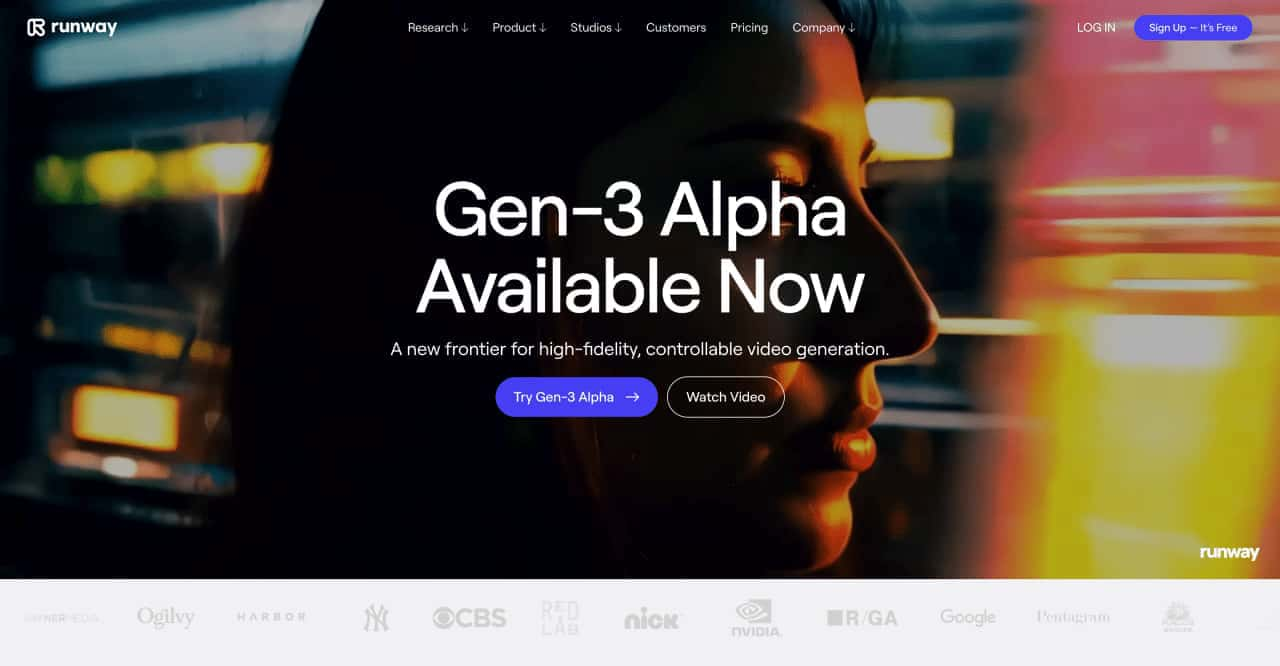
To get started, try typing in a simple prompt like, “a waterfall.” From there, you can start to add modifiers to affect the style, composition and overall mood of your generation.
Once you've crafted a text prompt, select a video duration of up to 10 seconds and click "Generate." All Gen-3 Alpha generations are saved to your Generative Video folder by default.
After generating, experiment with fixed seed numbers for consistent styles, or tweak your text prompt to produce diverse results.



This comprehensive guide explores the best AI image generators available in 2026, highlighting their unique features, strengths, and ideal use cases. We'll dive deep into each tool's capabilities to help you identify which AI image generator best suits your creative needs.

Google has just launched a powerful AI IDE code editor — now you can really vibe while coding

The best AI Model And AI Tools in 2026,The Most Popular Free AI Model And AI Tools.