Subscribe to AI newsletter
Your data is completely secure with us. We don't share it with anyone.
Select languages
Choose any two languages and switch direction instantly with one tap.
Hold the microphone button or press Space. Release when you're done speaking.
Hear the translation instantly. Review both original and translated text below
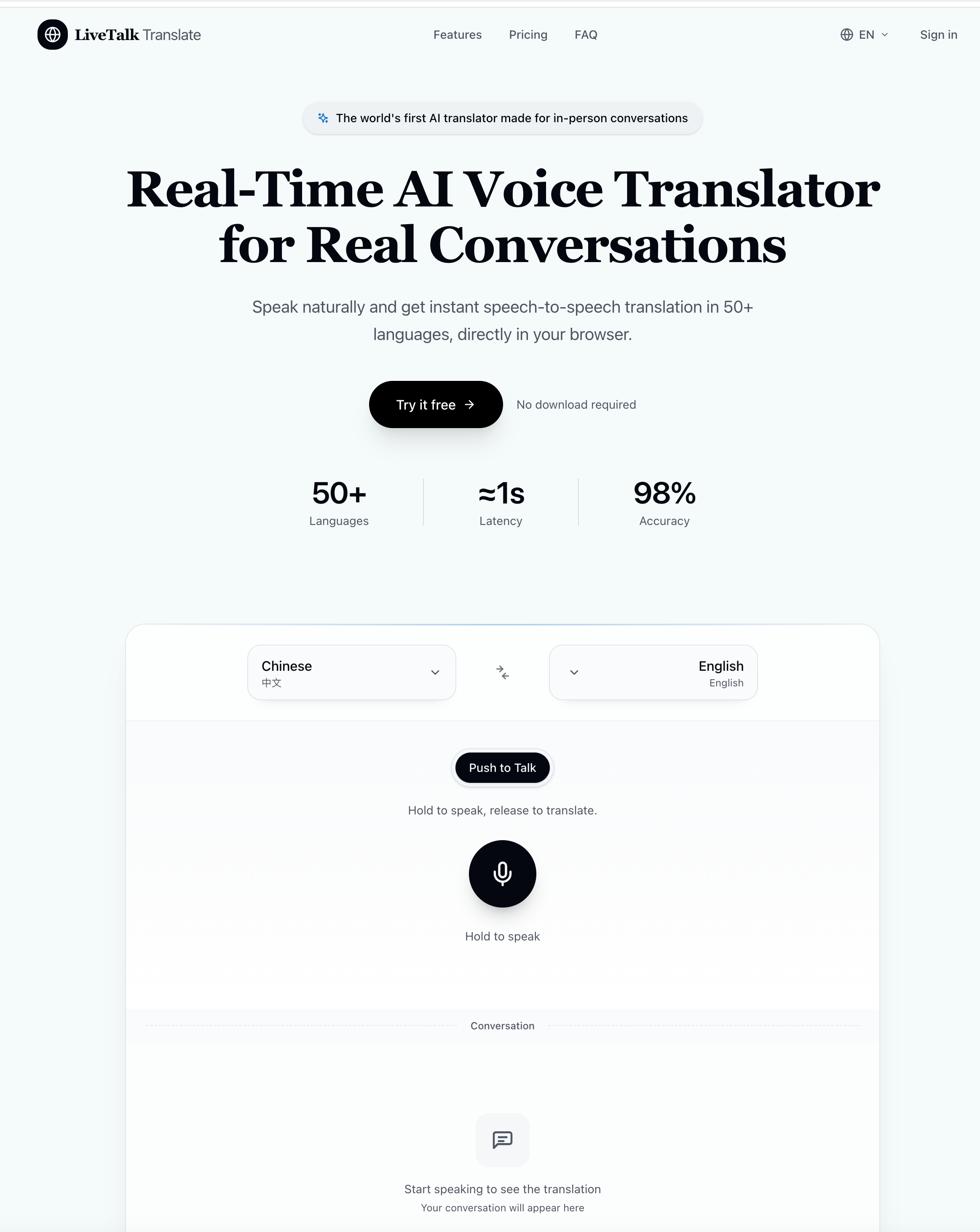
LiveTalk Translate is a highly intuitive AI tool that showcases the real power of modern AI Voice Generation by making cross-language communication feel natural, instant, and effortless. Its “How to use” flow is deliberately simple, yet it reflects a sophisticated underlying system designed for real-time speech-to-speech translation. With just three core actions—select languages, press and speak, then listen and read—this AI tool removes nearly all friction traditionally associated with multilingual communication.
The first step, selecting languages, is designed for flexibility and speed. Users can choose any two languages and instantly switch translation direction with a single tap. This makes LiveTalk Translate especially practical in dynamic conversations where participants may alternate between languages. As an AI tool, this level of responsiveness is crucial because it supports real conversational flow rather than rigid, one-directional translation. It ensures users remain engaged in dialogue instead of interrupting it with manual adjustments or complex settings.
The second step, press and speak, is where the strength of AI Voice Generation becomes most visible. Users simply hold a microphone button—or press the spacebar—and speak naturally. Once they release, the system immediately processes the audio. This design mirrors real human interaction patterns, allowing the AI tool to capture not only words but also natural speech rhythm, pauses, and intent. The integration of AI Voice Generation ensures that spoken input is converted smoothly into structured translation data without losing conversational authenticity.
Finally, the listen and read stage completes the experience by delivering instant spoken translations along with readable text. Users can hear the translated voice output in real time while also reviewing both the original and translated versions on screen. This dual-format output enhances comprehension and makes LiveTalk Translate particularly useful for learning, professional communication, and high-stakes conversations such as business meetings or travel interactions.
Overall, LiveTalk Translate stands out as a powerful AI tool that leverages advanced AI Voice Generation to create a seamless bridge between languages. Its streamlined workflow ensures that users can focus on communication itself rather than the mechanics of translation, making it an essential solution for real-time global interaction.



This comprehensive guide explores the best AI image generators available in 2026, highlighting their unique features, strengths, and ideal use cases. We'll dive deep into each tool's capabilities to help you identify which AI image generator best suits your creative needs.

Google has just launched a powerful AI IDE code editor — now you can really vibe while coding

The best AI Model And AI Tools in 2026,The Most Popular Free AI Model And AI Tools.