Subscribe to AI newsletter
Your data is complely secured with us. We don't share with anyone.
Read PDF aloud for free with natural AI voices! Convert any PDF, including scanned files via OCR, into natural speech. Supports 142+ languages.
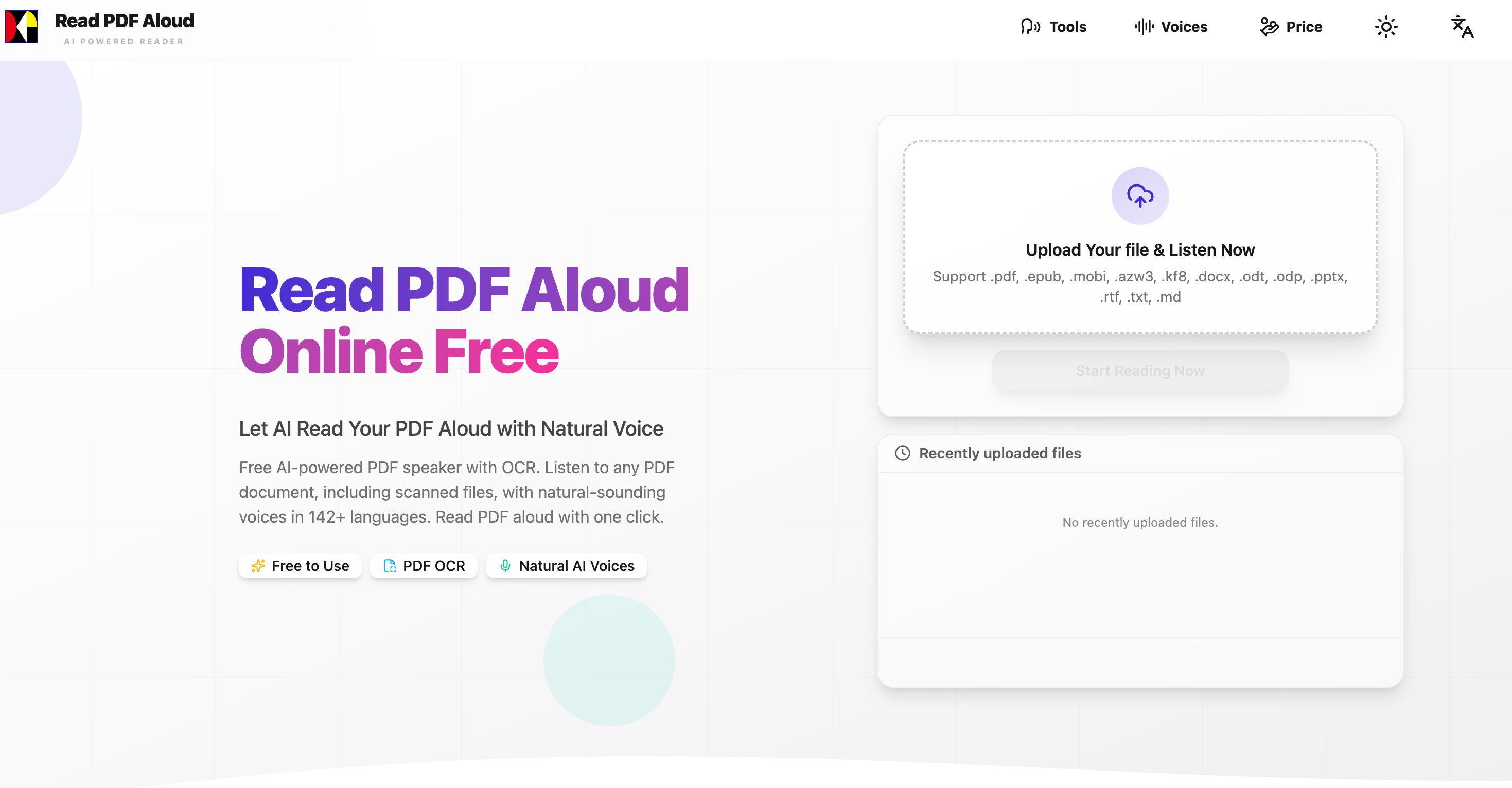
Read PDF Aloud is a modern AI tool designed to transform any PDF into natural-sounding speech instantly. Powered by advanced AI Voice Generation and OCR technology, it allows users to listen to documents instead of reading them—making it ideal for productivity, accessibility, and multitasking.
Using this AI tool is simple and efficient, requiring only three steps:
1. Upload & Parse Your PDF
Upload any PDF file directly from your device—whether you're using Windows, Mac, iPhone, Android, or Linux. The system instantly parses the document within your browser, ensuring fast and secure processing.
2. Choose a Natural AI Voice
Select from over 100+ realistic voices across 142 languages. Whether you prefer different accents, tones, or genders, this AI Voice Generation system provides flexible options for a personalized listening experience.
3. Start Listening Instantly
With one click, Read PDF Aloud converts your document into speech. The built-in player allows precise control, enabling you to start from any sentence and continue seamlessly anytime.
Advanced AI Voice Generation
Experience highly natural, human-like voices that make long documents easier and more enjoyable to consume.
OCR for Scanned PDFs
Unlike many tools, Read PDF Aloud can process scanned or image-based PDFs using AI-powered OCR, making even non-editable files accessible.
Local-First Performance
Most processing happens locally in your browser, ensuring faster speed, better privacy, and the ability to resume playback anytime—even after closing your browser.
MP3 Export for Offline Listening
Convert your PDFs into audio files and download them as MP3s, allowing you to listen on the go like a podcast or audiobook.
Cross-Platform Compatibility
This AI tool works seamlessly on all modern devices and browsers without requiring installation.
Instant Conversion
No waiting time—turn any PDF into audio within seconds using efficient AI Voice Generation technology.
Create Audiobooks
Turn novels and long-form content into engaging audio experiences.
Learn Languages Faster
With support for 142 languages, users can improve listening and pronunciation skills naturally.
Boost Productivity
Listen to reports, research papers, or study materials while commuting or multitasking.
ADHD-Friendly Reading
Audio-based consumption helps improve focus and reduce distractions.
This AI tool stands out by combining speed, accessibility, and powerful AI Voice Generation into one seamless experience. Whether you're a student, professional, or casual reader, Read PDF Aloud offers a smarter way to consume content—free, fast, and incredibly convenient.
Upload your PDF file. Select a PDF file you want to listen to.You can upload from any device with a modern browser - iPhone, Android, iPad, Windows, Mac, and Linux.
Choose your preferred language and voice. We support 142 languages Each language has multiple natural-sounding voice options.
Enjoy natural text-to-speech reading.Our player offers you a fine-grained, intuitive control experience, allowing you to start listening from anywhere.
Is it really free to use?
Yes! You receive free daily credits every time you log in.
What languages are supported?
We support 142 languages including English, Spanish, French, German, Chinese, Japanese, Korean, Arabic, Hindi, and many more. Each language has multiple natural-sounding voice options.
Can I use it on my phone?
Yes! Our PDF voice reader works on any device with a modern browser - iPhone, Android, iPad, Windows, Mac, and Linux. No app installation needed.
What PDF formats are supported?
We support all standard PDF formats including text-based PDFs, and complex layouts with images and tables.
How natural do the voices sound?
We use state-of-the-art AI text-to-speech technology that produces incredibly natural and human-like voices. You can choose from male, female, and different accent options.
Can I export the audio?
Yes, you can export the audio as MP3 files.
Can it read scanned PDFs aloud?
Yes! Read PDF aloud uses AI-powered OCR technology to extract text from scanned documents and even handwritten notes, converting them into natural-sounding speech instantly.

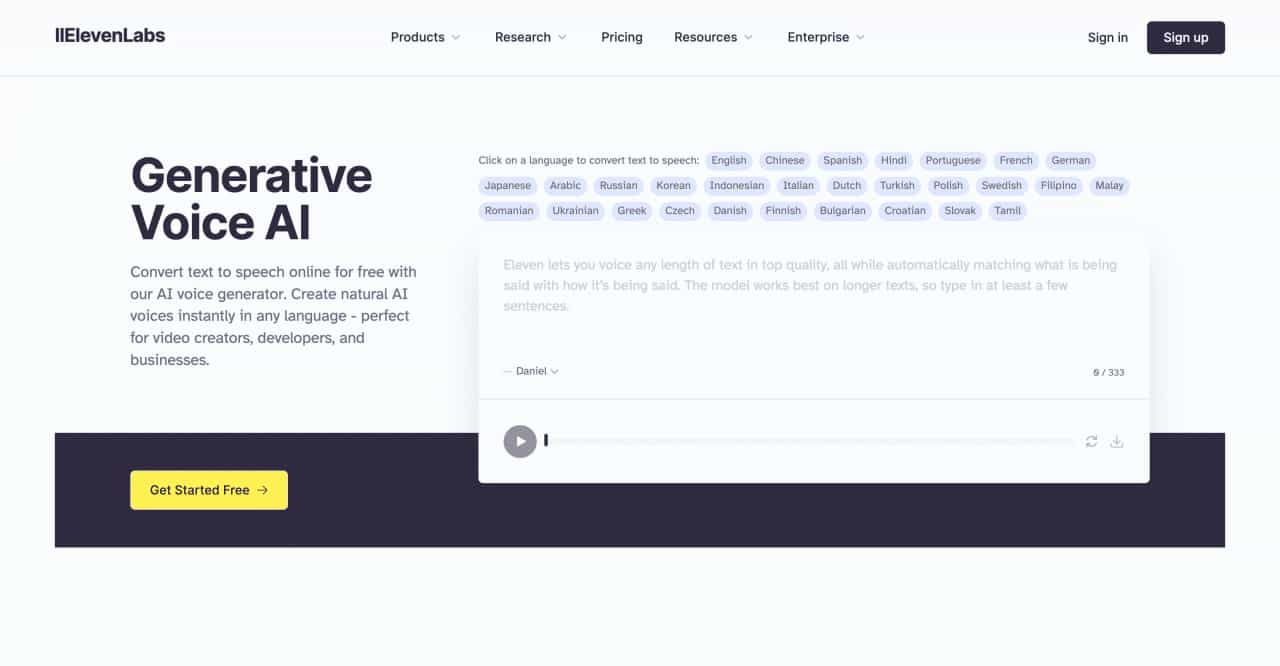
Convert text to speech online for free with our AI voice generator. Create natural AI voices instantly in any language - perfect for video creators, developers, and businesses.
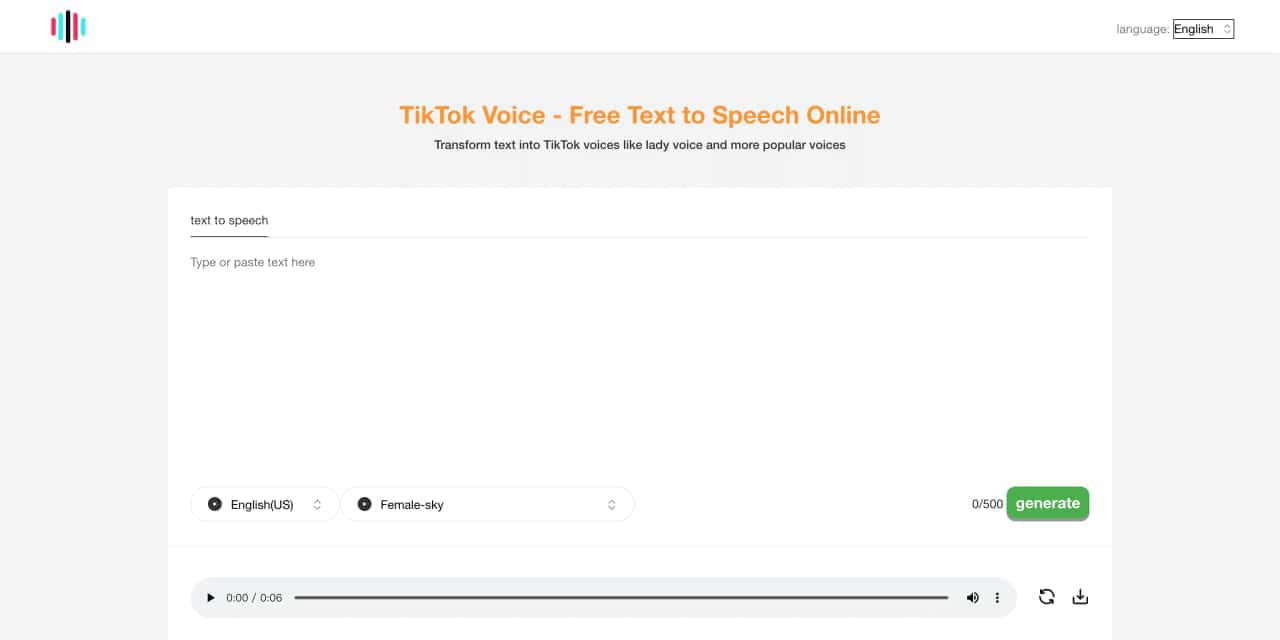
Tiktok voice is an Ai powered tts ,text to speech generator tool. Can generate lady's voice, Siri-like voice ,the other poupular and vrial tiktok voices
Transform your content with cutting-edge AI voice over and text to speech solutions. Our Voice Design AI offers natural-sounding, customizable voices for podcasts, e-learning, and more. Try our AI voice generator today!
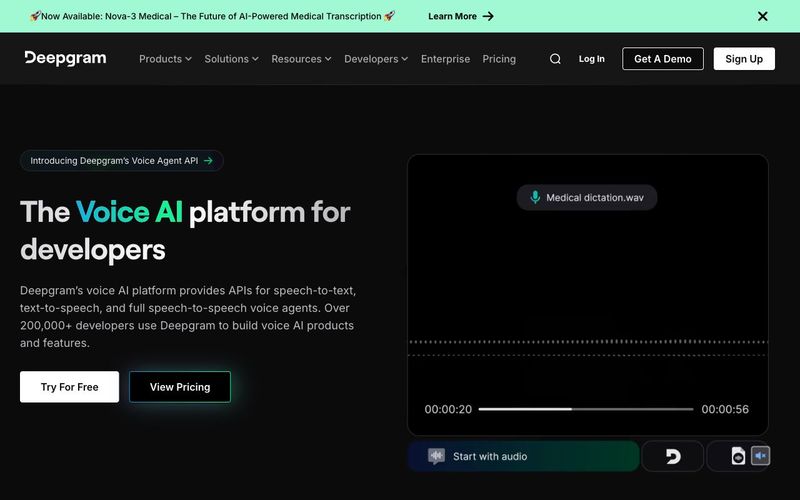
Power your apps with real-time speech-to-text and text-to-speech APIs powered by Deepgram's voice AI models. Low latency, high quality, and low cost that scales


Flux 2 Max represents the most advanced release in the Flux 2 lineup, designed for creators who demand precision, realism, and production-ready visual output. As both a high-end AI Image Generator and a powerful AI Image Editor, Flux 2 Max pushes visual quality and consistency to a new level, making it suitable for professional creative workflows.
In this digital age, AI image generation tools are sparking an unprecedented creative revolution.Today, we delve into the mechanics of AI image generation, explore its underlying technology, and guide you in creating your own AI artwork!

This comprehensive guide explores the best AI image generators available in 2026, highlighting their unique features, strengths, and ideal use cases. We'll dive deep into each tool's capabilities to help you identify which AI image generator best suits your creative needs.

Google has just launched a powerful AI IDE code editor — now you can really vibe while coding