Subscribe to AI newsletter
Your data is completely secure with us. We don't share it with anyone.
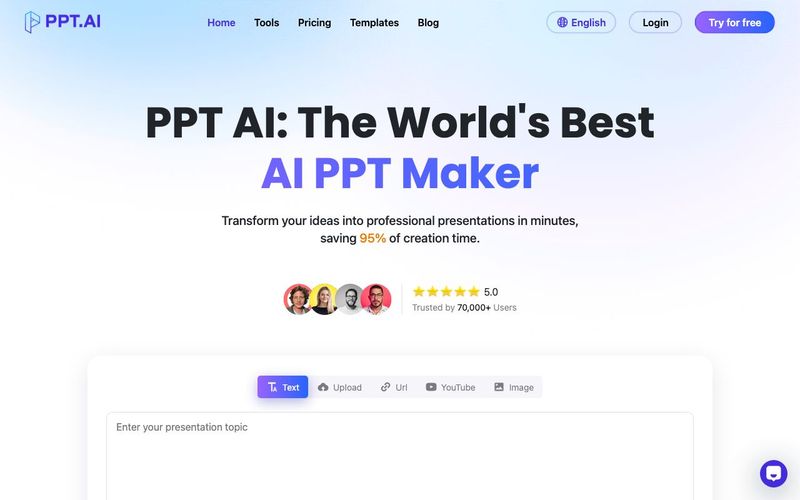
What is PPT AI and how does it work?
An AI tool that auto‑creates professional PPT decks by analyzing your content.
How do I get started?
Sign up, upload or enter your topic, pick settings, and let the PPT generator do the rest.
What’s included for free?
Free users get 3 presentations/month, up to 15 slides each, access 50+ templates, and download PPTs with watermark.
Supported formats?
Input: DOC/DOCX, PDF, TXT, MD, XLS, CSV, HTML, EPUB, MOBI, images, URLs, videos. Output: PPT, PPTX, PDF.
How secure is it?
Uses bank‑level encryption, GDPR compliance, secure cloud storage, auto‑deletion policy.
What makes PPT AI different?
Saves 95% creation time, offers free premium templates, leverages advanced AI models, and delivers full PowerPoint compatibility.
PPT AI transforms your content into professional presentations in minutes using advanced AI technology to analyze your input and create well-structured, visually appealing slides.
Sign up, upload your content or input your topic, choose a template style, let PPT AI generate your presentation, then review and customize.
What benefits do PPT AI free users receive?
Free users can generate 3 presentations per month, access 50+ templates, create up to 15 slides, use essential editing features, and download presentations with a watermark.
PPT AI supports Word, PDF, TXT, and Markdown for input, and offers PPT, PPTX, and PDF for output. All presentations can be edited directly in our online platform.
PPT AI uses advanced algorithms trained on millions of professional presentations, analyzing content structure and design principles to ensure high-quality outputs with 96% user satisfaction.
PPT AI offers intelligent content analysis, automatic design suggestions, time-saving automation (95% faster), professional templates with smart matching, and intelligent content organization.
Yes, PPT AI prioritizes security with bank-level encryption, secure cloud storage, regular security audits, GDPR compliance, and options to delete data anytime.
PPT AI currently supports 15 major languages including Chinese, Japanese, Korean, French, German, and Portuguese.
Can I customize presentations created with PPT AI?
Yes, all PPT AI presentations can be customized using built-in editing tools for colors, fonts, images, layouts, and content.
PPT AI offers three plans:
- Free: 3 presentations/month
- Plus: $9.9/month or $7.9/month annually (save 20%), up to 50 presentations/month
- Pro: $19.9/month or $13.9/month annually (save 30%), up to 200 presentations/month



This comprehensive guide explores the best AI image generators available in 2026, highlighting their unique features, strengths, and ideal use cases. We'll dive deep into each tool's capabilities to help you identify which AI image generator best suits your creative needs.

Google has just launched a powerful AI IDE code editor — now you can really vibe while coding

The best AI Model And AI Tools in 2026,The Most Popular Free AI Model And AI Tools.