Subscribe to AI newsletter
Your data is completely secure with us. We don't share it with anyone.
Create stunning anime characters with AI. Free text-to-image generation, multiple art styles, and high-res output. Perfect for artists and creators.
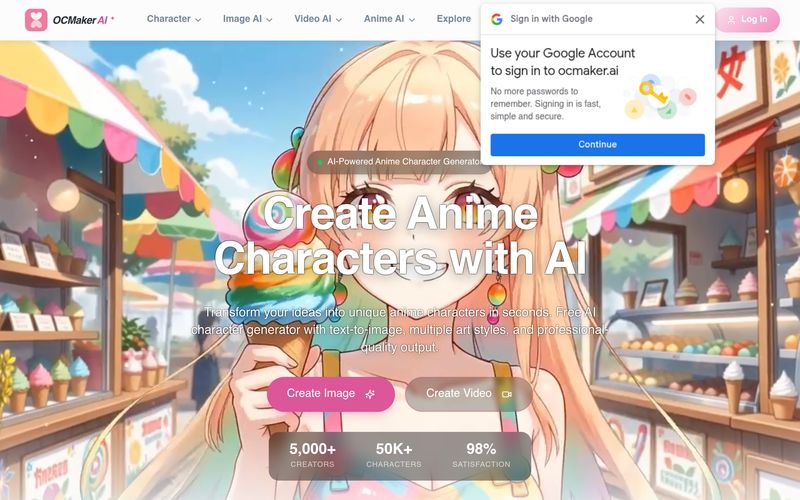
As anime-inspired digital creation continues to grow, more artists, creators, and fans are looking for an intuitive AI tool that can simplify the process of character design while maintaining professional-quality results. OC Maker AI positions itself as a next-generation platform for anime character creation, offering a complete creative workflow that goes far beyond simple text-to-image generation. From character design and scene building to dynamic AI animation, OC Maker AI gives users an all-in-one solution for transforming ideas into visually compelling anime content.
At its core, OC Maker AI is an advanced anime character generator powered by artificial intelligence. Users simply enter a text description, choose an art style, and allow the system to generate highly detailed anime characters in seconds. Whether you are imagining a fantasy warrior, cyberpunk hero, magical girl, or slice-of-life school character, OC Maker AI enables creators to turn ideas into polished illustrations without requiring drawing skills. As an AI tool, its text-to-image capability makes anime design more accessible for beginners while still offering enough customization for experienced creators.
One of the biggest strengths of OC Maker AI in the AI animation space is its complete creative ecosystem. Instead of stopping at character generation, the platform includes powerful features such as inpainting, outpainting, and character reference tools. Users can modify facial expressions, outfits, and character details with precision, expand environments to create immersive anime worlds, and maintain visual consistency when adjusting poses or actions. This level of creative control makes OC Maker AI particularly useful for storytellers, manga creators, game designers, and virtual content creators.
Another standout feature is the platform’s support for video models and video-to-video conversion, allowing static anime characters to evolve into dynamic animated content. This dramatically expands creative possibilities for users interested in AI animation, making it easier to create short anime clips, promotional videos, character showcases, or animated social content. Combined with 3D model generation for gaming and VR applications, OC Maker AI feels far more comprehensive than many standard anime generators.
Ease of use is another reason why OC Maker AI stands out as an AI tool. The workflow is straightforward: users click “Start for Free,” enter a detailed prompt, select a preferred anime style, adjust parameters, and wait approximately 30–60 seconds for generation. Batch generation options also allow creators to explore multiple variations simultaneously, helping users quickly discover their ideal design.
Commercial flexibility further increases the platform’s appeal. Paid plans offer unlimited generations, priority processing, advanced models, and commercial licenses, making OC Maker AI suitable for animation projects, indie games, merchandise, branding, and professional content creation.
Overall, if you are looking for a versatile AI tool specializing in anime design and AI animation, OC Maker AI stands out as a highly creative and accessible platform. With text-to-image generation, detailed customization, animation support, and professional-quality outputs, OC Maker AI provides a complete workflow for bringing original anime characters to life.
OC Maker is our original character generator that uses advanced AI technology to help you create unique anime characters. Simply provide a text description to generate high-quality character images with support for multiple styles and detailed customization options.
OC Maker supports a variety of powerful features:
• Text-to-Image Generation: Create characters from descriptions
• Style Customization: Multiple anime styles available
• Detail Adjustment: Expressions, clothing, poses, and more
• High-Resolution Output: Various size options
• Batch Generation: Create multiple variations at once
Using OC Maker is simple:
1. Click the "Start for Free" button
2. Enter your character description
3. Select your preferred art style
4. Adjust parameter settings
5. Click generate and wait for AI creation
6. Download or continue editing your work
Typically, generating a high-quality character image takes 30-60 seconds. The exact time depends on:
• Image resolution and complexity
• Current server load
• Selected model type
We are constantly optimizing our algorithms to provide faster generation speeds.
We offer a free trial to let you experience OC Maker's features. Free users can generate a limited number of images per day. For more features and unlimited use, upgrade to our paid plans to enjoy:
• Unlimited generation
• Priority processing queue
• Advanced model access
• Commercial use license
This depends on your subscription plan:
• Free Users: Personal non-commercial use only
• Paid Users: Full commercial usage rights
You can use characters generated with paid plans for game development, animation production, merchandise design, and other commercial projects. For specific terms, please see our Terms of Service.
Here are some tips for better results:
• Detailed Descriptions: Provide specific appearance, clothing, and expression details
• Use Keywords: Such as "high quality", "detailed", "professional illustration"
• Specify Style: Clearly state the desired art style
• Avoid Contradictions: Ensure descriptions are logically consistent
• Reference Examples: Check our prompt guides and featured works
We provide multiple support channels:
• Help Documentation: View detailed usage guides
• Community Forum: Exchange experiences with other creators
• Online Support: Real-time answers during business hours
• Email Support: Send detailed questions to support@example.com
• Video Tutorials: Watch our official instructional videos
Share practical notes and help others evaluate this tool.
No comments yet. Start the conversation.

AI Animation tools empower creators to generate engaging animations with minimal manual effort. These tools typically include apps for AI-powered animation generation and video creation, enabling users to transform ideas, scripts, or images into dynamic animated content within minutes.
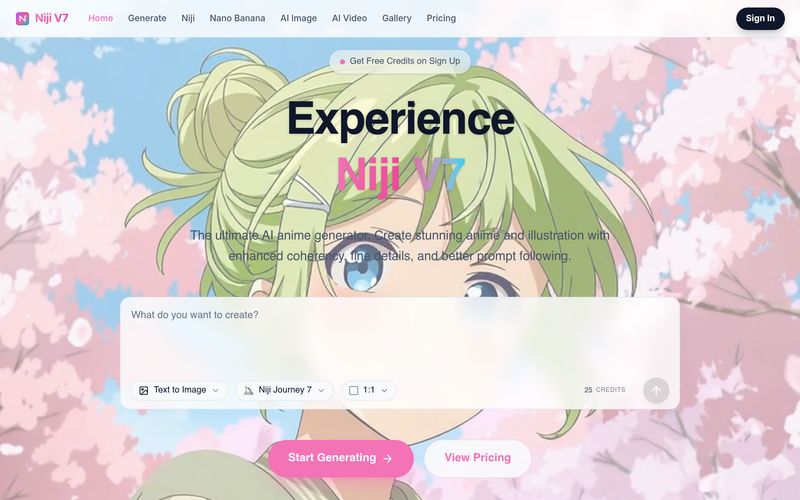
Free AI Anime Generator powered by Niji 7. Create beautiful anime art, AI images, and AI videos using Niji Journey 7, Midjourney, Nano Banana, Seedance 2.0, Veo 3.1, and more.
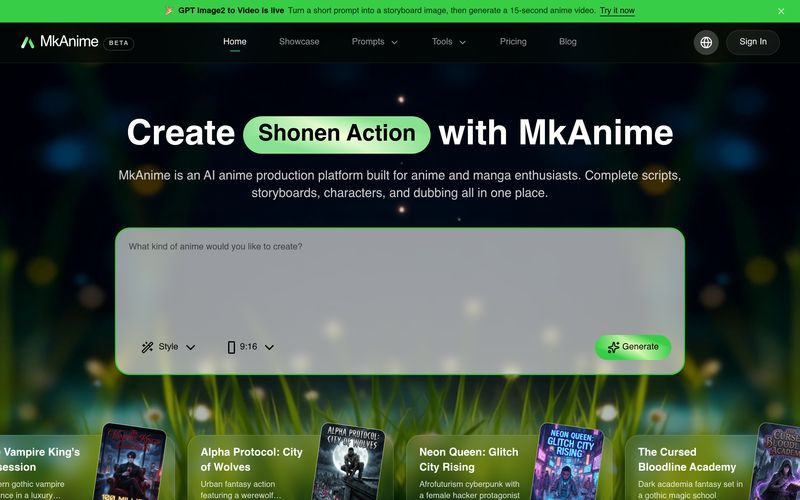
MkAnime is an AI anime studio to turn a prompt into outlines, scripts, storyboards, and short videos with consistent characters, dubbing, and exports.
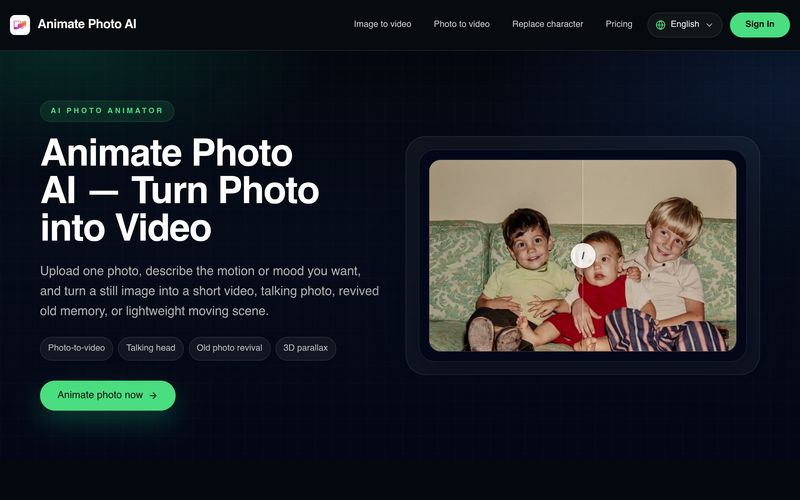
Animate Photo AI turns photos into videos online. Upload & animate in seconds to create talking portraits, pet motion, and scene loops. Try it now.
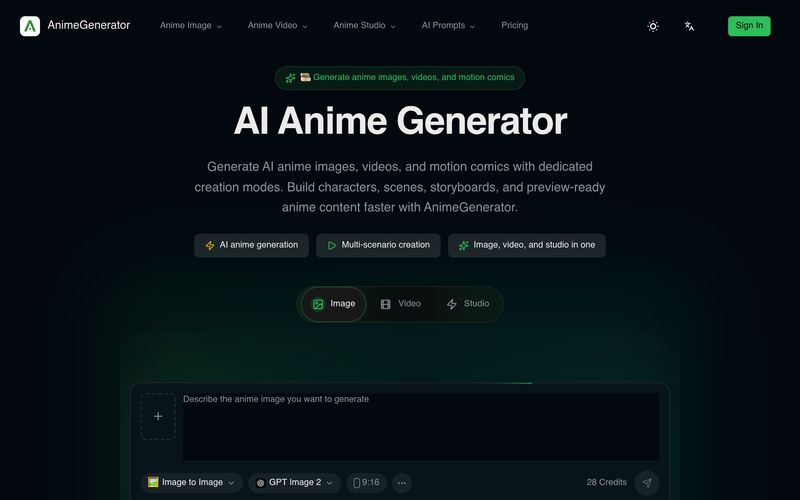
Generate AI anime images, videos, and motion comics with dedicated tools for each format. Create characters, scenes, storyboards, and preview-ready anime content with AnimeGenerator.



This comprehensive guide explores the best AI image generators available in 2026, highlighting their unique features, strengths, and ideal use cases. We'll dive deep into each tool's capabilities to help you identify which AI image generator best suits your creative needs.

Google has just launched a powerful AI IDE code editor — now you can really vibe while coding

The best AI Model And AI Tools in 2026,The Most Popular Free AI Model And AI Tools.