Subscribe to AI newsletter
Your data is completely secure with us. We don't share it with anyone.
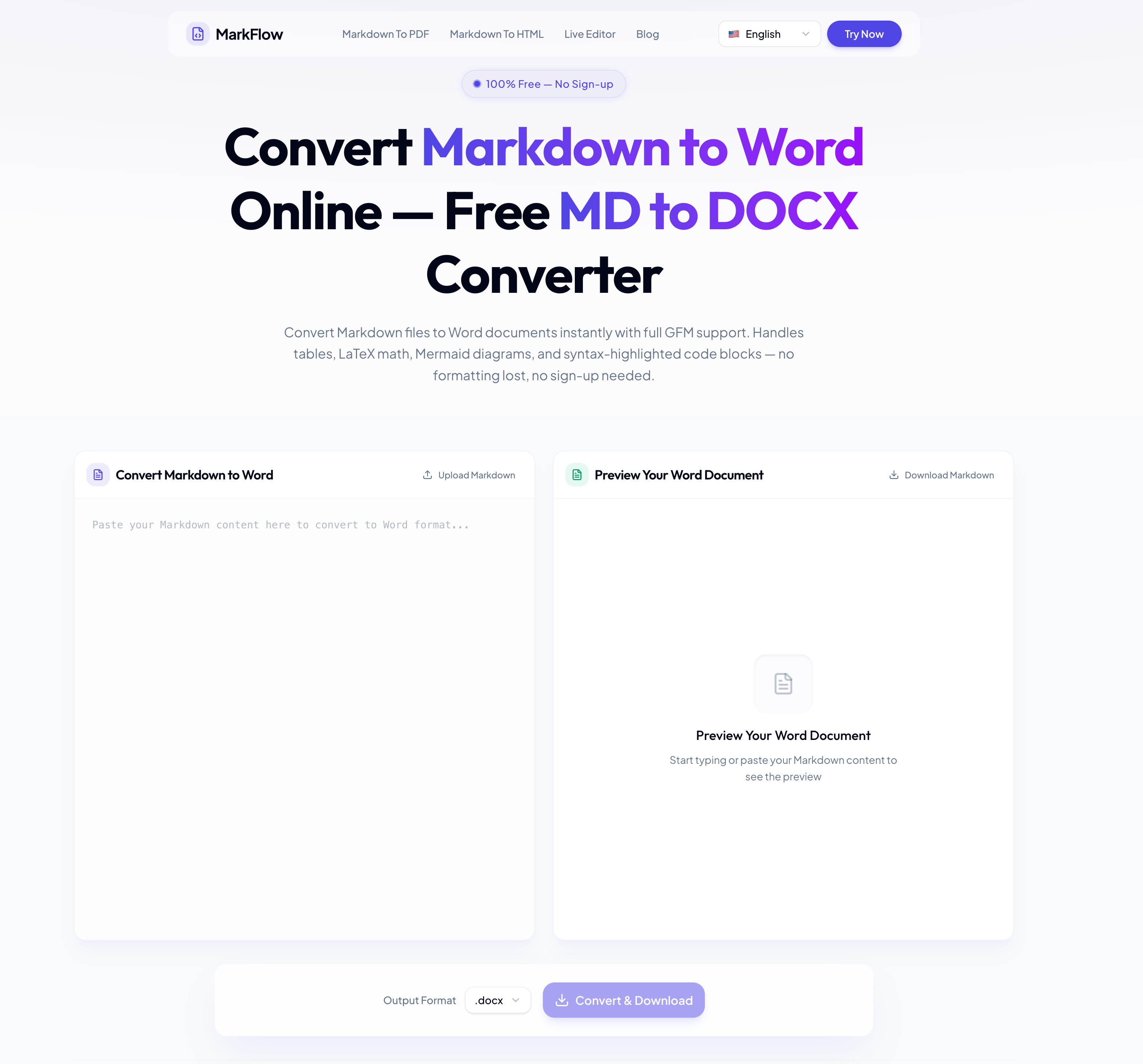
Drag and drop your Markdown file or paste your content directly into the editor. Supports .md and .markdown files up to 10 MB.
See a real-time preview showing exactly how your tables, math, diagrams, and code blocks will look in the final Word file.
Click Convert & Download to save the Word document. The .docx works in Microsoft Word, Google Docs, and LibreOffice.
MarkFlow is a highly practical AI tool that simplifies one of the most common challenges faced by developers, writers, researchers, and content teams: converting Markdown files into professional Word documents without losing formatting quality. Among modern AI Office Tools, MarkFlow stands out because of its clean workflow, browser-based convenience, and support for advanced Markdown features. Its “How to Use” process is designed to be fast, beginner-friendly, and efficient, making document conversion accessible to both technical and non-technical users.
The first step in MarkFlow is incredibly straightforward. Users can simply drag and drop a .md or .markdown file into the editor or paste Markdown content directly into the platform. This flexibility is one of the reasons why MarkFlow performs so well as an AI Office Tools solution. Whether you are exporting technical documentation, blog drafts, academic papers, or API references, the upload process feels smooth and intuitive. The support for files up to 10 MB also makes the platform suitable for large documentation projects and long-form reports.
One of the most impressive features of this AI tool is the real-time preview system. After uploading Markdown content, users can immediately see how tables, LaTeX equations, Mermaid diagrams, images, and syntax-highlighted code blocks will appear inside the final Word document. This feature dramatically improves productivity because users can quickly identify formatting issues before exporting the file. Many traditional converters fail to accurately render technical content, but MarkFlow focuses heavily on preserving document structure and visual consistency. For developers and technical writers, this level of preview accuracy is extremely valuable.
The final conversion step is equally efficient. Users simply click “Convert & Download” to generate a .docx file that works seamlessly with Microsoft Word, Google Docs, and LibreOffice. This cross-platform compatibility makes MarkFlow an excellent AI Office Tools platform for collaboration across teams, companies, educational institutions, and publishing workflows. Instead of spending hours manually fixing formatting problems after conversion, users can instantly download polished Word documents ready for sharing, editing, or printing.
Another major strength of MarkFlow as an AI tool is its accessibility. There is no installation process, no sign-up requirement, and no complicated software configuration. Everything runs directly inside the browser, making the experience fast and lightweight. This simplicity helps MarkFlow appeal to a wide audience, from students and researchers to developers and business professionals.
Overall, MarkFlow demonstrates how modern AI Office Tools can improve document productivity through automation, intelligent formatting preservation, and streamlined workflows. By combining Markdown compatibility, live preview functionality, and fast Word export capabilities, MarkFlow delivers a reliable and professional document conversion experience for anyone working with technical or structured content.



This comprehensive guide explores the best AI image generators available in 2026, highlighting their unique features, strengths, and ideal use cases. We'll dive deep into each tool's capabilities to help you identify which AI image generator best suits your creative needs.

Google has just launched a powerful AI IDE code editor — now you can really vibe while coding

The best AI Model And AI Tools in 2026,The Most Popular Free AI Model And AI Tools.