Subscribe to AI newsletter
Your data is completely secure with us. We don't share it with anyone.
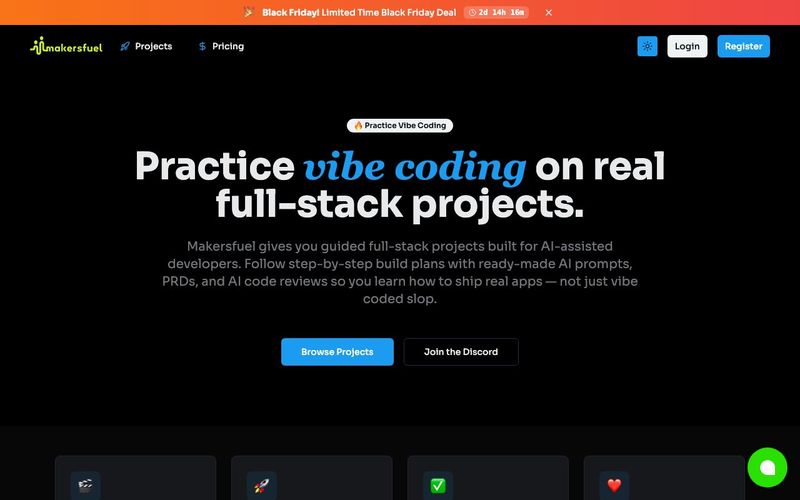
Sign Up and Onboard Your Startup
Create an account on Makersfuel and provide details about your startup, such as your vision, mission, and key documents (pitch decks, financial forecasts, logos).
The AI agent uses this information to understand your business context and maintain long-term memory for tasks.
Define Tasks
Input specific tasks for your AI agent, from strategic planning to coding, content creation, or SEO research.
Tasks can range from building features like “Sign in with Google” to writing blog posts or social media plans.
AI Planning and Execution
The AI agent analyzes requirements, proposes solutions, and starts executing tasks while requesting feedback when needed.
You can monitor the agent’s progress in real time and provide guidance for more accurate results.
Quality Assurance
Use Makersfuel’s triple-layer review system:
Self-Review: Quick approvals for routine tasks.
Intern Review: Professional validation for quality and best practices.
Expert Review: Industry specialists provide expert feedback for complex tasks.
Iterate and Refine
Review outputs, request adjustments, and refine results. The AI agent improves over time, learning from completed tasks to become more precise.
Delivery & Deployment
Once tasks are approved, the AI agent finalizes deliverables and helps implement them, from product features to strategic content.
Makersfuel is an exceptional AI tool that redefines Educational Learning for startup founders and small teams by providing a practical, hands-on approach to building and scaling a business. The platform’s onboarding process is both intuitive and thorough: users create an account and provide detailed information about their startup, including vision, mission, and essential documents such as pitch decks, financial forecasts, and logos. By using this input, the AI agent gains a deep understanding of your business context and maintains long-term memory, enabling smarter and more relevant task execution.
Once onboarded, Makersfuel allows users to define specific tasks for the AI agent. These tasks can range from coding features like “Sign in with Google” to strategic planning, content creation, or SEO research. This task-driven approach ensures that learning is goal-oriented and practical, giving users tangible results while simultaneously developing their understanding of real-world workflows. The AI agent not only executes tasks but also analyzes requirements, proposes solutions, and iteratively improves its output based on user feedback, providing a dynamic learning experience that mirrors working alongside a human team member.
A key feature that distinguishes Makersfuel as an Educational Learning AI tool is its triple-layer quality assurance system. Tasks undergo self-review for routine approvals, intern review for professional validation, and expert review for complex, high-stakes work. This multi-tiered review process ensures accuracy, teaches best practices, and helps users understand why certain decisions or implementations are more effective. Moreover, Makersfuel emphasizes iteration and refinement, allowing learners to review outputs, request adjustments, and progressively enhance results, with the AI agent improving over time.
Finally, Makersfuel supports full delivery and deployment of tasks. From finalizing product features to publishing strategic content, the AI agent ensures that work is completed professionally and efficiently. Overall, Makersfuel is more than a productivity platform—it is a comprehensive AI tool for Educational Learning, offering a hands-on, immersive environment where entrepreneurs and learners can master both the practical and strategic aspects of building a startup.



This comprehensive guide explores the best AI image generators available in 2026, highlighting their unique features, strengths, and ideal use cases. We'll dive deep into each tool's capabilities to help you identify which AI image generator best suits your creative needs.

Google has just launched a powerful AI IDE code editor — now you can really vibe while coding

The best AI Model And AI Tools in 2026,The Most Popular Free AI Model And AI Tools.