Subscribe to AI newsletter
Your data is completely secure with us. We don't share it with anyone.
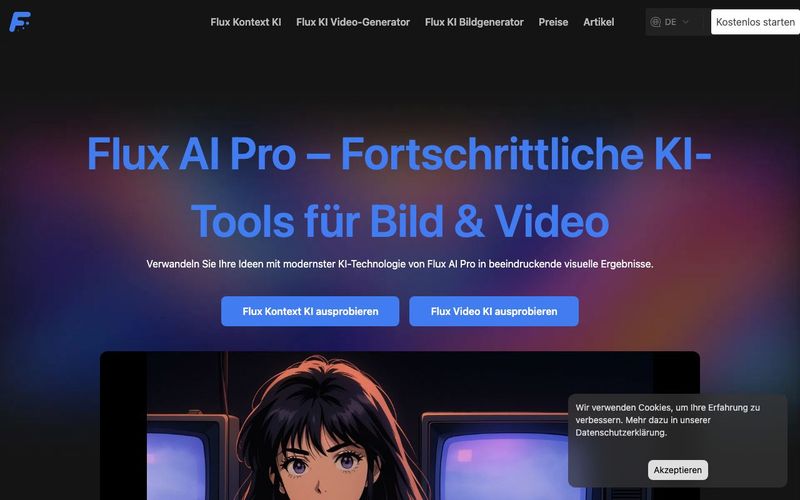
Supports multi-language prompts, optimizing prompts for the best results
Offers 8 professional ratios including 1:1, 16:9, and 21:9
Selects models based on requirements, including Pro, Dev, and Schnell
Cloud rendering supports WEBP, PNG, and JPG format exports
Flux AI Pro – An Intuitive AI Tool for Advanced Image Generation
Flux AI Pro stands out as a next-generation AI tool designed to make Image Generation fast, intuitive, and professional-grade. Its user-friendly workflow allows creators of all levels to generate high-quality visuals with minimal effort. The process begins with entering a descriptive prompt, which can be provided in multiple languages. Flux AI Pro’s intelligent prompt optimization ensures that your creative ideas are accurately interpreted, resulting in visually striking and contextually coherent images. This multi-language support is particularly valuable for international users seeking to produce professional content without language limitations.
Once the prompt is set, users can choose from eight professional aspect ratios, including popular options like 1:1 for social media posts, 16:9 for widescreen presentations, and 21:9 for cinematic compositions. This ratio selection feature allows creators to adapt their visuals for specific platforms or project requirements, ensuring that the final output is perfectly tailored to its intended use.
Another key advantage of Flux AI Pro as an AI tool is its smart model matching system. Depending on your project requirements, the platform intelligently selects the appropriate Flux AI model—Pro, Dev, or Schnell. Each model caters to different use cases, from high-fidelity professional Image Generation to ultra-fast personal or experimental projects. This flexibility empowers users to balance speed, quality, and computational efficiency according to their needs.
After selecting the model and ratio, the AI tool processes your request through cloud rendering, generating stunning visuals within seconds. Users can then export their results in versatile formats such as WEBP, PNG, or JPG, making the workflow seamless for both digital and print applications. By combining multi-language prompt support, professional ratio options, intelligent model matching, and fast cloud rendering, Flux AI Pro provides a comprehensive AI-powered Image Generation experience that is both accessible and highly efficient.
Overall, Flux AI Pro excels as an AI tool that empowers creators to produce high-quality, customizable images quickly, making it an essential choice for artists, marketers, and content creators who want professional results without technical complexity.



This comprehensive guide explores the best AI image generators available in 2026, highlighting their unique features, strengths, and ideal use cases. We'll dive deep into each tool's capabilities to help you identify which AI image generator best suits your creative needs.

Google has just launched a powerful AI IDE code editor — now you can really vibe while coding

The best AI Model And AI Tools in 2026,The Most Popular Free AI Model And AI Tools.