Subscribe to AI newsletter
Your data is completely secure with us. We don't share it with anyone.
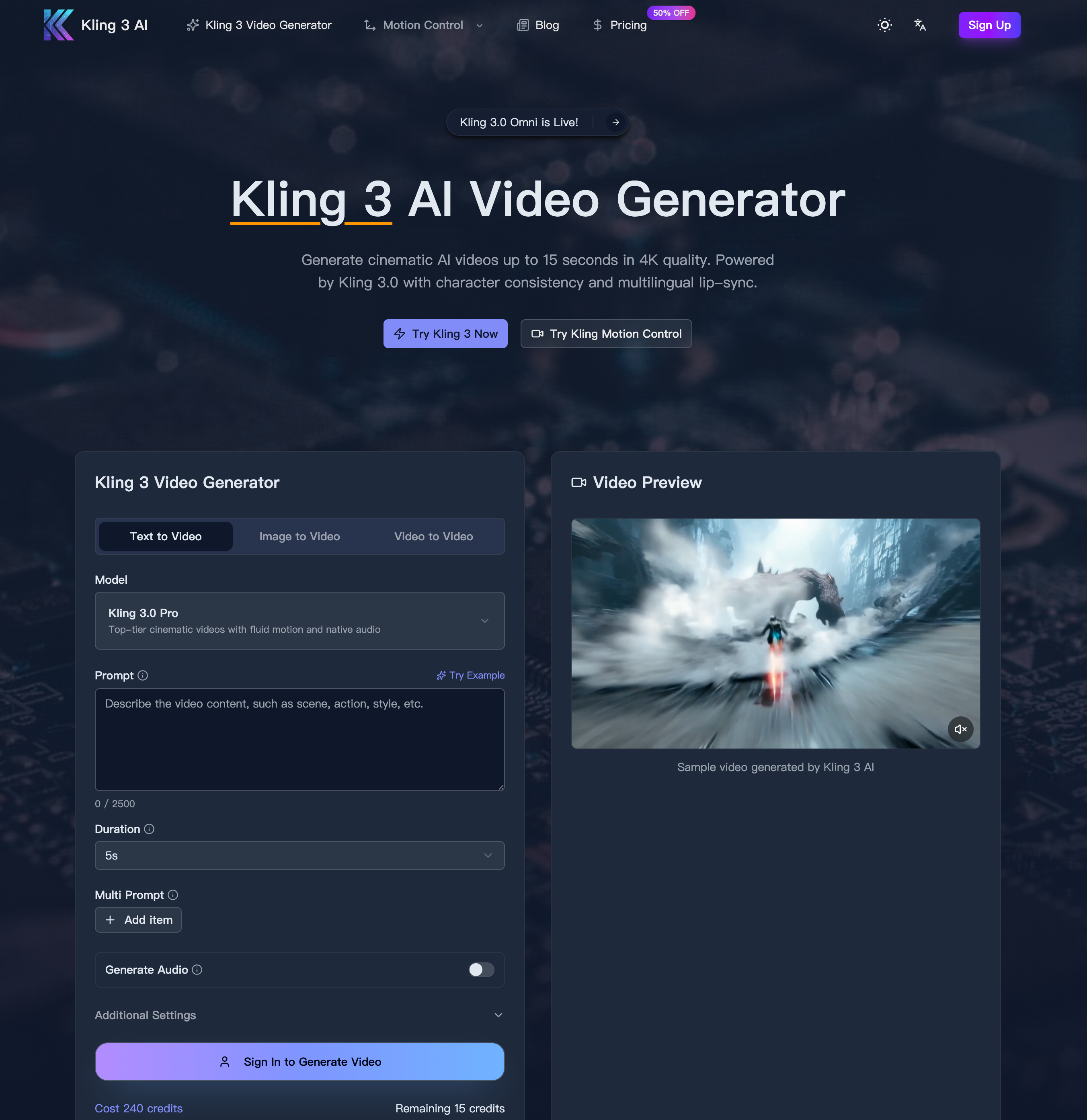
Describe your video scene, characters, and camera movements in natural language.
Choose Kling 3.0 model and set aspect ratio, resolution, and duration.
Click generate and download your video in multiple formats.
From a workflow and usability standpoint, Kling 3 demonstrates how a modern AI tool can simplify complex Video Generation processes while still delivering professional-grade results. Its streamlined “How to Use” approach reduces video creation to three essential steps, making it both efficient and accessible without sacrificing creative control.
The first step—entering your prompt—highlights the core strength of Kling 3 as an intelligent AI tool. Instead of relying on traditional editing software or technical expertise, users can describe their video scenes, characters, and even camera movements using natural language. This transforms Video Generation into a more intuitive and idea-driven process. Whether specifying cinematic angles like zooms and pans or defining character behavior and environment, Kling 3 interprets these instructions with impressive accuracy. This ability to convert descriptive language into structured visual output significantly lowers the barrier for creators while expanding creative possibilities.
The second step—selecting the model and adjusting settings—introduces a layer of professional customization. Users can choose the Kling 3.0 model and define parameters such as aspect ratio, resolution, and duration. This flexibility is essential in real-world Video Generation scenarios, where content needs to be optimized for different platforms, from social media to high-end production. The option to generate up to 4K-quality visuals ensures that the output meets industry standards, while adjustable durations allow creators to tailor content for specific storytelling or marketing needs.
The final step—generate and download—emphasizes speed and efficiency. With just one click, Kling 3 processes the input and produces high-quality video content in a short amount of time. The ability to download videos in multiple formats further enhances its practicality, enabling seamless integration into various workflows, whether for advertising campaigns, content creation, or film production.
Overall, the simplicity of Kling 3’s workflow is a key strength. By condensing Video Generation into a clear three-step process, this AI tool removes unnecessary complexity while maintaining advanced capabilities. It allows users to focus on creativity and storytelling rather than technical execution, making it a powerful solution for both beginners and professionals looking to produce high-quality video content quickly and efficiently.



This comprehensive guide explores the best AI image generators available in 2026, highlighting their unique features, strengths, and ideal use cases. We'll dive deep into each tool's capabilities to help you identify which AI image generator best suits your creative needs.

Google has just launched a powerful AI IDE code editor — now you can really vibe while coding

The best AI Model And AI Tools in 2026,The Most Popular Free AI Model And AI Tools.