Subscribe to AI newsletter
Your data is completely secure with us. We don't share it with anyone.
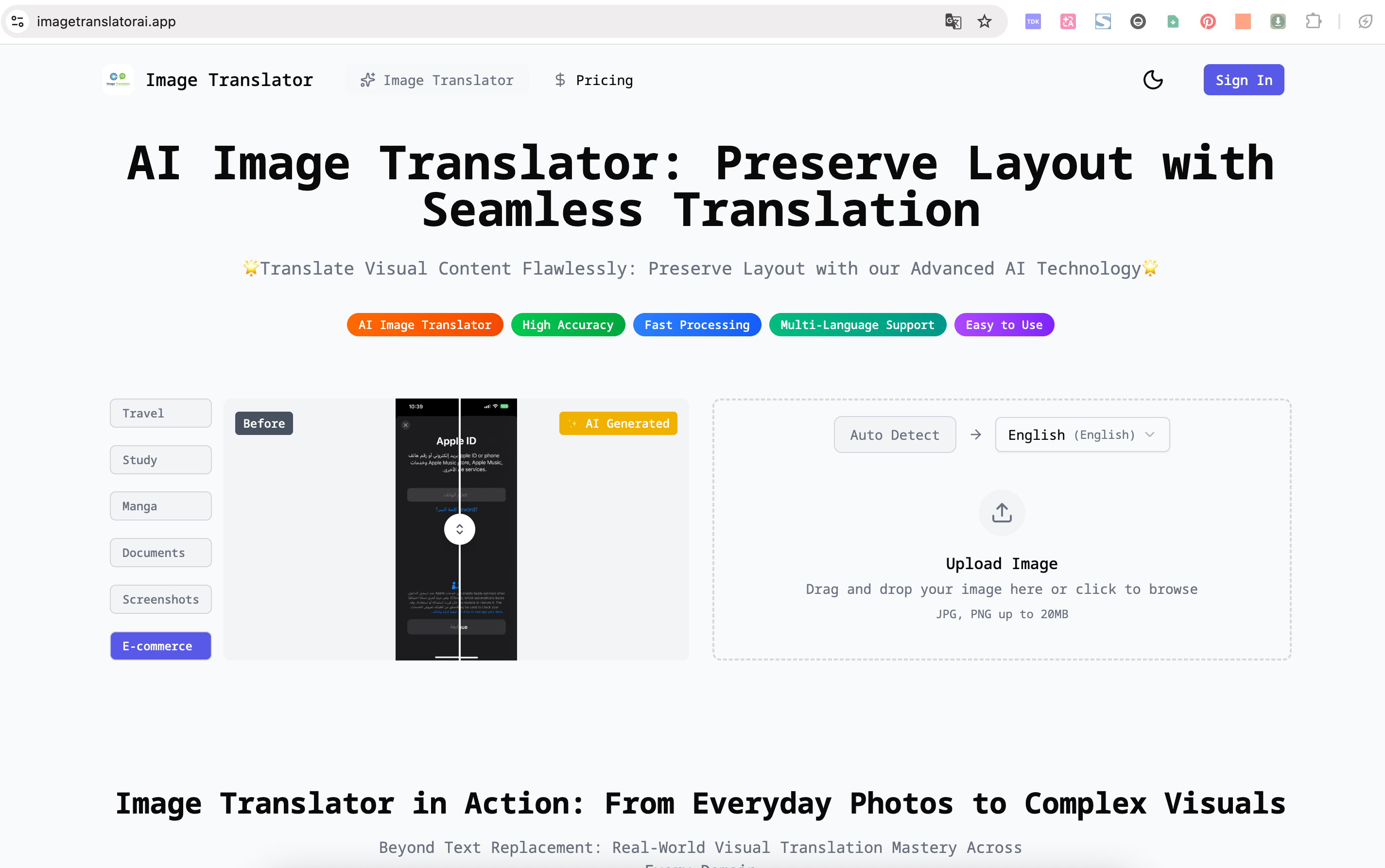
AI Image Translator supports 100+ languages, including English, Chinese, Japanese, Korean, Spanish, French, German, and more. You can let the system auto-detect or manually select your target language.
We support all major image formats, including JPG, PNG, WEBP, and HEIC. Photos, screenshots, manga pages, and document images are all compatible.
Yes. After extracting and translating the text, the AI reconstructs the image layout to preserve the original design, typography, and visual hierarchy.
No. Images are automatically deleted after processing and are never stored or used for training. All data is encrypted to ensure privacy and security.
Most images are translated and reconstructed within 1–3 seconds. More complex documents may take slightly longer but remain fast and responsive.
Yes. AI Image Translator works smoothly on mobile browsers. Just upload a photo or screenshot to start translating.
In today’s globalized digital landscape, the demand for seamless cross-language communication has made tools like AI Image Translator an essential AI tool for both individuals and businesses. What sets this platform apart in the broader Image Generation space is its ability to combine translation accuracy with visual integrity, creating outputs that are not only readable but also visually consistent with the original source.
One of the most impressive aspects of this AI tool is its extensive language support. With compatibility across more than 100 languages—including English, Chinese, Japanese, Korean, Spanish, French, and German—it enables truly global accessibility. Users can either rely on automatic language detection or manually select their preferred output, making the Image Generation and translation process both flexible and user-friendly. This level of adaptability is especially valuable for travelers, students, and international businesses working with multilingual content.
Equally important is its support for a wide range of image formats. Whether dealing with JPG, PNG, WEBP, or HEIC files, the tool ensures smooth processing across various types of visual content, including photos, screenshots, manga, and documents. This versatility highlights how modern Image Generation tools are evolving to handle diverse real-world inputs rather than being limited to specific formats or use cases.
A defining feature of AI Image Translator is its ability to preserve the original layout and design. Instead of simply replacing text, the AI tool reconstructs the image while maintaining typography, spacing, and visual hierarchy. This ensures that the translated output retains its original aesthetic and usability—an essential requirement for professional documents, UI elements, and visual storytelling formats like comics.
Performance and privacy further enhance its appeal. With translation speeds typically ranging from one to three seconds, users benefit from near-instant results, even when working with complex images. At the same time, the platform prioritizes security by ensuring that all uploaded images are encrypted and automatically deleted after processing, addressing a key concern for users handling sensitive data.
Finally, its mobile compatibility makes this AI tool even more accessible. Users can perform Image Generation and translation tasks directly from their smartphones without needing specialized software.
Overall, AI Image Translator demonstrates how a well-designed AI tool can elevate Image Generation into a fast, secure, and globally scalable solution for modern visual communication.



This comprehensive guide explores the best AI image generators available in 2026, highlighting their unique features, strengths, and ideal use cases. We'll dive deep into each tool's capabilities to help you identify which AI image generator best suits your creative needs.

Google has just launched a powerful AI IDE code editor — now you can really vibe while coding

The best AI Model And AI Tools in 2026,The Most Popular Free AI Model And AI Tools.