Subscribe to AI newsletter
Your data is completely secure with us. We don't share it with anyone.
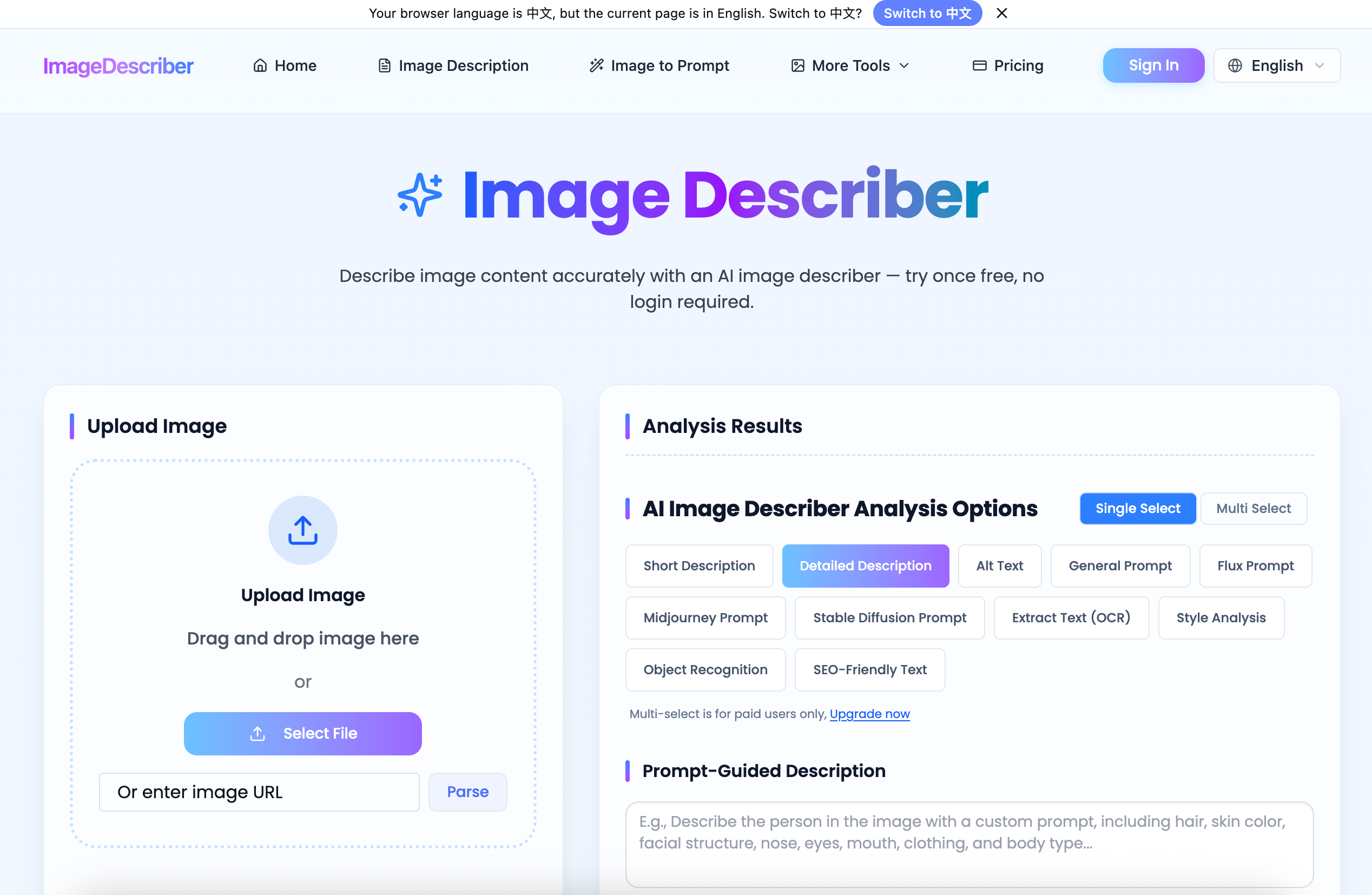
Upload an image or paste an image URL. The tool supports JPG, PNG, WebP, and HEIC formats.
Choose how you want AI to describe an image, including image descriptions, alt text, or SEO content.
The AI analyzes the image and generates ready-to-use text in seconds.
Image Describer offers a streamlined and highly practical workflow that highlights how a modern AI tool can simplify complex visual analysis tasks while supporting broader Image Generation use cases. Its “How to use” process—Upload Image, Choose Options, and Get Results—may appear simple on the surface, but it reflects a well-optimized pipeline designed for speed, flexibility, and real-world productivity.
The first step, uploading an image or pasting a URL, ensures accessibility and convenience. By supporting widely used formats such as JPG, PNG, WebP, and HEIC, Image Describer accommodates a wide range of user needs, from casual creators to professionals handling diverse image sources. This flexibility is particularly important in Image Generation workflows, where users often work with assets from multiple tools and platforms.
The second step, choosing output options, is where this AI tool truly demonstrates its versatility. Instead of limiting users to a single type of description, Image Describer allows them to generate tailored outputs such as general image descriptions, SEO-optimized text, or accessibility-focused alt text. This adaptability makes it highly valuable not only for understanding images but also for enhancing content performance across search engines and ensuring compliance with accessibility standards. Additionally, these structured outputs can feed directly into Image Generation pipelines as prompts, helping users recreate or iterate on visual styles more effectively.
Finally, the instant results generation step underscores the efficiency of this AI tool. Within seconds, the system analyzes visual elements—objects, composition, and context—and produces ready-to-use text. This eliminates the need for manual interpretation and significantly accelerates content creation workflows.
Overall, Image Describer exemplifies how a well-designed AI tool can integrate seamlessly into Image Generation ecosystems. Its intuitive three-step process reduces friction, improves scalability, and empowers users to transform visual data into actionable insights and creative inputs with minimal effort.



This comprehensive guide explores the best AI image generators available in 2026, highlighting their unique features, strengths, and ideal use cases. We'll dive deep into each tool's capabilities to help you identify which AI image generator best suits your creative needs.

Google has just launched a powerful AI IDE code editor — now you can really vibe while coding

The best AI Model And AI Tools in 2026,The Most Popular Free AI Model And AI Tools.