Subscribe to AI newsletter
Your data is completely secure with us. We don't share it with anyone.
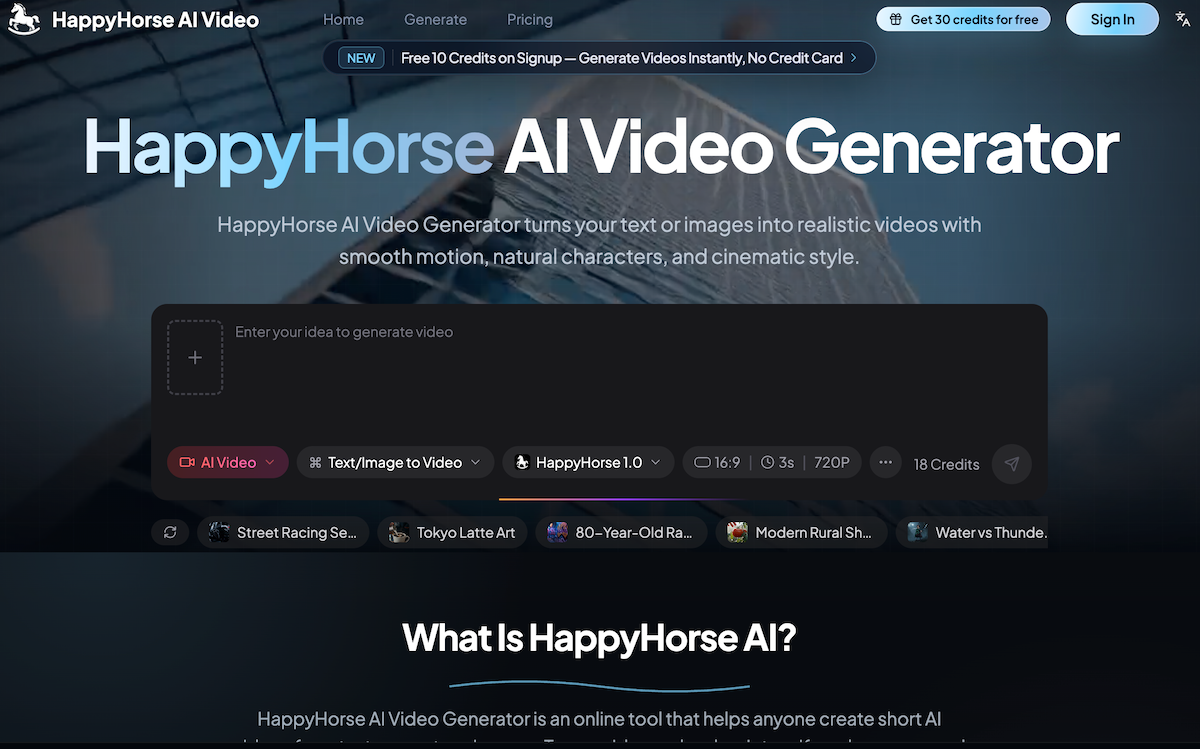
Describe the video you want. Keep it simple, or add details about the scene, subject, camera movement, and style.
Add a picture if you want HappyHorse to animate a product, person, character, artwork, or existing visual.
Choose your settings and let HappyHorse create the clip online. You can test different ideas quickly.
Preview the result, download the video, and use it for social posts, product pages, ads, presentations.
As video content becomes one of the most powerful forms of online communication, creators and businesses are increasingly searching for a practical AI tool that simplifies production without sacrificing visual quality. Based on its workflow and ease of use, HappyHorse AI Video positions itself as an accessible and efficient platform in the growing Video Generation market, making it easy for anyone to turn simple ideas or images into engaging short-form videos.
One of the biggest strengths of HappyHorse AI Video is its beginner-friendly process. Unlike traditional editing software that often requires technical skills, timelines, and advanced effects management, this AI tool focuses on simplicity through a clean four-step workflow. Users can start by simply writing an idea, describing the type of video they want to create. Whether the concept is simple or highly detailed, HappyHorse AI Video allows users to include information such as scene setup, subjects, camera movement, visual style, and mood. This makes the platform highly flexible for different creative goals, from storytelling clips to promotional content.
The ability to upload an image further improves the creative process. Instead of working only with text prompts, users can animate existing visuals such as product photography, character artwork, portraits, illustrations, or marketing graphics. This image-to-video capability is particularly useful for e-commerce sellers, content creators, and marketers who want to transform static visuals into eye-catching motion content without hiring editors or animators. Within the competitive Video Generation space, this feature helps HappyHorse AI Video stand out as a versatile and highly approachable solution.
Another major advantage is the platform’s fast and intuitive video generation process. After selecting preferred settings, users can quickly generate clips online and experiment with multiple creative ideas in a short amount of time. This flexibility makes HappyHorse AI Video especially useful for businesses testing advertising concepts, creators brainstorming social media content, or startup teams needing fast visual assets for campaigns and presentations.
The final step — download and share — highlights the platform’s practicality for real-world usage. Once generated, videos can be previewed, downloaded, and immediately used across social media posts, product pages, advertising campaigns, landing pages, and presentations. This streamlined workflow significantly reduces production time while helping creators publish content faster.
What makes HappyHorse AI Video particularly appealing as an AI tool is its ability to balance simplicity with creative control. Users are not overwhelmed by complex editing systems, yet still have enough flexibility to shape motion, style, and storytelling through prompts and visuals.
Overall, for anyone looking for an easy-to-use AI tool focused on Video Generation, HappyHorse AI Video provides a highly accessible and practical experience. With text-to-video prompts, image animation, quick online generation, and social-ready exports, HappyHorse AI Video makes video creation faster, easier, and far more approachable for everyday creators and businesses.



This comprehensive guide explores the best AI image generators available in 2026, highlighting their unique features, strengths, and ideal use cases. We'll dive deep into each tool's capabilities to help you identify which AI image generator best suits your creative needs.

Google has just launched a powerful AI IDE code editor — now you can really vibe while coding

The best AI Model And AI Tools in 2026,The Most Popular Free AI Model And AI Tools.