Subscribe to AI newsletter
Your data is completely secure with us. We don't share it with anyone.
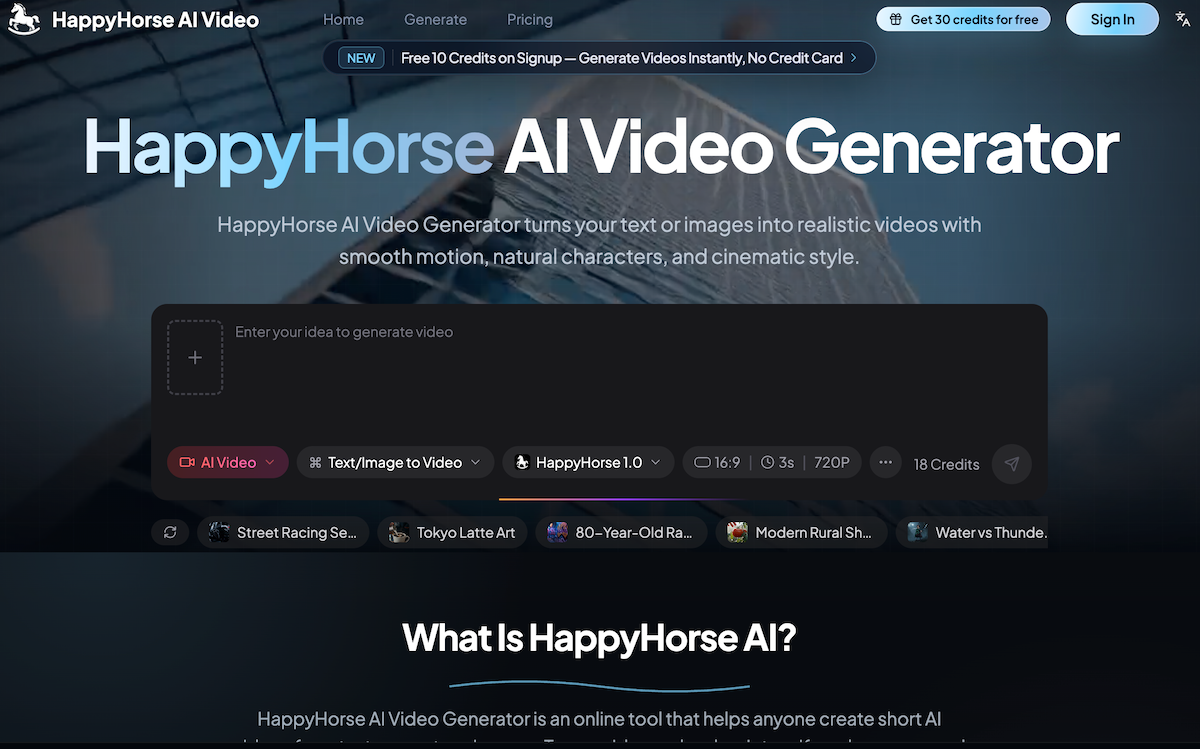
HappyHorse AI Video Generator is an online tool that turns text prompts or images into short AI videos. You can use it to make social clips, product videos, ads, story scenes, and creative drafts without installing editing software.
Write what you want to see, upload an image if you have one, choose your video settings, and start the generation. HappyHorse AI Video Generator creates the video online so you can preview and download it.
Yes. Type a simple prompt such as a scene, subject, action, camera movement, and style. The tool uses your words to create a short video.
Yes. You can upload a product photo, portrait, character image, artwork, or other visual. HappyHorse can animate it into a short video based on your prompt.
You can create product clips, social videos, short drama scenes, ads, creator content, visual tests, story moments, and simple video drafts from text or images.
Yes. The page is designed for normal users, not just technical users. You can start with one clear sentence and improve your prompt as you test more ideas.
HappyHorse is useful for scenes with natural-looking people, expressive faces, smooth motion, and close-up storytelling. Results still depend on the prompt, image quality, and selected settings.
Yes. Upload a product image or write a product scene prompt, then create a short clip for online stores, ads, launch pages, and social posts.
Yes. HappyHorse is a good fit for TikTok, Instagram, YouTube Shorts, and other short-form content because it helps you create quick video ideas from text or images.
New users can start with free credits where available. Paid plans are useful when you need more generations, higher usage, or regular video creation.
Commercial use depends on your plan and the content you generate. Check the current plan terms before using a video in ads, client work, product pages, or other business materials.
A normal video editor helps you cut and arrange footage you already have. HappyHorse can create new video from text or images, so you can start even when you do not have footage yet.
In today’s fast-moving content economy, finding an efficient AI tool for quick and creative Video Generation has become increasingly important for creators, marketers, and businesses. Based on its features and ease of use, HappyHorse AI Video positions itself as a practical online solution for transforming ideas into engaging short-form videos without requiring complicated editing software or technical production skills.
One of the strongest advantages of HappyHorse AI Video is its accessibility. Unlike traditional video editors that rely on existing footage and complex timelines, this AI tool allows users to start with something much simpler — an idea. By typing a short text prompt describing a scene, subject, movement, camera angle, or visual style, users can instantly begin generating videos from text. This text-to-video capability makes HappyHorse AI Video particularly useful for brainstorming content, testing campaign concepts, or creating quick visual drafts for storytelling and marketing.
Another standout feature is its image-to-video generation functionality. Users can upload a product image, portrait, character illustration, artwork, or other visual materials and transform static content into animated clips with motion and cinematic effects. For businesses and e-commerce sellers, this creates new opportunities to turn product photos into engaging promotional videos without investing heavily in video production teams. In the increasingly competitive Video Generation landscape, this flexibility gives HappyHorse AI Video a strong practical advantage.
The platform is also designed with beginners in mind. Many AI-powered creative platforms can feel overwhelming, but HappyHorse AI Video focuses on simplicity. Users only need to write what they want to see, optionally upload an image, select settings, and let the system generate a video online. This streamlined workflow makes the platform approachable even for users with zero editing experience, while still offering enough creative freedom to refine prompts and experiment with multiple ideas.
Another impressive element of HappyHorse AI Video is its support for natural-looking people and expressive visual storytelling. It works particularly well for scenes involving realistic human motion, close-up shots, storytelling moments, and social content, making it useful for creator videos, short dramas, ads, and brand storytelling.
For social media creators, HappyHorse AI Video is especially valuable because it fits naturally into platforms like TikTok, Instagram, and YouTube Shorts. Users can quickly generate fresh video concepts, test creative directions, and publish short-form content without long production cycles.
Overall, if you are searching for a reliable AI tool focused on Video Generation, HappyHorse AI Video offers an appealing mix of simplicity, flexibility, and creative power. From text-to-video and image animation to beginner-friendly workflows and social-ready outputs, HappyHorse AI Video makes professional-looking video creation far more accessible for modern creators and businesses.



This comprehensive guide explores the best AI image generators available in 2026, highlighting their unique features, strengths, and ideal use cases. We'll dive deep into each tool's capabilities to help you identify which AI image generator best suits your creative needs.

Google has just launched a powerful AI IDE code editor — now you can really vibe while coding

The best AI Model And AI Tools in 2026,The Most Popular Free AI Model And AI Tools.