Subscribe to AI newsletter
Your data is completely secure with us. We don't share it with anyone.
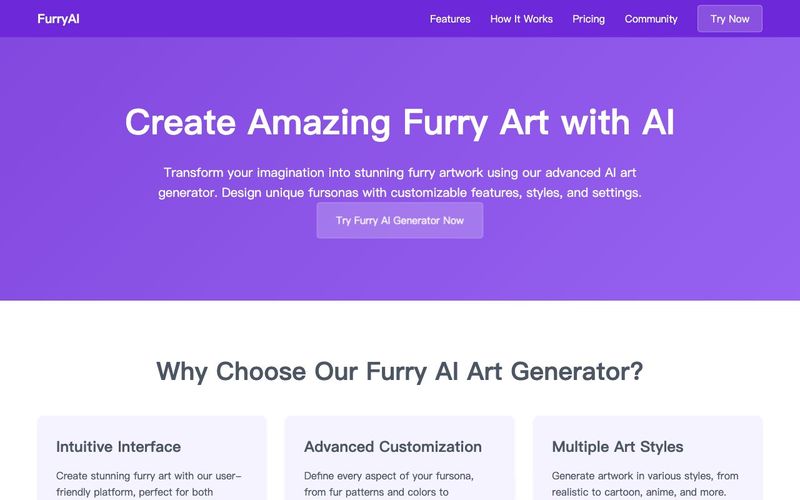
When using our furry AI art generator, start with comprehensive character descriptions. Include species-specific traits, fur patterns, and distinctive features. For example, specify details like "a silver-furred arctic fox with sapphire blue eyes and snow-white tail tips" rather than just "a fox character".
Our furry AI art generator supports various artistic styles. Experiment with different approaches like "anime-style," "realistic rendering," or "cartoon-inspired" to find the perfect match for your character. Each style brings unique characteristics to your furry artwork.
Enhance your furry art by specifying lighting conditions in your prompts. Try descriptions like "bathed in warm sunset light" or "under mystical moonlight" to create atmospheric pieces that bring your characters to life.
Make your furry art more dynamic by describing specific poses and expressions. Our AI art generator excels at creating engaging character poses when given clear direction, such as "playfully leaping through autumn leaves" or "striking a heroic pose against a stormy sky".
Advanced AI Technology
Our furry AI art generator utilizes state-of-the-art machine learning algorithms specifically trained on vast datasets of anthropomorphic artwork. This specialized training ensures high-quality results that capture the unique characteristics of furry art.
Resolution Options
Generate furry art in various resolutions to suit your needs. Whether you need high-resolution images for printing or web-optimized versions for social media, our AI art generator provides flexible output options.
Style Consistency
Our furry AI art generator maintains consistent style elements across multiple generations, perfect for creating character series or themed collections. This feature is particularly valuable for artists and content creators requiring cohesive artwork sets.



This comprehensive guide explores the best AI image generators available in 2026, highlighting their unique features, strengths, and ideal use cases. We'll dive deep into each tool's capabilities to help you identify which AI image generator best suits your creative needs.

Google has just launched a powerful AI IDE code editor — now you can really vibe while coding

The best AI Model And AI Tools in 2026,The Most Popular Free AI Model And AI Tools.