Subscribe to AI newsletter
Your data is completely secure with us. We don't share it with anyone.
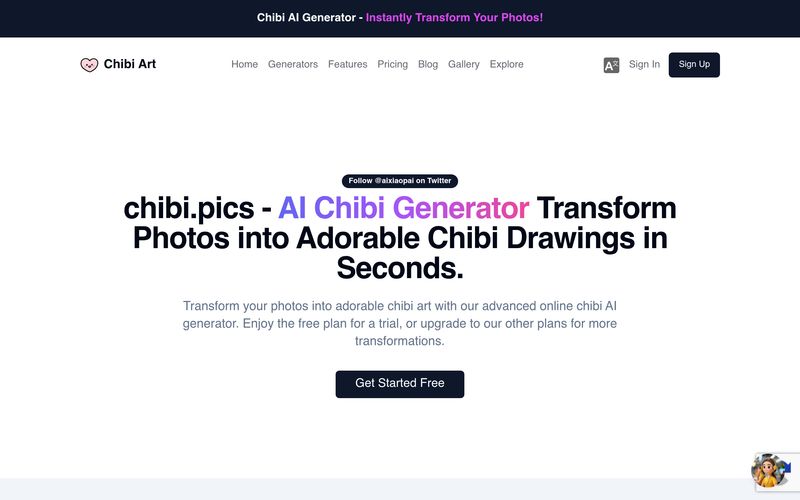
For users searching for a fun, beginner-friendly AI tool focused on adorable Image Generation, Chibi Pics offers an impressively simple yet creative workflow that removes many of the frustrations commonly found in traditional AI art platforms. Instead of requiring advanced prompt engineering or complicated editing skills, Chibi Pics transforms the process into a smooth three-step experience that makes creating personalized chibi artwork fast, enjoyable, and accessible for users of all skill levels.
One of the strongest reasons why Chibi Pics stands out as an AI tool is its highly intuitive creation process. The platform begins with Step 1: Choose Your Chibi Style, where users can select from a wide range of curated chibi aesthetics after signing in. Rather than forcing users to describe complex visual details, Chibi Pics provides ready-made styles such as sticker-inspired chibi art, 3D chibi renders, anime-style avatars, and playful cartoon aesthetics. This approach dramatically lowers the learning curve and makes Image Generation feel more approachable, especially for beginners who may feel overwhelmed by traditional AI art systems.
The second step, Upload and Describe, adds another layer of flexibility to the creative process. Users simply upload a photo they want to transform and provide a brief description to guide the AI. Unlike many complicated image-generation tools that require long, detailed prompts, Chibi Pics only needs a simple instruction to understand the desired mood, appearance, or style. Whether users want to turn selfies into kawaii avatars, create adorable couple portraits, generate pet chibi illustrations, or design profile pictures for gaming and social media, the process remains quick and user-friendly.
Perhaps the most satisfying part of the workflow comes in Step 3: Generate Chibi. With a single click, the AI instantly processes the uploaded image and creates a personalized chibi version in seconds. This one-click generation system makes Chibi Pics especially attractive for creators who value speed and convenience. Instead of waiting through complicated editing processes, users can experiment with multiple styles rapidly and generate high-quality chibi art almost instantly.
What makes Chibi Pics especially valuable in the Image Generation space is how effectively it balances simplicity with customization. Even users with no artistic background can create visually polished and charming digital art suitable for profile pictures, Discord avatars, social media branding, stickers, gifts, merchandise, and creative personal projects.
Additionally, the platform’s style-focused workflow helps eliminate one of the biggest frustrations in AI image creation: unpredictable results. Because Chibi Pics uses curated templates and specialized chibi-focused generation, users are more likely to receive cute, consistent, and aesthetically pleasing outputs compared to generic image-generation platforms.
Overall, if you are looking for an accessible AI tool focused on playful and adorable Image Generation, Chibi Pics is an excellent choice. By combining a simple three-step process, curated styles, and fast AI-powered rendering, Chibi Pics makes turning everyday photos into charming chibi artwork both effortless and enjoyable.



This comprehensive guide explores the best AI image generators available in 2026, highlighting their unique features, strengths, and ideal use cases. We'll dive deep into each tool's capabilities to help you identify which AI image generator best suits your creative needs.

Google has just launched a powerful AI IDE code editor — now you can really vibe while coding

The best AI Model And AI Tools in 2026,The Most Popular Free AI Model And AI Tools.